


LawDawg
Members
-
Joined
-
Last visited
Everything posted by LawDawg
-
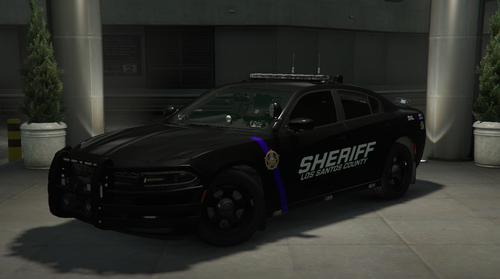 You are a wizard in addition to being a top tier, elite modder my good man. Whatever that did it definitely fixed the issue. Thank you so much for the prompt reply and thank you again for all your amazing vehicle uploads.
 -
Hey man, firstly let me just reiterate what I said already in the reviews which is that this is amazing work, as is everything you've done as far as I can tell. Secondly, while this car is by far my favorite of the many dozens I have tried out thus far, there is a very minor glitch (or so it seems to me) with the lighting. When ELS is in stage 3 the strobe for the lightbar on top the car is located a good distance above the actual bar itself and thus appears to be floating in the air. I am genuinely OCD so this is something that nobody else has either noticed or been concerned with (the ones who know don't care, the ones who care don't know) but this would be the PERFECT car but for that very small issue. I am going to attach screen cap so you know wtf I am talking about. If you can fix this great, or maybe tell me how I can fix it myself. Either way, thanks for all your hard work and this model is still 99.9% of the way to perfection.
-
The model, the features, the details and just everything about this vehicle is absolutely phenomenal. This is a work of art and is one of the best Charger models I've seen, and I have seen a whole lot. Thank you for your amazing work sir.
-
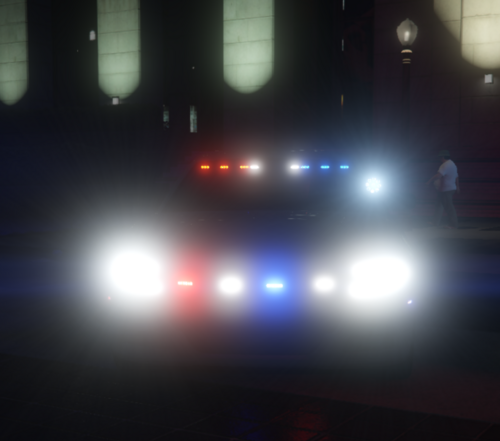 Amazing car sir and finally a uc Charger with working takedown lights that look great too! Thank you for your outstanding work and service to the LSPDFR community.
 -
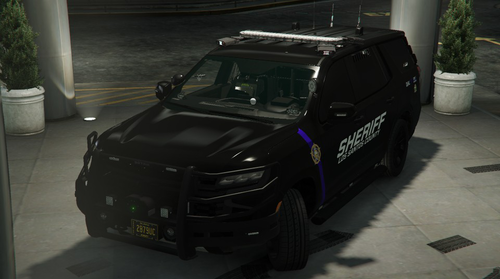 Amazing work sir; from the exquisitely rendered lighting system to the incredible attention to detail and the ultra realistic feel and look of the vehicle over all, this has to be one of the best Tahoe's out there. Thank you for your dedication and service to the LSPDFR community.
- 61 comments
- 12 reviews
-
-

- 1
-
-
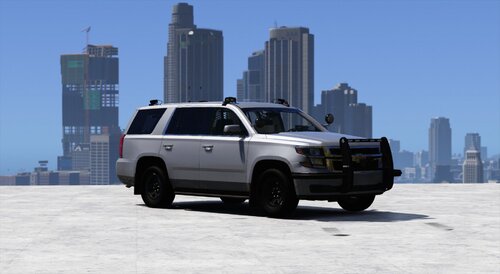 Absolutely amazing work sir and really great attention to detail. This has got to be one of the best uc Tahoe's out there and there are a lot of them. Thank you for your service to the lspdfr community.
 -
Also, not sure if it is relevant at all but, none of the els lights work on the other NPC police vehicles in game either, so it's not just my own car that is effected.
-
OK so I have had this happen before and typically it is a matter of just copying/pasting certain files that have updated in much the same way as the workaround for game updates. The last time I played the game with fully functional ELS lighting was three days ago. It doesn't look as though there have been any updates either by Rockstar or the community since that time (LSPDFR, Ragehook, etc.). I am running the latest version of Scripthook and have AdvancedHookV in the main game folder. I will upload both the ELS log as well as a picture of my control panel active showing that the lights do nothing other then when in stage 3, the rear tail lights do flash but that is it. I have tried reinstalling the particular car in the image (UC crown vic) and it has no effect. Also, whenever I load up lspdfr, it is always raining whereas it almost never would load with rainy weather before. Maybe this is just some random and strange coincidence but I've put in more then 450 hours in lspdfr and so this does stand out as highly unusual. Any help would be greatly appreciated as I love this mod more then I can really say. ELS.log
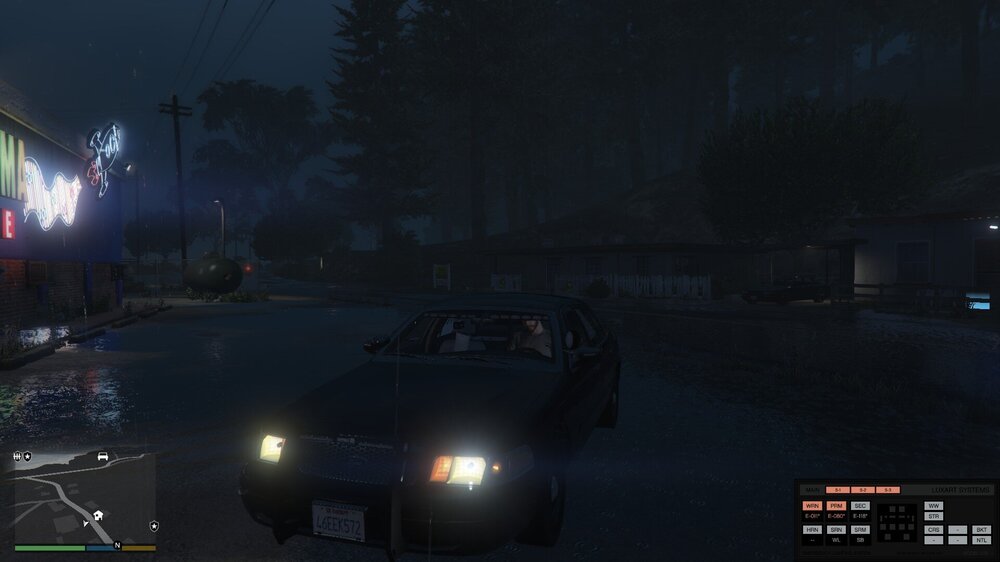
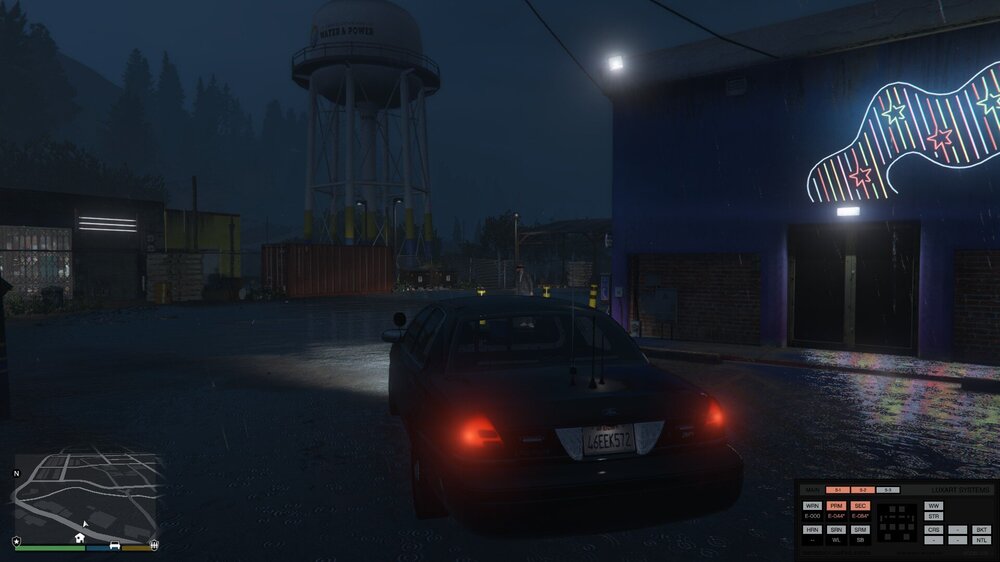
-
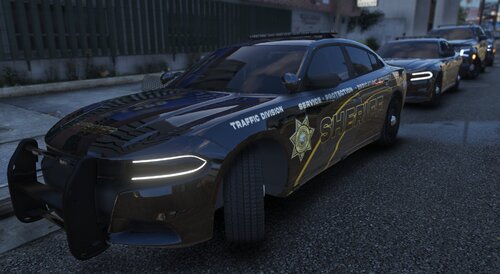 Hey man, I just wanted to say that your models are absolutely amazing. I had been using one of your older vehicles (the Tahoe from your BCSO "Black pack") and while it is an amazingly well rendered model it had a very slight, though appreciable discrepancy with the lighting as one of the red strobes on the bumper was misplaced when looking at it from a distance. I then decided to see what other work you have done and was absolutely astonished by the quantity and quality of your contributions to the modding resources here. Thank you again for all of your time, effort and creative energies, as your vehicles are some of the most impressive I have seen. See attached for the lighting issue with the older Tahoe from the pack I referenced above.
 -
 Hey brother, I posted in the thread above but am not sure if you saw what I said so I am just responding to you directly. See my post above this for the problem that I have been encountering whereby suspects literally "fall out of" my patrol car at the end of each callout as I am conveying them back to the station for booking. Maybe I need to push end before I put anyone in the back of my vehicle. Also, could you maybe upload or just send me a prior version of this magnificent work since I suspect that may actually fix the issue. Thank you again for all the time and effort you put in to this amazing contribution to the LSPDFR community.
- 1,018 comments
- 63 reviews
-
-

- 1
-
-
Hey man let me first say that this is an amazing assortment of really incredible and realistic callouts. This adds so much to the immersion in the game and is one of the best packs I have seen yet. I do have a problem however when transporting arrested suspects as they just disappear from the back of my police vehicle whenever the callout ends before I have the chance to deliver them to the station. Is there a work around for this problem as I do not see anything in the options that would control for this sort of thing? Great job though man.
- 1,018 comments
- 63 reviews
-
-
- 1
-
-
For the record, I just went ahead and restarted the game a few times after unloading and then reloading all the plugins and that seemed to remedy this otherwise inexplicable problem. Ghosts in the machine as they say in the Matrix.
-
As the title of the post suggests, I had been using els lighting on a variety of different vehicles that I've downloaded and then, as of tonight, I no longer have any functioning lighting on any of these vehicles. I haven't changed any of the game files since I last played, which was only two days ago and when ELS was working fine and everything else seems to be doing what it's supposed to do (I have many plugins that I'm using). Any help or recommendations would be greatly appreciated. Thanks for reading.
-
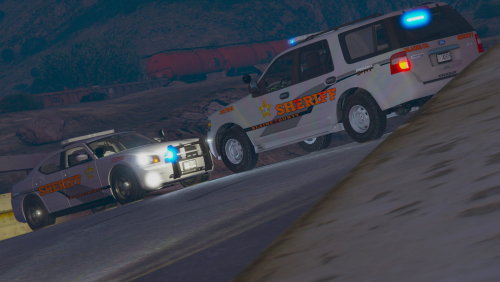 Beautiful work sir and a great alternative to the plethora of Tahoe's out there, very few of which are either rendered well, include fully functioning features such as decent ELS lighting and/or don't have some sort of texture issues in game. This is an extremely high quality vehicle and it will find a place of honor in my own in-game fleet. Thank you for the excellent work.
- 30 comments
- 3 reviews
-
As the title suggests, whenever I get a certain distance from any one of many replacement vehicles that I'm currently using in the "sheriff2" slot, the textures just completely drop out and I'm left with floating ELS lighting and a license plate with no vehicle at all. I'm going to try and post two separate images, a before and after but in successive posts here since I think I'm otherwise going to exceed the upload size limitation. This problem only seems to happen with some vehicle models (all add on). Any insight or advice would be hugely appreciated. Thank you for reading
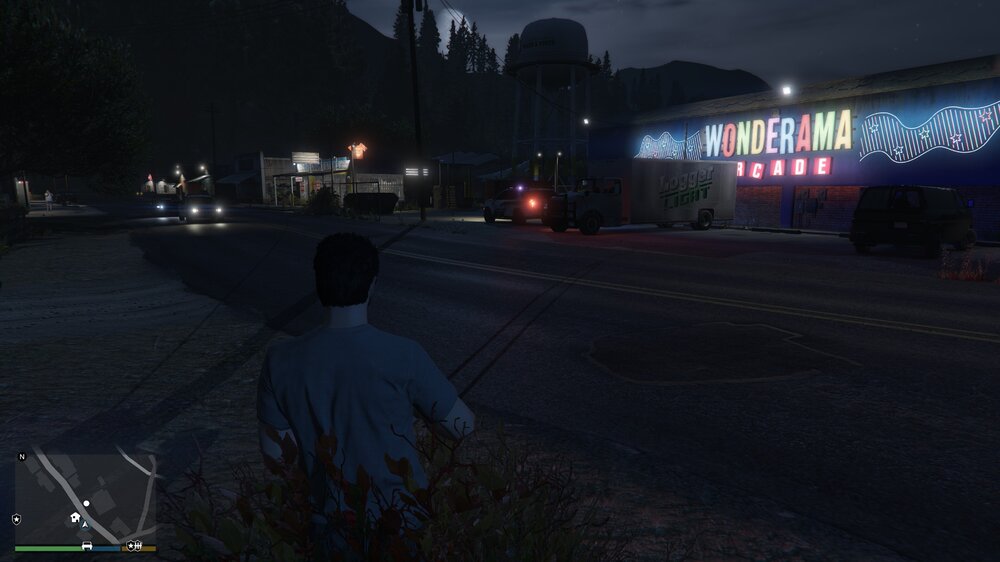
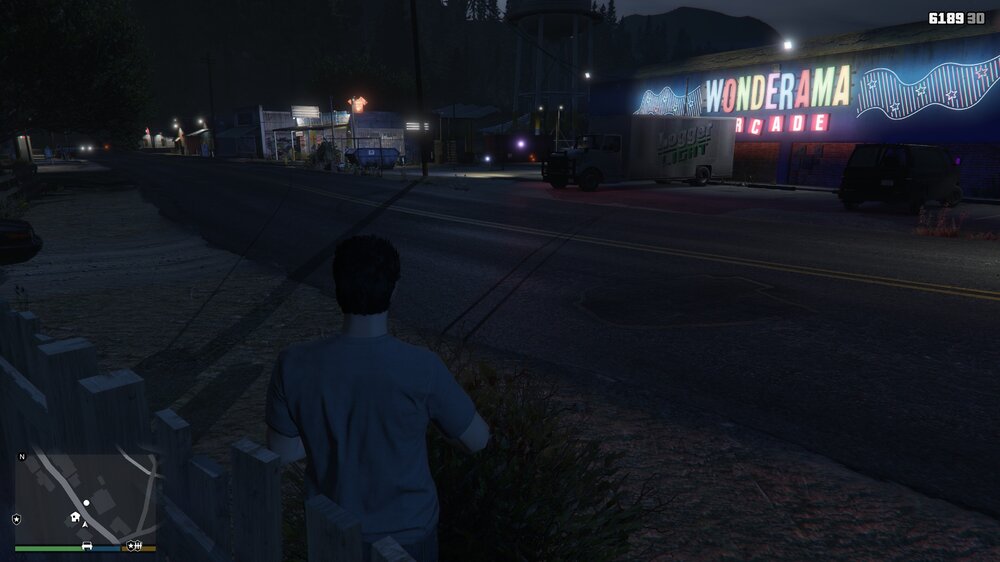
-
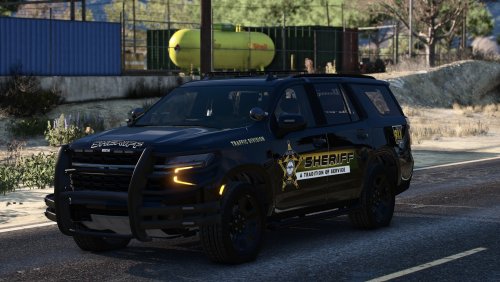 That Tahoe is a sexy beast! As a huge fan of your work (I use more of your vehicles then everyone eleses combined) I really appreciate the effort you put in to making them so authentic and visually stunning. I do have a problem with the Tahoe however as the vehicle textures just completely disappear when I am a certain distance away from it though the lighting effects strangely remain. Do you have any suggestions or advice? I figured if anyone is going to have the knowledge and expertise on here it would be you. Thank you again for your amazing work sir.
 -
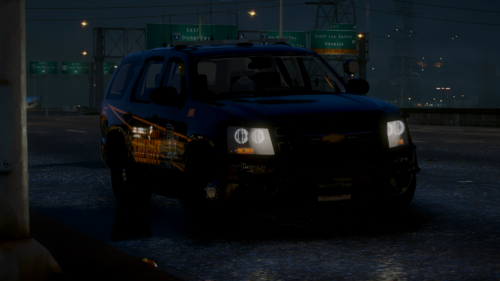 I know its been a few years since there has been any activity on this page but alas, I do have a quick question. Despite this vehicle being the penultimate Tahoe aesthetically and indeed my favorite out of many other choices, the lightbar on the top doesn't seem to scale to distance when the lights are activated. In other words, if you leave the vehicle for some reason and are looking at tit from a distance, you are unable to see any light radiating from the top lightbar when it is on. I know there is a way to do this, I just don't know how. If you could implement that very small change, this would literally be the perfect patrol SUV. I say this of course as a lifelong Michigander but even if I was not, the accuracy and quality of your work would still be enough to justify such a statement. Thank you.
- 5 comments
- 1 review
-
Thank you sir. I actually realized that there is a much more expedient and time saving alternative which merely entails selecting the SA exempt plate when in the garage. I appreciate you taking the time to respond. Thank you sir for the reply. I managed to found a much more expedient workaround by merely selecting the SA exempt plates in the vehicle options menu when in the garage before I roll out on patrol. I appreciate you taking the time to come in here and respond to me.
-
Amazing work sir and being a lifelong Michigander, I can really appreciate the effort that went in to creating such a highly realistic rendition of the sheriff logo style in our state. Thank you for this most impressively stunning addition to the LSPDFR fleet.
- 5 comments
- 1 review
-
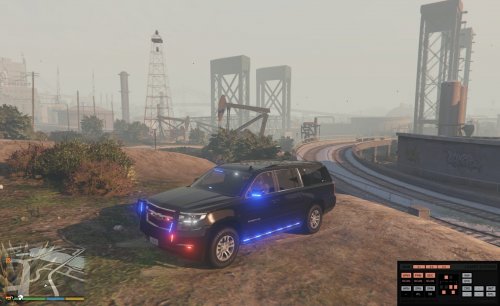 As noted above, the fact that this is a Suburban is worthy of mention in itself for the sake of diversity of vehicle models but in addition to that, it also happens to be one of the most beautifully rendered SUV's I've seen and I've probably played around with about two dozen other models in game as of now. Great edition to anyone's UC LEO vehicle options.
- 87 comments
- 22 reviews
-
Hey bro, just wanted to say that out of the literally dozens of SUV's I've tried now in game, this is one of the most beautifully rendered I've seen. I also appreciate you taking the time to edit the relevant line in the vehicles.meta file so that this thing doesn't roll all over the place like so many other trucks and SUV's out there. Thank you for your brilliant work sir.
- 87 comments
- 22 reviews
-
 Amazing work man. I particularly love the Tahoe but these are all incredibly high quality vehicles and, unlike so much of the other stuff out here, they don't suffer from the usual problems of backed out windows, non-functioning ELS lightbars, garbage handling for SUV's (people too lazy to modify the handling.meta file), etc. Thank you so much sir.
- 119 comments
- 11 reviews
-
-
- 1
-
-
Hello my fellow GTA 5 LEO’s. I’ve been attempting to replace the Yankton plates on the two corresponding vehicle models (policeold1 and policeold2) yet have been unsuccessful after having spent over an hour in my efforts. I’ve searched these and other forums and have found some guidance but none of it has been enough to effectuate any change. So far I’ve replaced the Yankton plate textures in three separate file locations using Open IV. I am including the path files below. I assume that there has to be some other “vehicles.rpf” file that is controlling and which I just haven’t found yet. Also, some other guy suggested that you have to edit the vehicles meta file to change the plates but I don’t see how you would actually do that. Any insight or advice would be greatly appreciated. Here are the files that I've replaced the textures in thus far: E:\Program Files (x86)\Steam\steamapps\common\Grand Theft Auto V\mods\update\update\x64\dlcpacks\patchday27ng\dlc.rpf\x64\levels\gta5\vehicles.rpf\ E:\Program Files (x86)\Steam\steamapps\common\Grand Theft Auto V\mods\update\update\x64\dlcpacks\patchdayg9ecng\dlc.rpf\x64\levels\gta5\vehicles.rpf\ E:\Program Files (x86)\Steam\steamapps\common\Grand Theft Auto V\mods\x64e.rpf\levels\gta5\vehicles.rpf\
-
Fellow GTA 5 LEO's, I've been experiencing consistent issues with the callout function while running lspdfr. This seems to be a systemic issue and is sufficiently pervasive so as to encompass a range of customized callouts that I happen to use (Kuchera, County, Typical & Yobin). I did set the "Ambient.DisableEscapedSuspectEncounter" line to true, as the standard, built-in callouts endemic to lspdfr began to intrude a little too much on the realism factor but I don't see how that would have any correlation with callouts generally. What typically happens is that I go on duty and within anywhere between 2-3 hours later, while still in-game and on duty, I get a callout that shows on the mini-map but doesn't materialize, in that it doesn't actually generate any NPC's or interactive content, can't be cleared, disables my ability to pullover vehicles, sometimes disables the functionality associated with the Police Smart Radio and always invariably results in my having to exit the game and restart since I can't reset even by using F4 to "forceduty". Likewise, whenever this happens, I lose the ability to enter either the police station (any of them) or my player home, which happens to be the one in Grapeseed. While I do have a large selection of custom vehicle models added to replace just about every one of the vanilla police vehicles, I can’t conceive of that having any effect on the mechanics of generating callouts. Likewise, the only plugins I have running are the forested San Andreas, EUP, plain sight, compulite, grammerpolice, enhanced questions, stop the ped, ultimate backup and police smart radio. Again, none of which would seem to me to cause any interference with callouts. I also have a small script that enables my car to keep running when I exit without having to activate the ELS lighting. I’m attaching the RagePluginHook text file for review, though I can’t seem to reconcile that transcript with what is happening in game. Maybe someone less noobish and more knowledgeable than I can make sense of this mysterious problem. Thank you for reading. RagePluginHook.log
-
Thank you for the excellent suggestion; one which I had not actually contemplated. Incidentally, I'm also a huge Naya Rivera fan. In pace requiescat.


