07Studios
Members
-
Joined
-
Last visited
Everything posted by 07Studios
-
-
 Gang dens seem to be broken, every time I enter any of them I get teleported to the void along with a couple other gang members
- 702 comments
- 29 reviews
-
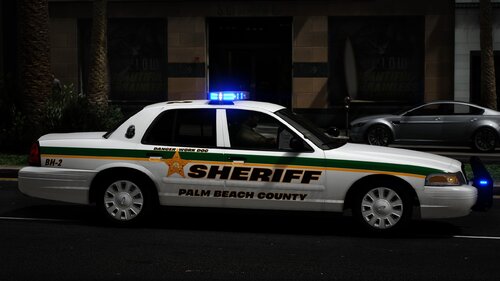 We need more Florida agencies on this site
-
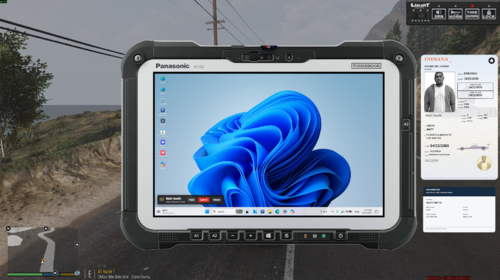 After some time of using it I've noticed a ton of bugs, one being crashes from clicking buttons like printing and routing to units in the CAD and another which is a little more frequent which is it keeps opening new traffic stops on a vehicle I've already cleared everytime I open the CAD or giving me flags on vehicles or people that I've already done.
- 79 comments
- 8 reviews
-
-

- 2
-
-
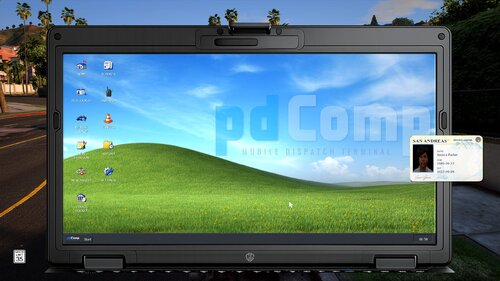
Genuinely insane, I haven't even opened the CAD yet and I've already been blown away by the whole thing, every single button has functionality and it feels like a legitimate windows inside windows. This blows NexusMDT and pdComp completely out of the field and is completely revolutionary, I expect this to replace the #1 Featured in no time
- 79 comments
- 8 reviews
-
-
- 2
-
-
 Are you allowed to have more than one partner? Also are keybinds changable? F6 conflicts with 2 other mods I have installed
- 9 comments
- 1 review
-
 The reason why streaming isn't working is because broadcastify (the online service XScanner connects to) is down with a 403
- 650 comments
- 52 reviews
-
-
- 1
-
-
 Not working, it says they're fleeing or resisting above my minimap but they're not doing anything
- 108 comments
- 5 reviews
-
-
- 1
-
-
 Where it says "Unknown" means the owner could not be found, so there is no registration or insurance tied to the car
- 427 comments
- 48 reviews
-
 Really funny, I'm switching to pdComp (haven't used it yet) from NexusMDT, NexusMDT is good but it looks too modern and unrealistic in my opinion, from my observation pdComp seems to mimic real MDTs
-
-
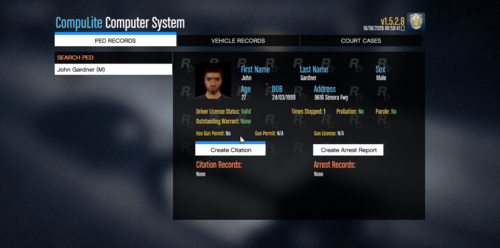 Made a suggestion with this similar function for NexusMDT, I don't think they're going to add it but I would absolutely love the feature on the MDT to find people to follow up on reports or investigations
- 39 comments
- 1 review
-
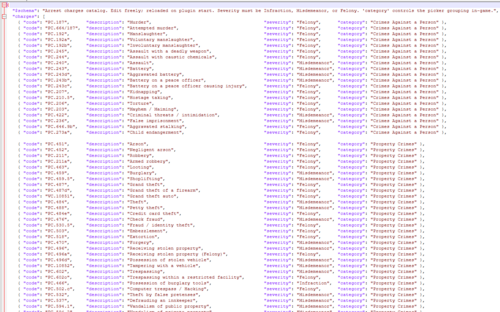
 Additionally, there is a typo in Aggravated Battery with a Deadly Weapon, the chapter shows 794.045 which is for sexual battery, it's supposed to be 784.045 + There's no Aggravated Assault on a Law Enforcement Officer F.S. 784.07(2)(c)
-
 Can you make this sync with Grammar Police (Or Callout interface, I'm not sure which one shows your status below postal)? Like for example I say I'm 10-8 and it'll update and show I'm Available
- 259 comments
- 7 reviews
-
 Can you do Sebastian FL? Though I'm pretty sure they updated their livery to the solid black one (attached below), but if you ask me I prefer the old yellow and blue for its character
-
Can you add F.S.S. 322.53 (Operating a Commercial Vehicle without a Commercial Driver's License)?
-
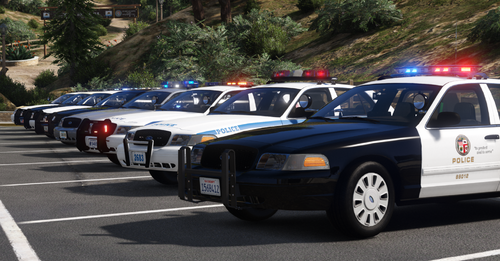 The LSPD-CA 2020 Ford PI Utility vehicle flips like hell at the smallest turn, even using vanilla handling, not sure what other vehicles do it.
- 19 comments
- 2 reviews
-
-
- 1
-
-
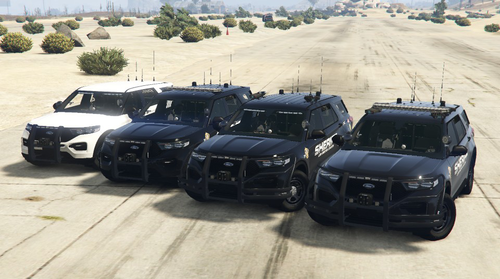 livery_sign_1 is blank for the new 2020 replace, tried reinstalling and replacing but it's still blank Nevermind, I had to uncheck original size but it's still showing a blank white when spawning the vehicle in Ok so wait it is actually blank but the addon has the livery
-
-
-
-
 Doing on foot traffic stops doesn't clear, it says [Fail] You have reached the maximum for stopped vehicles (3).
- 744 comments
- 58 reviews
-
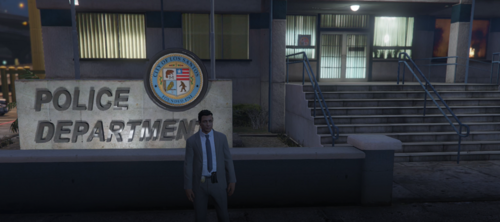 Detective Mode Property Investigation and Department Hub keybinds both conflict
- 124 comments
- 3 reviews
-
I dismissed my partner and he immediately started shooting at me, I've never felt so betrayed
- 744 comments
- 58 reviews
-
-

- 1
-
-
Officer Friendly Witness Assassination is bugged, officer just spams my phone
- 702 comments
- 29 reviews