



Mr.Quiggles
Members
-
Joined
-
Last visited
Everything posted by Mr.Quiggles
-
I have a dual boot system, Windows 8.1 for all games (Except GTAIV) and editing and everything else. Then I have Windows 7 strictly for GTAIV. I removed all icons from the desktop because they're all over the place (Not on the painting though). And forgot to mention I have two monitors, so Windows 8.1 has an extra long desktop. (3840x1080).
-
 Thanks a million.
 -
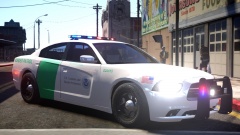
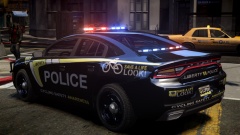
What model is that?
-
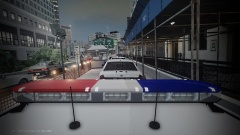 Reminded me of this scene from SouthLAnd
 -
 <rant> I hate it when bicyclists think they're all special and don't have to obey traffic laws. I see them constantly on the wrong side of the roads, not stopping at stop lights and it annoys the hell out of me. If I was a cop, I could have made millions from citations by now (If I was THAT kind of cop). However, a small minority do obey the laws. </rant>
 -
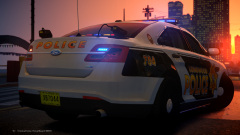 I'm sorry to hear he left. My fleet always has his cars in it.
 -
EVGA GTX 760 is a good choice to balance performance with price. In my opinion, it is the best balance. I'm not a big fan of AMD products, but I guess if you're going cheap AMD is the way to go. Just a suggestion, but I recommend you might want to hold off purchasing things, just a suggestion, but Intel Broadwell Processors and with that, the next gen Nvidia Processors will be coming out by the end of the year. Even if you don't buy the new stuff, the old stuff is discounted throughout the web. If you want to buy now, do it though. I can't promise deal shattering promises.
-
A good TV Show is SouthLAnd
-
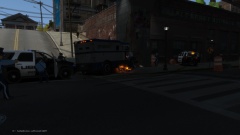 You know when you smash a heavily damaged car into things it catches fire? well, yeah. GTAIV logic.
 -
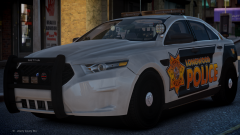 Where did you get that model? Beautiful thing. I remember him releasing pictures of it on his Xfire over a year ago. He released the explorer publicly, just not the Taurus.
 -
Yeah my state cars are Noose and Pstockade. Oh well.
-
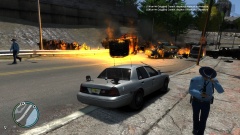 But as you can see the fire trucks are all on fire!
 -
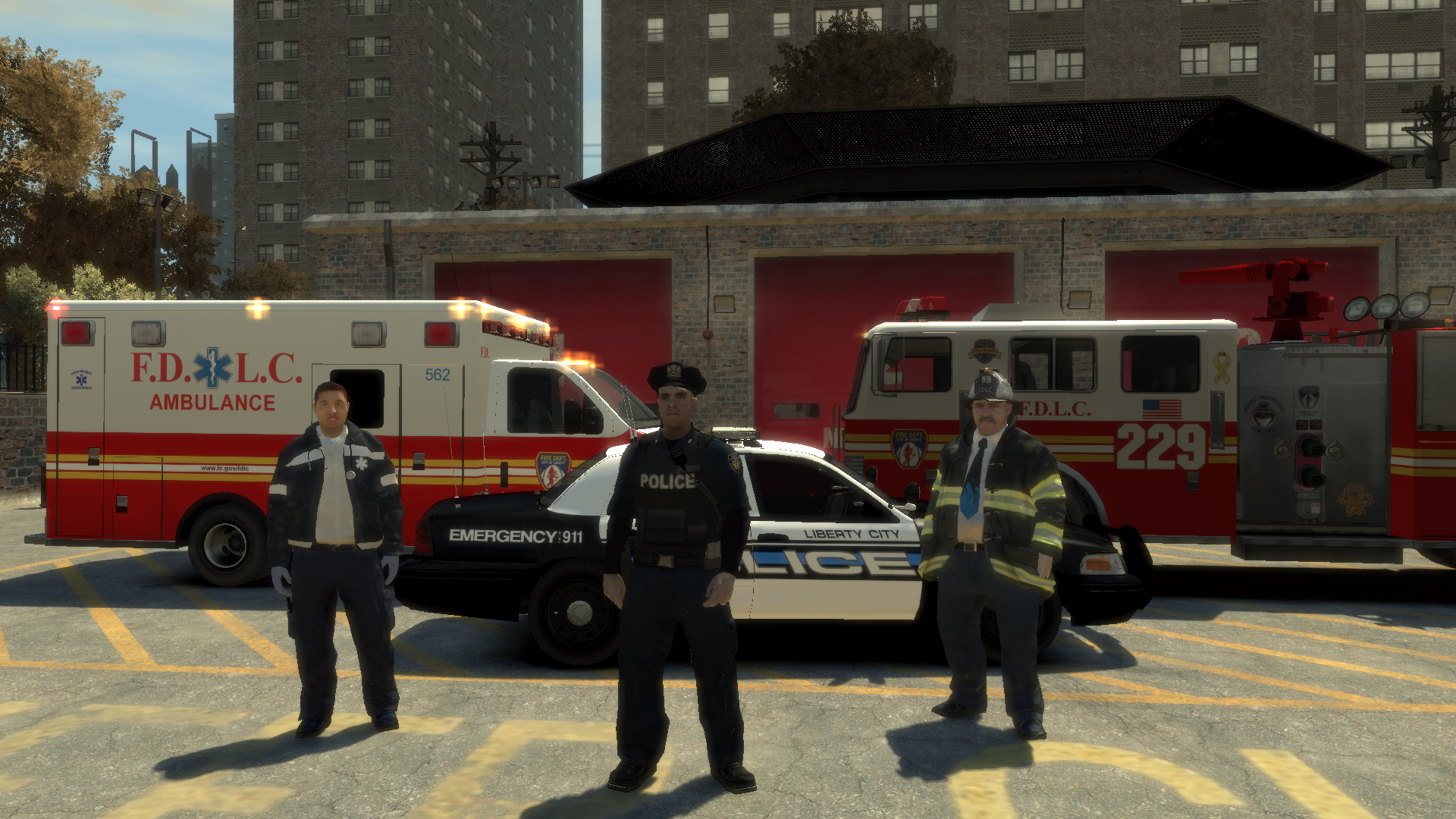
For the men and women proudly serving the state of Liberty.
-
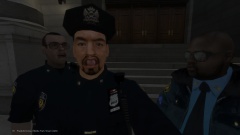 2014 08 23 00218
-
State Troopers can't do anything to save two burning felons pinned under a Armored Truck
-
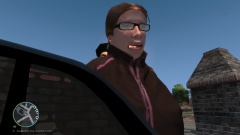 The face when realization of Jail time
-
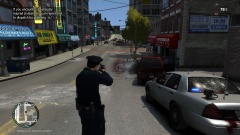 Shoot me? SHOOT ME?
-
Troopers Walking Away Like "Ain't my Problem"
-
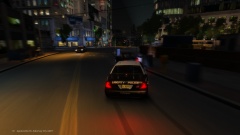 Nighttime Pursuit
-
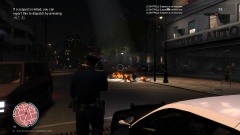 And then everybody was on fire.
-
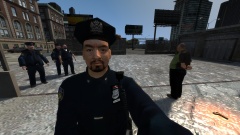 The Fat Cops don't want to arrest their own kind
-
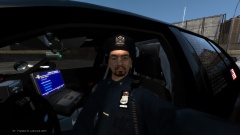 Show Officer Quiggles 10-8 Leftwood Precinct
-
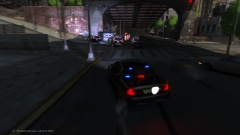 End of a Stolen Armored Vehicle Pursuit
-
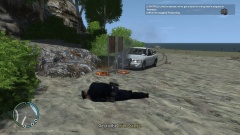 I turned the corner a little too tight and found myself an indestructible life preserver post
-
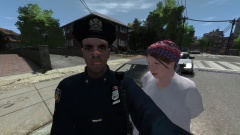 Just taking selfies...I mean recording evidence for the case.
-
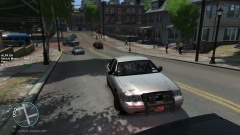 Just patrolling when I see a person being dragged along by another car!
-
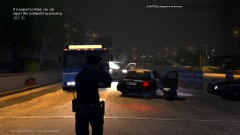 Armed Vehicular Pursuit ended Badly for suspects
-
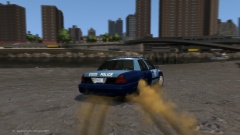 Traction is for Suckers
-
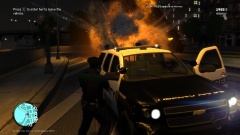 Attention all Units, we have a Gunship down
-
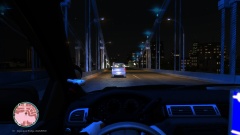 Drunk Hooligans.
-
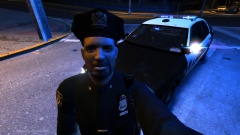 Selfies
-
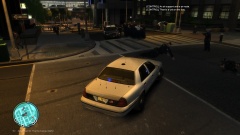 I was just in a pursuit and 30+ police officers just spawned suddenly! Scared the crap out of me!
-
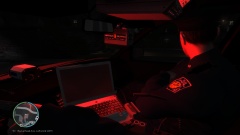 Nightime Patrol
-
-
From the album: Mr.Quiggles's LCPDFR Gaming Commentaries
-
From the album: Mr.Quiggles's LCPDFR Gaming Commentaries
-
From the album: Mr.Quiggles's LCPDFR Gaming Commentaries
-
From the album: Mr.Quiggles's LCPDFR Gaming Commentaries
-
From the album: Mr.Quiggles's LCPDFR Gaming Commentaries
-
From the album: Mr.Quiggles's LCPDFR Gaming Commentaries
-
From the album: Mr.Quiggles's LCPDFR Gaming Commentaries
-
From the album: Mr.Quiggles's LCPDFR Gaming Commentaries
-
From the album: Mr.Quiggles's LCPDFR Gaming Commentaries
-
From the album: Mr.Quiggles's LCPDFR Gaming Commentaries
-
With $1000 pricerange you can definitely buy a nice PC, I always recommend building it yourself, but that's not for everybody I understand.
-
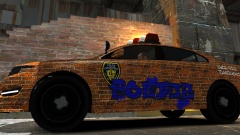 LOL
LOL

