


This is it
Members
-
Joined
-
Last visited
Everything posted by This is it
-
With the free version, you cannot take pictures as PNGs or JPGs, I believe you can only take them as BMPs.
-
True, that would be nice, instead of people having tickets be 10,000 for running a red light...
-
Looks great!!
-
This one? http://gtapolicemods.com/downloads.php?do=file&id=2009
-
I know there are options for a controller in the game... you might need to buy a new controller then :/
-
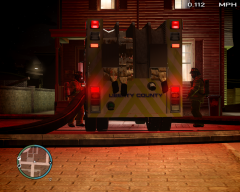 Simple Native Trainer I think.
 -
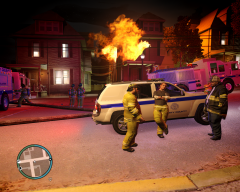 How do you spawn the fire? SNT?
 -
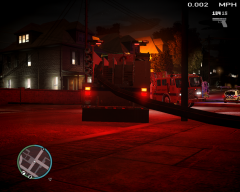 wow! looks awesome!
 -
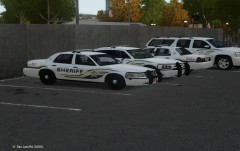 Nice ^
 -
-
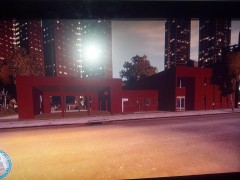 This looks awesome!!
 -
Nice video! +1
-
Can you change the controller keys in the options menu?
-
-
That is another way to fix it... by resetting your status on the script.
-
You are welcome!
-
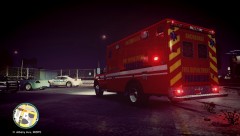 Nice!
Nice! -
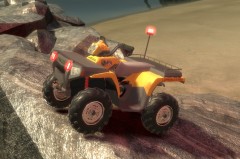 Whoa! That is awesome!
 -
-
It was designed for the police car slots, and as TarGeeT said it changes the male voice only.
-
gta-downloads.com has the original vehicles.img, you can get them from there
-
-
-
True I removed it completely, it bugged my game out a lot.
-
Yeah, me too I don't think there is a fix for it... maybe if you contact Braveheart directly, although 2.2 is a beta, so he might be able to fix it.
