


This is it
Members
-
Joined
-
Last visited
Everything posted by This is it
-
-
-
-
-
-
The video is awesome! And the trucks are even better! Great job!
-
The easy way to reinstall your game is to delete everything related to IV, including what is in the steam folder. (I use steam too) then uninstall the game. It ensures no files are left behind which may corrupt your game or cause problems. The easy way to reinstall your game is to delete everything related to IV, including what is in the steam folder. (I use steam too) then uninstall the game. It ensures no files are left behind which may corrupt your game or cause problems.
-
Looking good! I think you should release it!
-
This is going to be a great game, it would be even better if they already confirmed a PC version. xD
-
Nice vid! Other than obeying the laws I would say a commentary would be cool. BTW Your ENB is awesome!!
-
Good idea Grant! This will help a lot of people who are not sure what an error code means.
-
This looks awesome!
-
-
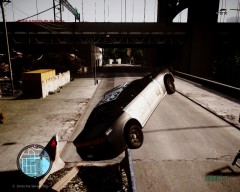 Wow... there is something called god mode bud XD
 -
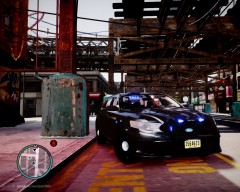 O_O Dat ENB Alright!!
 -
 GIVE ME IT JOKER :D
 -
-
Looks good! Maybe longer episodes like 30 or 45 minutes? Other than that suggestion I like the videos and hope you continue with the series.
-
 O_O That is amazing!
 -
Nice video, nice enb! Keep it up!
-
 That's me!!!
 -
Hopefully you can make a nice engine!
-
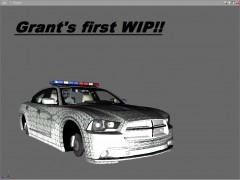 Its still good for a WIP and for the very first time. There is no reason to correct people or start an argument. Grant although you scraped this if you need anything (help textures etc.) just let me know.
 -
 You most likely won't lol... but it is a fine enb man. Trust me.
 -

