Skip to content
View in the app

A better way to browse. Learn more.

LCPDFR.com

A full-screen app on your home screen with push notifications, badges and more.

To install this app on iOS and iPadOS
  1. Tap the Share icon in Safari
  2. Scroll the menu and tap Add to Home Screen.
  3. Tap Add in the top-right corner.
To install this app on Android
  1. Tap the 3-dot menu (⋮) in the top-right corner of the browser.
  2. Tap Add to Home screen or Install app.
  3. Confirm by tapping Install.

TdePadua

Members
  • Joined

  • Last visited

  1. Jim053 started following TdePadua
  2. Alright, I'll use it for now and reevaluate how it works in .4 thank you!
  3. Is there any way I can reliably get the location of the callout currently running, even if it was created by a different plugin?
  4. Kalleboston started following TdePadua
  5. Currently, there is no method of changing the ammo type for the MKII weapons. Additional attachments may be added in the future.
  6. https://www.gta5-mods.com/weapons/glock-17 https://www.gta5-mods.com/weapons/glock-weapon-icon
  7. I set the variables DismissTime and DismissDistance in the .INI, however AI still seem to leave after only a few seconds. How can I fix this?
    • 39 downloads
    • Version 1.0.0
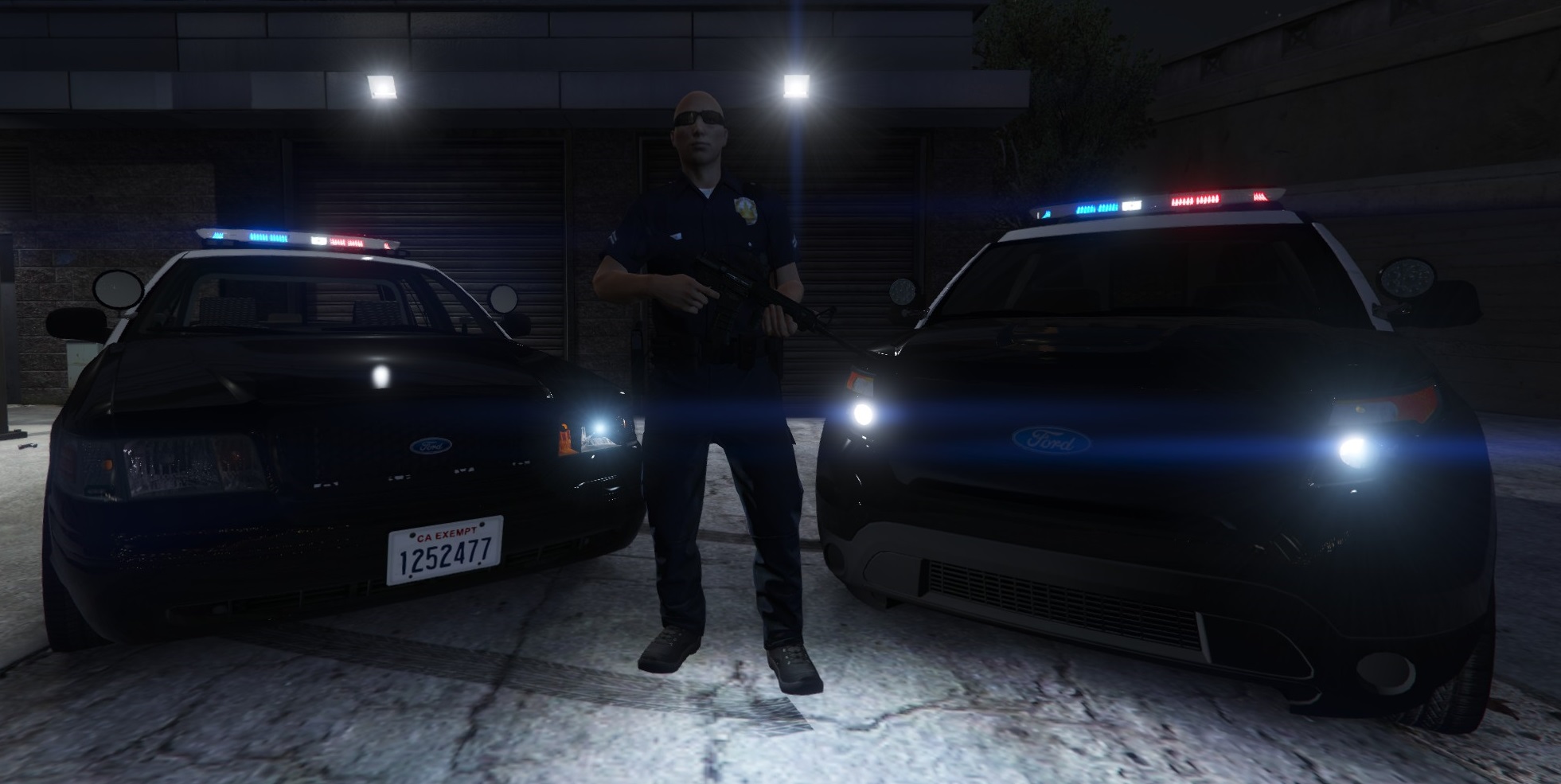
    ULSA Campus Police skin Fits:
  8. Jasonrellet started following TdePadua
  9. where the police explorers at
  10. It appears to me that your crash is related to callout manager. Unfortunately I do not have a computer with GTA in order to bug test the mod.
  11.    TdePadua reacted to a review on a file: [Now with "MK2" weapons!] On Duty Loadout
  12. LSPDFR Will crash if you have another plugin, like herocop, that adds a flashlight to the characters inventory. That is the only thing I've been able to work out until this point.
  13.    TdePadua reacted to a comment on a file: [Now with "MK2" weapons!] On Duty Loadout
  14. My savior <3 Thanks Albo! FYI Your tutorials were what helped me start making plugins :]
  15. Im working on implementing the Fire extinguisher, however the Handheld flashlight is already included in this version.

Account

Navigation

Search

Search

Configure browser push notifications

Chrome (Android)
  1. Tap the lock icon next to the address bar.
  2. Tap Permissions → Notifications.
  3. Adjust your preference.
Chrome (Desktop)
  1. Click the padlock icon in the address bar.
  2. Select Site settings.
  3. Find Notifications and adjust your preference.