




Raylan Givens
Members
-
Joined
-
Last visited
Everything posted by Raylan Givens
-
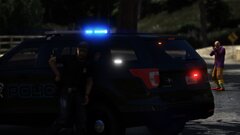
From the album: Justified Mods | WIP & REL
-
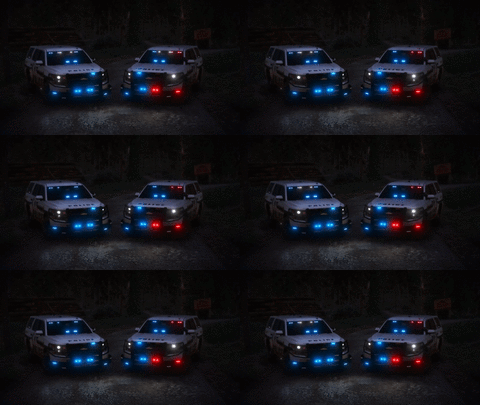 All Blue!
 -
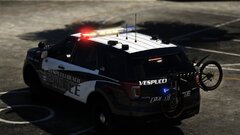
-
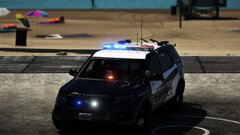
-
From the album: Justified Mods | WIP & REL
-
From the album: Justified Mods | WIP & REL
-
No problem man I found it!
-
-
From the album: Justified Mods | WIP & REL
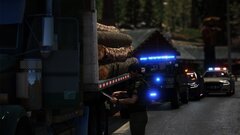
On 03/25/2020 at 07:08 the San Andreas State Game Warden pulled over a log truck for going 60MPH in a 35MPH zone. The driver had signs of impairment & had slurred speech. The officer than called in the Blaine County Sheriff Dept. & SA State police for a sobriety check and back up. Upon further investigation the SAGW concluded that this truck driver (James Schrock) Age 39 was heavily impaired on alcohol. The driver blew a 0.18 on scene & was taking in for a blood draw. This investigation is still under way. -
-
-
From the album: Justified Mods | WIP & REL
-
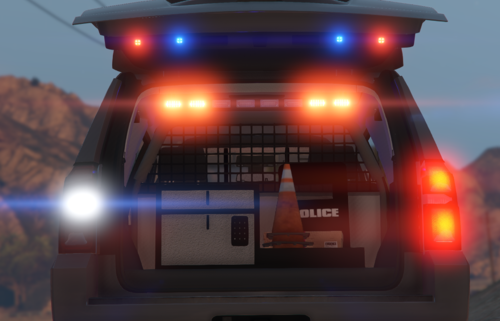 The lighting control module is WAYYY to big, might want to conisder scaling down on x alot and y some!
 -
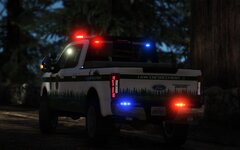 https://www.youtube.com/watch?v=qBDmxMD8Unk
From the album: Justified Mods | WIP & REL
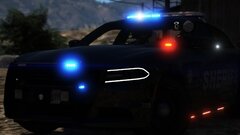
From the album: Justified Mods | WIP & REL
https://www.youtube.com/watch?v=S8g8u5I1N1A&feature=youtu.be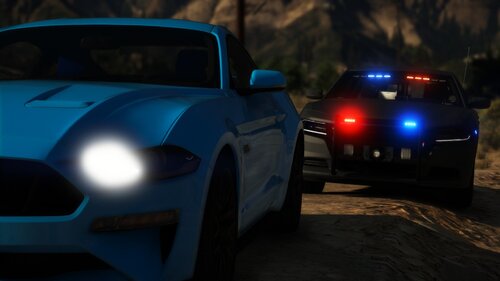 UNMARKED '18 DODGE CHARGER Discord: https://discord.gg/dZ7pvZtjap Hello all, I have spent a lot of time and effort into making this vehicle. I couldn't have done this without the following but NOT limited too: Pusasaurus, HDgamerzPC, Иисчс, GTAKING23000, & others! *If you make any videos with said vehicle PLEASE post below, I'd love to see them!* FEATURES: 1. Proper COL for pushbar 2. Both wobbles back and forth 3. HD & Full interior Known Issue(s): 1. Must turn tint off to use vehicle, if not lightbar will go black. - Fix for tint To fix the window tint, the user will need to edit the veh.meta file for the slot that it's named to They'll need to find the diffusetint line and change the value to 0x00FFFFFF (added to downloads) Found any issues? Please let me know in the comment section below!
- 6 comments
- 1 review
-
-

-

- 5
-
From the album: Justified Mods | WIP & REL
REL soon! (Dodge Charger)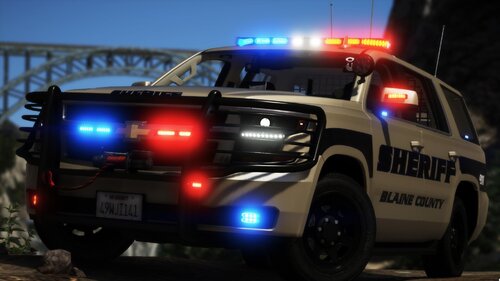 Join my discord and I can send you a private model. As mention in the description you have to turn off vehicle tint in the trainer.
- 41 comments
- 8 reviews
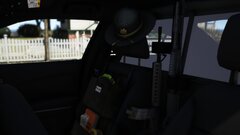
From the album: Justified Mods | WIP & REL
https://youtu.be/roshQYvkaz8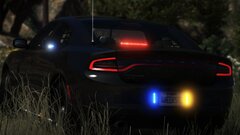
From the album: Justified Mods | WIP & REL
https://youtu.be/roshQYvkaz8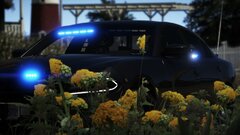
From the album: Justified Mods | WIP & REL
https://youtu.be/roshQYvkaz8
Mm weird did you mess with the vehicles.mets file? Take the Tahoe out and try a different slot?- 41 comments
- 8 reviews

