Skip to content
View in the app

A better way to browse. Learn more.

LCPDFR.com

A full-screen app on your home screen with push notifications, badges and more.

To install this app on iOS and iPadOS
  1. Tap the Share icon in Safari
  2. Scroll the menu and tap Add to Home Screen.
  3. Tap Add in the top-right corner.
To install this app on Android
  1. Tap the 3-dot menu (⋮) in the top-right corner of the browser.
  2. Tap Add to Home screen or Install app.
  3. Confirm by tapping Install.

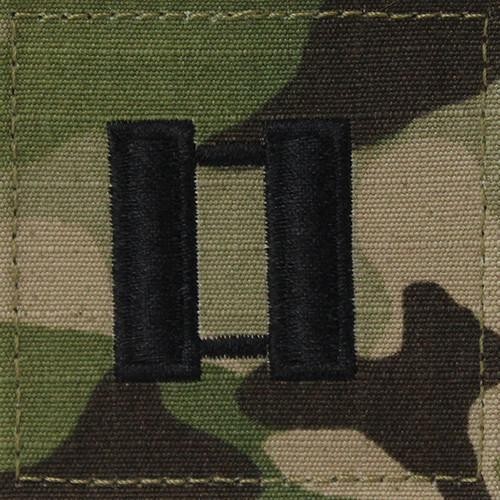
CPT. Austin

Members
  • Joined

  • Last visited

About Me

I currently serve as company commander in the U.S. Army Reserves, MP Brigade. During downtime I like to jump on GTAV with LSPDFR mod in tow, and being a video game enthusiast. I do play on consoles as well but really enjoy games where you can mod, just to make games more interesting.


But I certainly don't condone cheating and/or hacking just to have an edge over other gamers. I believe in the old school method... Play more to get better at it!


P.S. I wonder when we'll have the ability to play GTAV with LSPDFR mod in Co-Op mode!


PSN: AdmiralAustin

Steam: captainaustin

Twitter: PSAdmiralAustin

Youtube: Heaven's Sword


CPT. Austin
o-3.jpeg.211449b073f5bb7f9e84896257bbdcb6.jpeg

Account

Navigation

Search

Search

Configure browser push notifications

Chrome (Android)
  1. Tap the lock icon next to the address bar.
  2. Tap Permissions → Notifications.
  3. Adjust your preference.
Chrome (Desktop)
  1. Click the padlock icon in the address bar.
  2. Select Site settings.
  3. Find Notifications and adjust your preference.