txmedic1
Members
-
Joined
-
Last visited
-
-
-
-
-
-
-
Works in progress
-
Harris County Sheriff's Office located in Harris County, TX (Houston, TX)
-
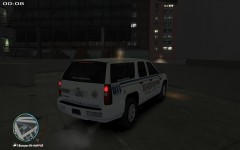 Harris County Sheriff's Office Supervisor Suburban
-
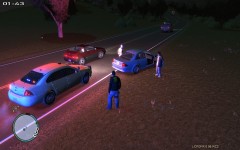 HCSO Felony Traffic Stop
-
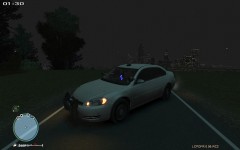 HCSO Narcotics Unit
-
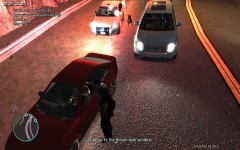 HSCO K 9 Deputy Out with possible drug dealer
-
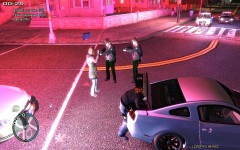 Harris County SO And HPD Assist With Police Chase
-
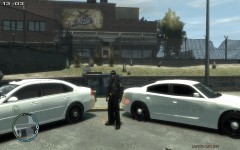 Harris County Sheriff's Office New Traffic Enforcement Vehicles
-
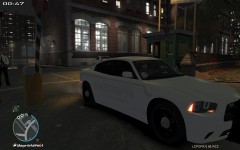 Harris County New Enforcement Vehicle
-
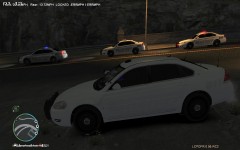 New HCSO Traffic Unit
-
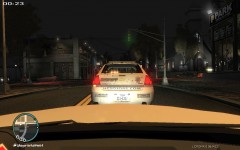 41N25 And 41N37 Enroute To Local Alarm
-
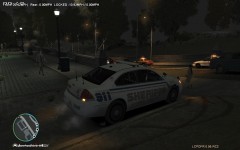 Sheriff's Office Traffic Unit
-
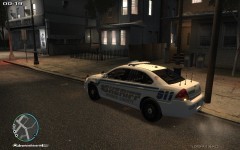 Sheriff's Deputy Arriving At Shots Fired Call
-
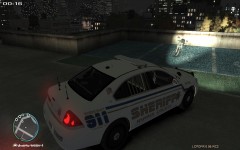 Follow Up On Stolen Motorcycle Via Crimestoppers
-
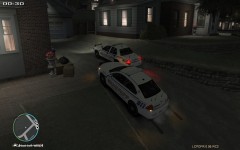 Assult In Progress
-
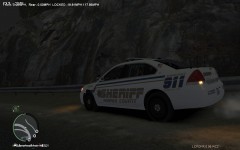 41S19 Speed Enforcement
-
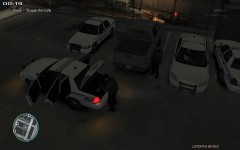 41S19 SO with Rookie Deputy Starting Shift
-
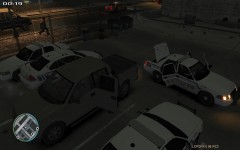 Deputy Sheriff getting Duty Gear Together For Shift
-
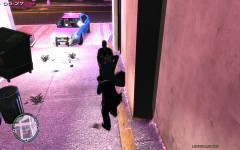 Harris County Sheriff's Deputies Pat Down A Suspect Prior To Transport
-
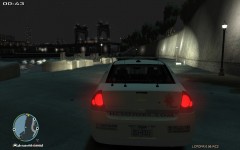 41S19 In The Area For A Shots Fired Call
-
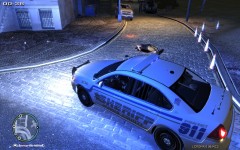 Harris County Sheriff's Office Man Down Call
-
 Deputy Sheriff En Route To Pursuit
-
-
-
The Precinct 4 Constable's Office is located in the NW part of Harris County whose responsibilities include patrol, traffic, subdivision contract deputies, as well as K-9 operations. Their area covers the Spring, Cypress, Klein, Houston (NW) Tomball, and the Harris County Tollroads.
-
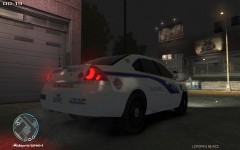 Harris County Constable P 4 K 9 Unit
-
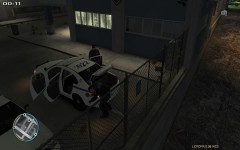 P 4 Constable Unit 35T41 Shift Start
-
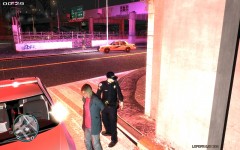 Harris County Constable P 4 Assist HCSO with Prisoner Transport
-
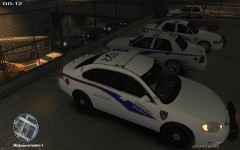 Harris County Constable P 4 Start Of Shift
-
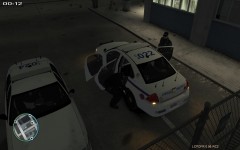 P 4 Constables Check Prisoner Area For items Left Last Shift
-
 Hit And Run Suspect P 4
-
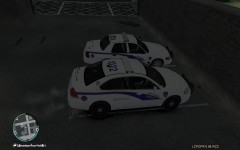 Harris County Constable Traffic Units 024 And 022 Start Shift
-
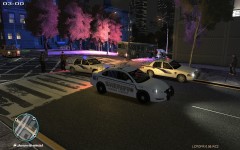 HCSO Constable P 4 Suspect Search
-
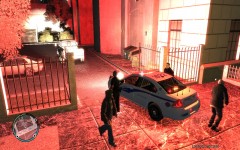 Harris County Constabe P 4 Suspicious Vehicle
-
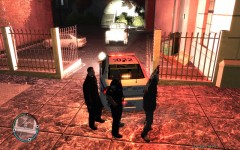 Harris County Constable P 4 Arrest
-
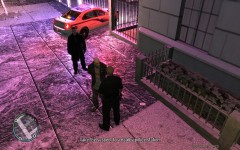 Constable Deputy Questions Suspect
-
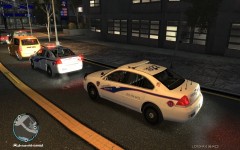 P 4 Waiting On Light To Initiate Felony Traffic Stop
-
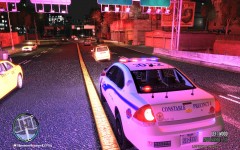 P 4 In Pursuit Of Bank Robbery Suspect In Stolen Taxi
-
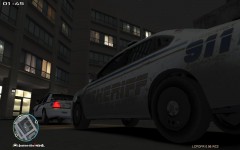 Harris County SO P 4 Hang Up
-
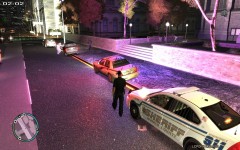 Harris County Assisting P 4 Traffic Stop
-
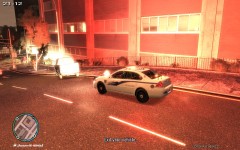 Harris County P 4 Constable DUI Investigation
-
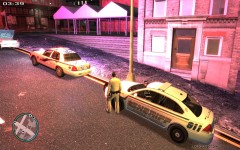 Assisting P 4 with Suspicious Vehicle
-
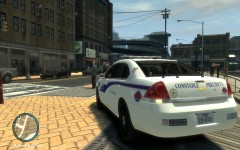 Harris County Constable Back
-
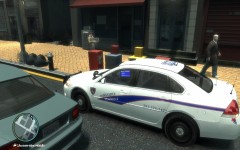 Harris County P 4 Constable Impala
-
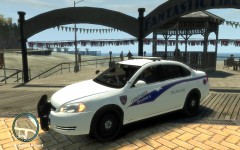 Harris County Constable P 4 Impala
-
-
Cypress Creek EMS is responsible for a 250 square mile area about 20 miles NW of Houston, TX. They cover the Spring, Tomball, Cypress, Klein, and Bush Intercontinental Airport area, as well as Humble, TX. They resopnd to over 4,000 calls for help each year, and have 13 24/7/365 Medic Units as well as 3 Peak Units and 2 Supervisors (District 51/52).
-
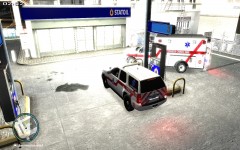 CCEMS D 51 On Scene Assisting M501 with Urgent Patient
-
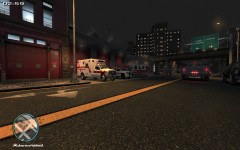 Cypress Creek EMS Medic 55 At Spring Fire Station 2
-
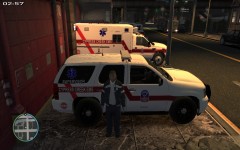 Cypress Creek EMS D 51 Supervisor B Shift
-
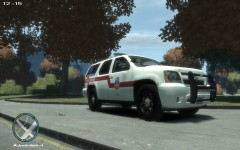 Cypress Creek EMS D 51 At Community Function In The Park
-
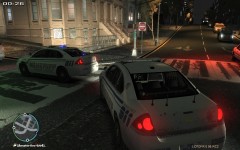 Cy Creek EMS Requesting Law Enforcement make their Location
-
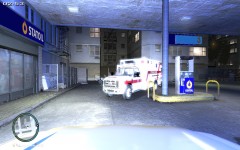 Cy Creek EMS D 51 Arriving On Scene Of Urgent Patient
-
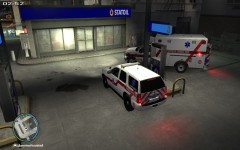 CCEMS Urgent Patient
-
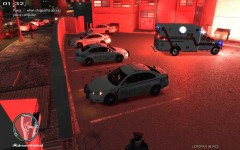 Medical Emergency At County Jail
-
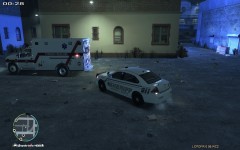 Cy Creek EMS Harris County Sheriff Unknown Medical Emergency
-
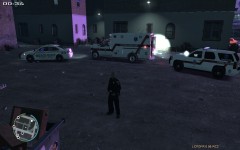 Medic 59 Request D 51 Medical
-
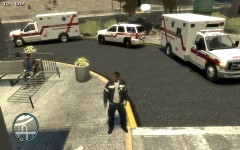 Cypress Creek EMS Fleet
-
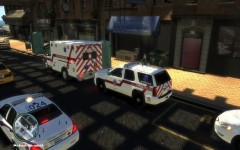 Cypress Creek EMS CPR Call
-
 Cypress Creek EMS Medic 59
-
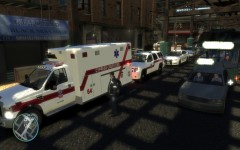 Cypress Creek EMS Medic 59 District 51
-
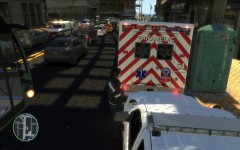 Cypress Creek EMS Medic 59 Back
-
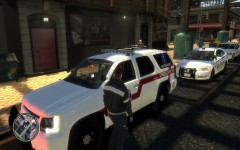 Cypress Creek EMS District 51 (2)
-
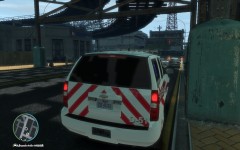 Cypress Creek EMS District 51 Back
-
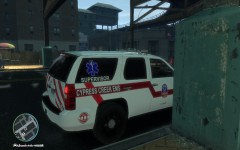 Cypress Creek EMS District 51
-
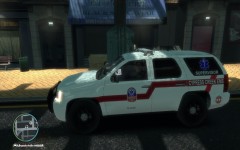 Cypress Creek EMS District 51 Side
-