


JerryKan
Members
-
Joined
-
Last visited
Everything posted by JerryKan
-
.thumb.jpg.bb1e8ecec8228dbd477e7dcb330fb034.jpg) I was wondering when you would show up Bugs. Amazing work on this car! The attention to detail is astounding and the lighting setup is really good.
I was wondering when you would show up Bugs. Amazing work on this car! The attention to detail is astounding and the lighting setup is really good.- 97 comments
- 62 reviews
-
Well we can only hope that they separate GTA V from GTA Online. Then I expect the single-player component to be modifiable.
-
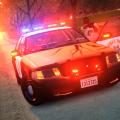 Nevermind. After a lot of trial and error I found the one spot that changes the grill color.
- 15 comments
- 8 reviews
-
-
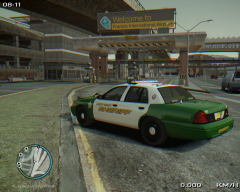 For some reason these screenshots mess with my eyes.
 -
-
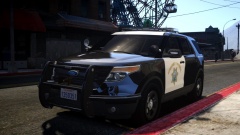 Sexy.
Sexy. -
Jesus this looks breathtaking!
-
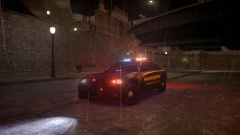 Looks great but I agree, ditch the dash light. Killer Charger though!
 -
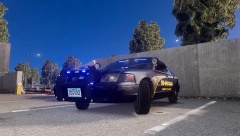 Yes please! I would love to use it!
 -
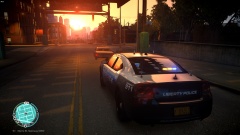 Here is the link: http://gtapolicemods.com/downloads.php?do=file&id=2196
 -
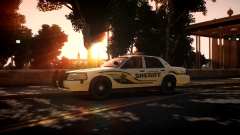 Sorry about that Chippy.
 -
If you could point me in the right direction for some Liberty CVPIs with wraparounds that would be great! My wifes's father is a Senior OSP officer and I have done countless ride alongs with him.
-
I saw one drive by me on 101 going South about 3 months ago. Haven't seen one since though. And I haven't found any CVPI's with wraparounds that I like unfortunately. I've been looking forever for a quality wraparound model.
-
-
Is Jump going to release this at all?
-
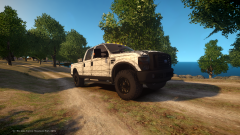 All of my want!
 -
Here is my lineup.
-
Darn I wanted to use it because it resembles my State's Highway Patrol. That's too bad. They use the Setina Wrap-Around pushbars.
-
From the album: New ENB!
Loving this new ENB. -
Just got Jaso87's new enb up and running! It looks stunning!
-
Which JokerMods model is this? I'll try to find it in the mean time. Oh and I use this same skin haha.
-
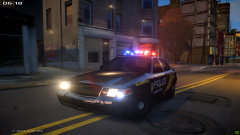 Looking good!
 -
I'm from Oregon and I love this livery. Could you make this for some other vehicles too?
-
I tried CryEnb and the ELS lights were very dull during the day but looked good at night.

.thumb.jpg.bb1e8ecec8228dbd477e7dcb330fb034.jpg)

