


Michael21107
Insiders
-
Joined
-
Last visited
Everything posted by Michael21107
-
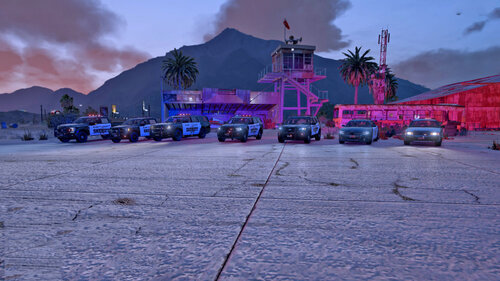 mb, i was looking at the all-blue files don't people have to install the metas to their respective folders? i know that it's necessary for vanilla cars' vehiclemetas to work properly
- 279 comments
- 21 reviews
-
-
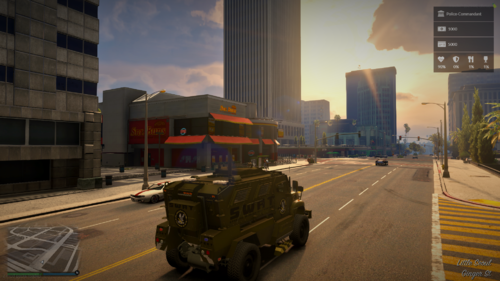 fictional doesn't have to be nonsense
 -
SWAT? swat of what agency?
-
 the number of items talks for itself, I would recommend just putting it with the callout pack cuz by itself its surely a downgrade from the base STP items (I'm pretty sure that even with the callouts it is better to have the base items rather than this nonsense)
- 1 comment
- 5 reviews
-
-

-

- 3
-
-
should be this but i wont recommend installing it as it uses old lspdfr version which can cause issues
-
-
 i think its redundant to have RPH and LSPDFR as requirements as both are already needed by STP
- 297 comments
- 17 reviews
-
 u sure people need to update the ini? cuz i know some plugins generate the ini automatically or they add stuff to it upon the .dll starts, don't know if this is universal or if its case by case
- 637 comments
- 51 reviews
-
-
.thumb.jpg.8131f0a8d74d0a530a20212fec80090e.jpg) credits should go to the credits tab
credits should go to the credits tab -
duty_selection.xml
-
my bad, still doesn't work RagePluginHook.log
-
nothing
-
-
happened again, i would've reported it as lspdfr bug cuz i don't think i can even fix it but there's no such place here unfortunately RagePluginHook.log
-
still nothing
-
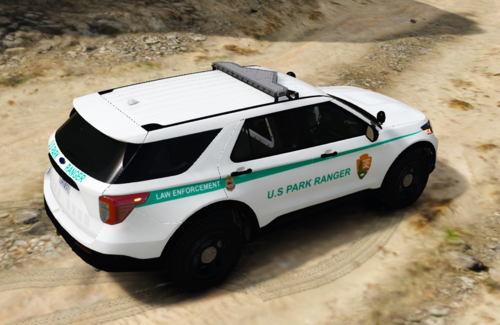 i dont have a problem with fpiu but with stuff from Emergency Distributors, its usually really low-quality, try someone like Allan Development, Rabbit (files are on Modding Universe) or the Jed's garage sale (there is a ton of high quality cars)
 -
RagePluginHook.log
-
next time choose a different author of models, this one isn't good
-
 ik, just saying it would be better to have the wheels stuck straight if i stop after going straight
- 51 comments
- 21 reviews
-
still same
-
2023-10-20 17-31-46 - Trim.mp4
-
-
 @CMendezdo u have permission from all authors to redistribute the files?


.thumb.jpg.8131f0a8d74d0a530a20212fec80090e.jpg)

