cainetopping
Members
-
Joined
-
Last visited
Everything posted by cainetopping
-
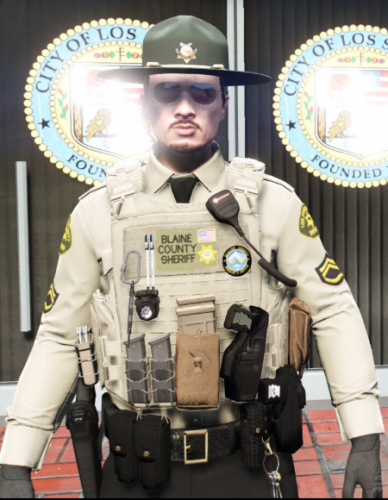 I'm sorry I can only help with installing the textures. Maybe try looking up a video and make sure you haven't installed a different vest files that replaces the one Hanako vest. 7.
- 9 comments
- 1 review
-
Switched up the textures for vest 7 setups 1 & 2 for Hanako's "EUP VEST&EARPIECE 1.1".
- 9 comments
- 1 review
-
-

- 1
-
-
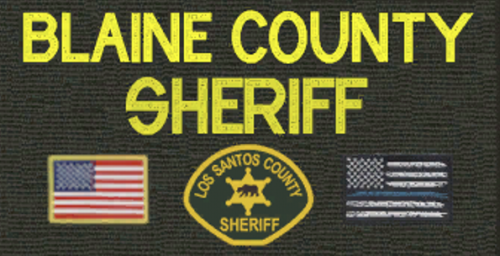 As default the texture of the vest says "POLICE" but I decided that I think it's bland and I wanted to change it so I did and I decided to share it. And hopefully get some feedback. The texture on the pack has a stitched American flag along with a San Andreas city logo/patch. Sorry that it's pretty bland, it's my first time doing this.