


Creators: Due to background reprocessing of files, approvals and file security checks may be delayed. Thanks for your patience.

DukSezQuak
Members
-
Joined
Everything posted by DukSezQuak
-
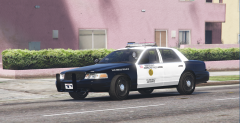 And Serve To Protect America's Finest Sergeant ;) Well I don't like the top. Let's switch ;)
 -
Well some of us read from the bottom up, because we like to live dangerously.
-
America's Finest Sergeant.
-
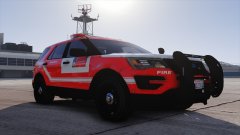 Reminds me of the new Calgary Fire Trucks:
 -
Doing my normal thing on YouTube, eventually, this channel popped up in my suggestions: https://www.youtube.com/channel/UCSonmKTLAPC2bTCF4JHQ1lg Really cool channel. He talks about his life and experiences in prison and what it's been like since being released. Just wanted to share. We usually talk about the law enforcement side of things, but it's interesting to hear about the other side of the glass. Oh, and just be aware, some of the language and whatnot is not exactly PG rated... NSFW.
-
From the album: Termination Media
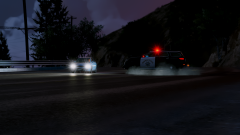
An SAHP unit "rippin 'er" on a vehicle who has been being chased for over an hour. The subject was finally taken into custody shortly after this photo was shot. -
It's now "Patrol 212" not "Patrol 327" . And he's still uploading.
-
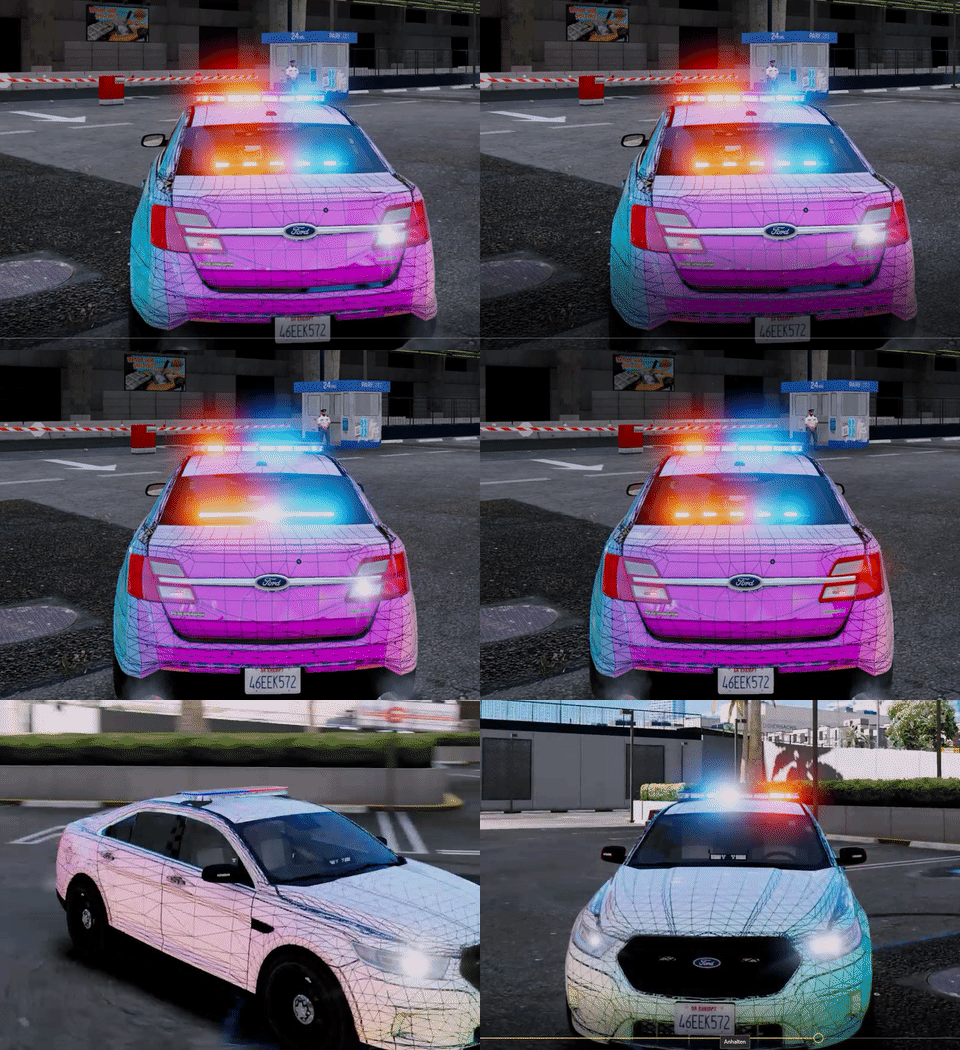
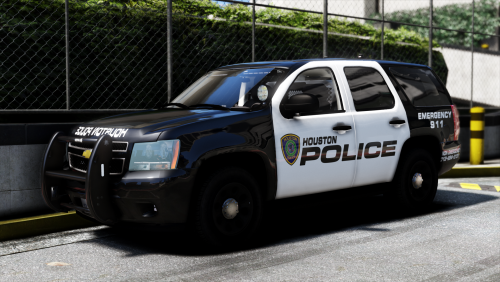 It's an issue with the Rockstar Editor (which he used to make the videos), not the models. Sometimes, if you spawn or save vehicles with the trainer, and take a video with the vehicles stand-still, it will duplicate the vehicle in the same spot in the editor. (Essentially, two vehicles in the same spot.) Ultimately, resulting in the "clipping" that you see in the video.
- 17 comments
- 11 reviews
-
From the album: Termination Media
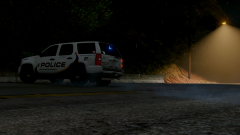
Chasing after the bandit. A Los Santos County Sierra Unit screeches off after a speeder on the freeway. -
From the album: Termination Media
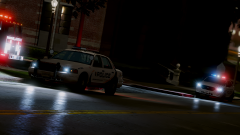
Los Santos County Police and City Fire Crews at the ULSA around 4AM for a manual fire alarm activation on Monday. Police found that an intoxicated male left his dorm room and pulled a fire alarm pull station "on his way down," as some would say (meaning, he fell..) The male was charged with intoxication in public, and activating an emergency alerting system with false intentions. -
 Oh, I know. I was just reinforcing that fact. Wasn't trying to dispute your comment, sorry.
 -
If that's what he was aiming for, boy do I have some news. That's not R.C.M.P. specs. Close, but not quite.
-
 And why would I do that? It's not an emergency, is it?
 -
From the album: Termination Media
"More like neighbourhood rumour mill... jesus these people have too much time on their hands...." -
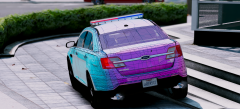 Oh, thank jesus! Something with a Legend and not a liberty!
 -
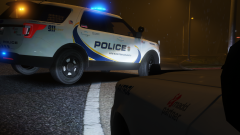 Oak Bay, British Columbia.
 -
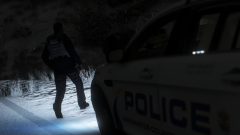
From the album: Termination Media
While working a graveyard shift, patrol officer Mike Litoris draws his service pistol while approaching a suspicious campsite where alcohol was visibly strewn about. After a recent police shooting in Blaine County, Officer Litoris contacted dispatch for an additional unit and approached cautiously, waiting for anything. -
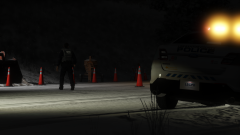
From the album: Termination Media
Working in Los Santos County means mountains! And mountains means snow! Which means construction is highly rare on the roadways. Los Santos County Police came across this "construction site" on one of the highways during a snowy evening. Turns out, in the cement mixer, were various narcotics, and underneath a few of the pylons, were bags of marijuana. The site was closed off, and traffic redirected as police detectives were dispatched to investigate. -
From the album: Termination Media
"Control, County Sierra 2 10-7 with County 6." -
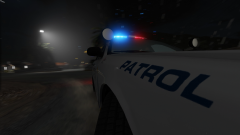
From the album: Termination Media
Tearing up the streets while responding to a Motor Vehicle Collision on the interstate. -
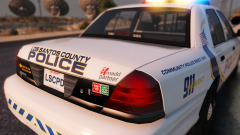
From the album: Termination Media
Don't drink and drive. Coming from someone who has been affected by impaired driving. -
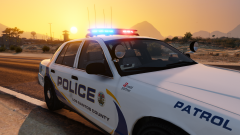
From the album: Termination Media
Don't drink and drive. Coming from someone who has been affected by impaired driving. -
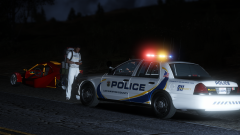
From the album: Termination Media
"I can give you two options; because you cannot operate that vehicle of yours on a state highway or public roadway. It's classed as, and registered as an off-road vehicle. So, you can do one of two things: get a friend or a cab to come get you, or, start walking." The vehicle was towed and the operator decided to walk to a nearby gas station to wait for a friend. -
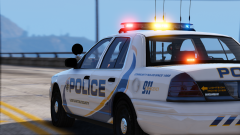 It's all part of the "slow down, move over" campaign. I can't count how many times I've been on duty in Los Santos County and written off a cruiser because someone rear-ends me on a traffic stop >_>
 -
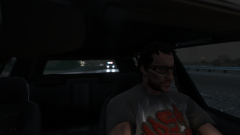
From the album: Termination Media
"Oh sheeeeeeet, they're coming for me! Damnit! Shouldn't have downed all of those logger beers..."


