




SnapsCustoms
Members
-
Joined
-
Last visited
Everything posted by SnapsCustoms
-
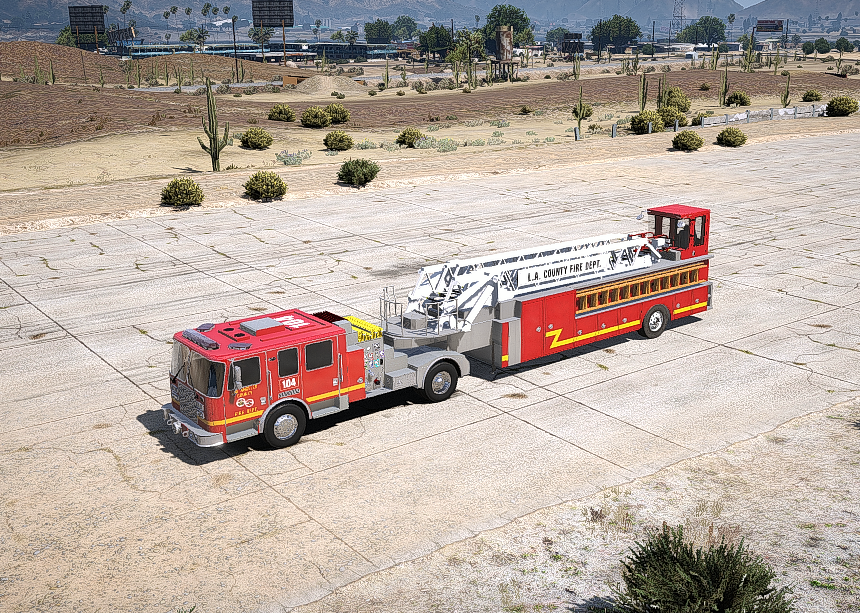
I recently posted about the can of the LACoFD quint I am making, but I’m nearing finishing of the modeling portion, I’m happy with how it is turning out so far and I’ve been debating outing In the work to make a functional areilcat and working compartments aswell. I still have to do lighting, fixing some textures and a few other things besides all of that. I am happy with how it is turning out so far
-
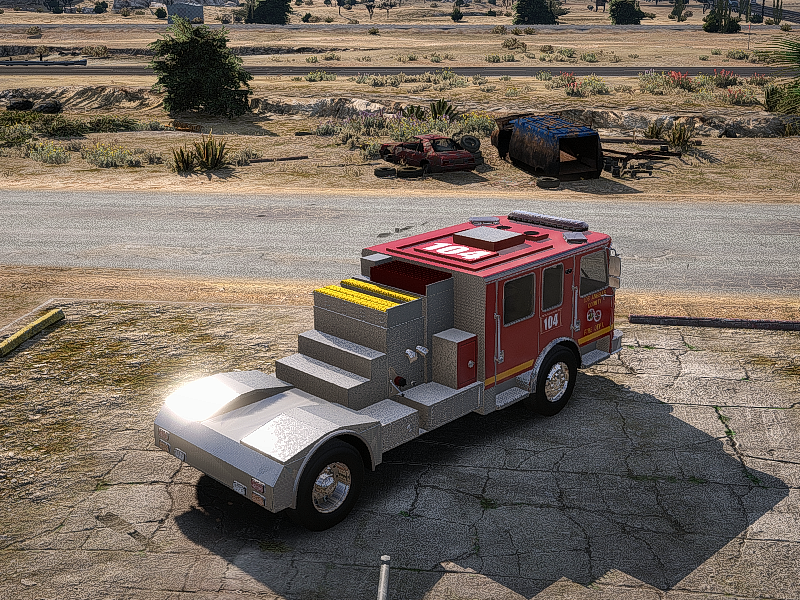
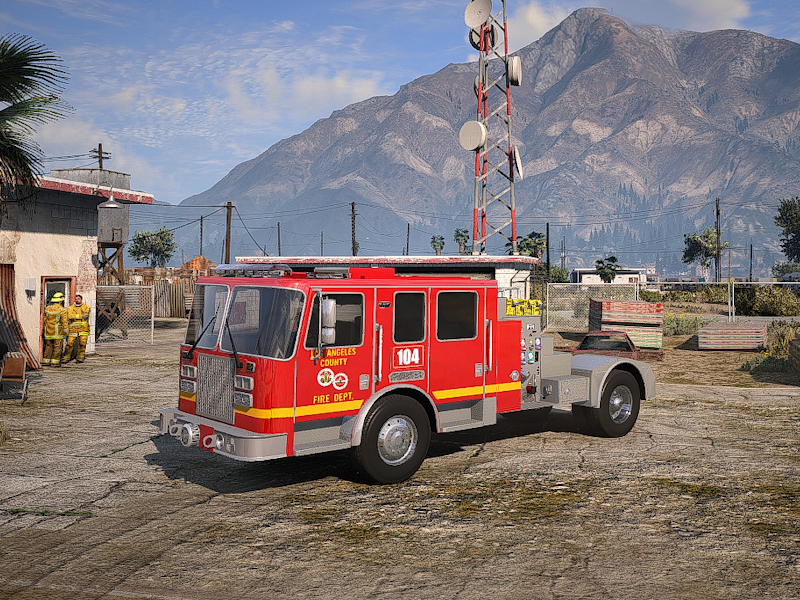
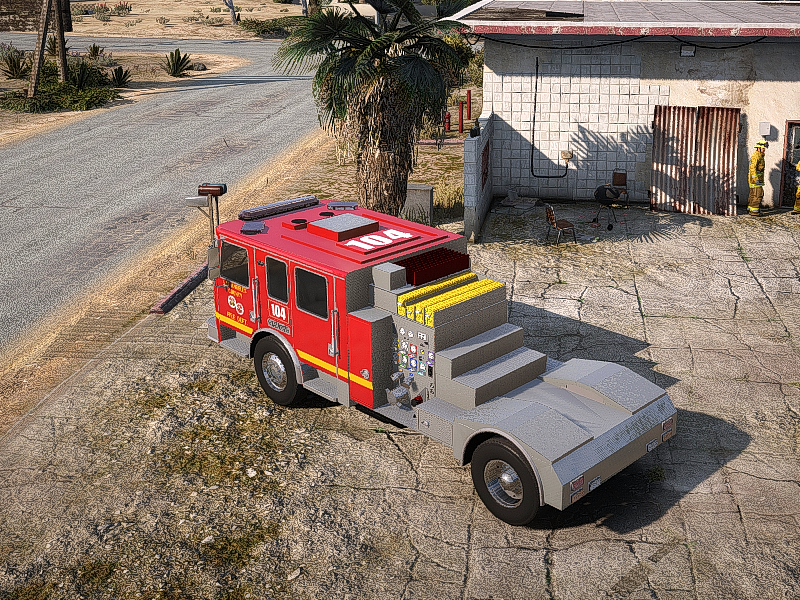
This is my first modeling project, and I wanted to share my progress with everyone. I have been working on an LACoFD Quint, starting with the cab first before moving on to the trailer. It will not be fully accurate to real-life specifications, but I am going to try my hardest to make it as detailed and realistic as possible. Right now, it is textured as Q104, but I plan on retexturing it and eventually creating a full Station 126 pack, including an Engine, Quint, and Battalion 6. If anyone has any questions, comments, or concerns, please feel free to let me know. Like I said, this is my first time working on a project like this, so I am excited to continue working on it, finish the project, and release it for everyone to enjoy. If you want to follow along with this project please join my discord, i post updates on it. I also answer all tickets. https://discord.gg/wKWtduJsn3
-
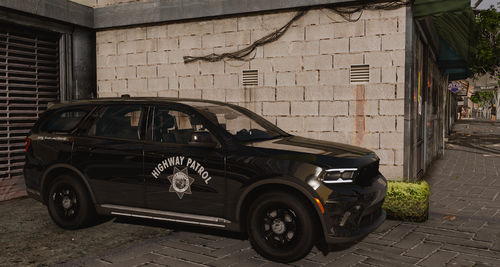 Very nice, thank you for doing this.
 -
(1).thumb.png.8b53bb424934d7b08da93964d2b581b4.png)
-
Yes i fixed all of the bugs, interior and exterior, i also was planning on redoing the light patterns with TA and a correct yelp pattern.
-
Ive got a fix for it, im just waiting to get my other computer fixed becasue it stopped working and had all my files on it. When i get it fixed ill update that file and let you know when i do so. -Snap
-
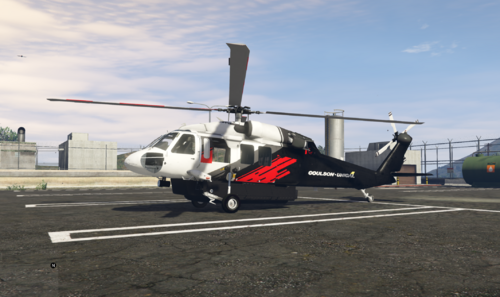 Yeah I can, I’ll do it tommrow I’m about to get some rest
 -
Thank you! it’s the same company that has them, I’m thinking of making HTNK55 (the one leased by LACoFD
-
-
https://www.gta5-mods.com/vehicles/s-70a-firehawk-fire-fighting-helicopter
-
-
-
-
 High-capacity aerial firefighting plane designed for realistic wildfire response in FiveM. Perfect for wildland fire scenarios, training, or emergency ops. Optimized for multiplayer Massive water drop capability Fire department ready Join our community or get support: https://discord.gg/SQ2dM77JqE
 -
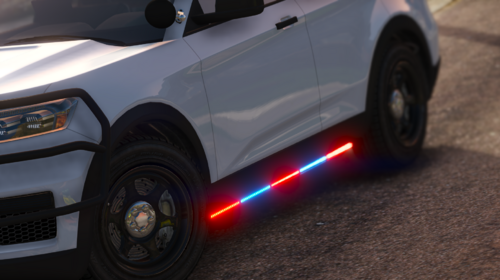 Good stuff
 -
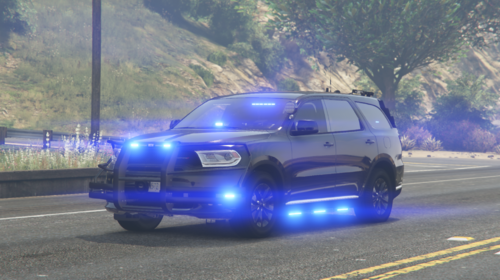 very beautful car man, good job
 -
Very nice car
-
-
My apologies, I also do not know how to make it an addon,
-
 This is mainly the lighting pattern
 -
I will post a video in my discord when I get a chance today!
-
Thank you 😄 I hope you enjoy!
-
 very nice
 -
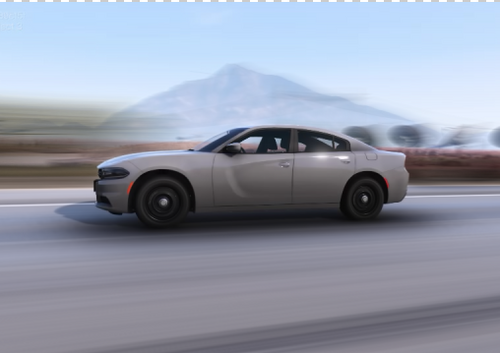
Enhance your tactical law enforcement fleet with this highly detailed 2018 Dodge Charger, modeled after a real-life LASD SEB (Special Enforcement Bureau) unit. Built for FiveM, this vehicle features a clean, unmarked design, perfect for special operations and stealth-based scenarios. Features: Accurate LASD-style emergency lighting with realistic placement and patterns Unmarked exterior for low-profile tactical deployment Performance-optimized model with clean LODs and efficient textures Realistic and functional interior and exterior design, true to the SEB style Ideal for SWAT, SEB, or other specialized law enforcement roles, this vehicle delivers immersion, realism, and reliable in-game performance. Want to see more or need support? Join my Discord to stay updated on future releases, give feedback, or get help. Discord: https://discord.gg/SQ2dM77JqE
-
New update is out, that issue is fixed! Handling has been added in new update


(1).thumb.png.8b53bb424934d7b08da93964d2b581b4.png)



