




SnapsCustoms
Members
-
Joined
-
Last visited
Everything posted by SnapsCustoms
-
(1).thumb.png.8b53bb424934d7b08da93964d2b581b4.png) If i ever learn how to make ELS cars, then sure. But my focus is mainly on Non-ELS cars
If i ever learn how to make ELS cars, then sure. But my focus is mainly on Non-ELS cars -
Hey red, thank you for informing be about the bugs. Im curently working on a V2, with more realsitc visor patterns, fix the license plate, and make the livery so that anyone can choose a color they want. I appreciate it, i shoudlve triple checked before releasing it.
-
its not perfect in anyway, if anyone has suggestions join y discord and let me know and ill change it or fix it. Thank you!
-
Introducing the all-new California Highway Patrol Durango, faithfully recreated and fully optimized for FiveM. This modern patrol unit captures the aggressive stance and clean utility of the real-life CHP SUV, complete with authentic details and textures. Features: Accurate CHP livery and equipment layout Realistic lighting setup Smooth handling for highway and pursuit scenarios Get ready for a major update that will elevate realism and functionality even further! 💬 Join the community and stay updated! 🔗 https://discord.gg/SQ2dM77JqE
-
-
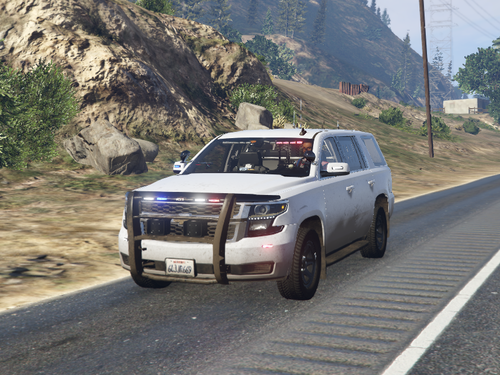
.thumb.png.860178ddb9b03fbc6ea42b04091e9413.png) This is a 2020 Tahoe and its USFS based, its not perfect, i will update it in the future but I've been busy lately so i can make it 100% perfect. My discord link is https://discord.gg/TVgFxbgu
This is a 2020 Tahoe and its USFS based, its not perfect, i will update it in the future but I've been busy lately so i can make it 100% perfect. My discord link is https://discord.gg/TVgFxbgu -
I might have it out soon, ive been busy for a while
-
-
-
 Georgie Moons
 -
https://www.youtube.com/watch?v=XnkTqcwIf0g
-
 Ofc man, enjoy the car
 -
In OpenIV they are white and in game they ares black. Its becasue they arent mapped to anything but i still pops up as black
-
They should just be black
-
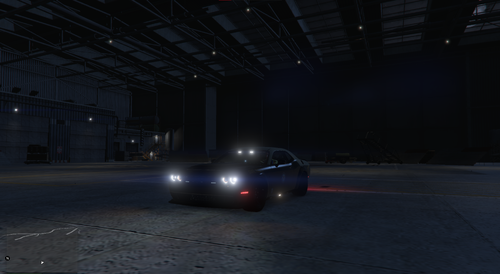
Florida Highway Patrol Dodge Demon Extra 1 - Side Floodlights Extra 2- Antenna and Puck on boot Extra12- Rear Plate https://discord.gg/JHenhAgRvJ
-
very soon
-
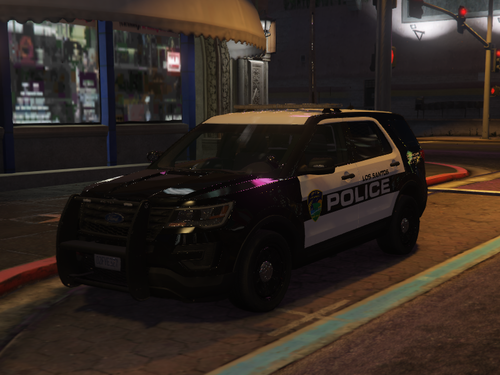 Could you send me a video on discord so i can help you out? Snap#0830
 -
https://discord.gg/JHenhAgRvJ
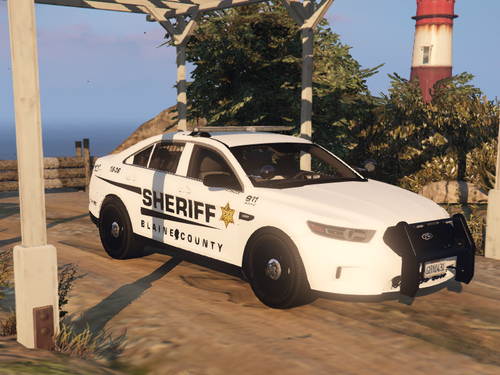 https://discord.gg/JHenhAgRvJ
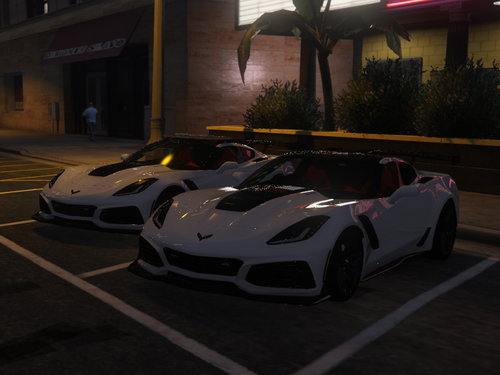 https://discord.gg/JHenhAgRvJThis is my first modeling project, and I wanted to share my progress with everyone. I have been working on an LACoFD Quint, starting with the cab first before moving on to the trailer. It will not be completely accurate to real-life specifications, but I am going to do my best to make it as detailed and realistic as possible. Right now, it is textured as Q104, but I plan on retexturing it and eventually creating a full Station 126 pack, including an Engine, Quint, and Battalion 6. If anyone has any questions, comments, or concerns, please feel free to let me know. Like I said, this is my first time working on a project like this, so I am looking forward to continuing the process, finishing the model, and eventually releasing it for everyone to enjoy.
(1).thumb.png.8b53bb424934d7b08da93964d2b581b4.png)



.thumb.png.256568bf09de04ae1673e97c115670f1.png)
.thumb.png.860178ddb9b03fbc6ea42b04091e9413.png)


