




Carrythxd
Members
-
Joined
-
Last visited
Everything posted by Carrythxd
-
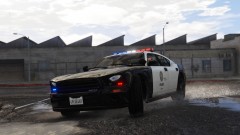
From the album: Carrythxd's Pics [V]
-
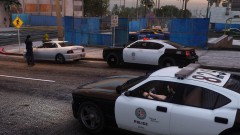
From the album: Carrythxd's Pics [V]
-
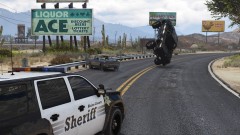
From the album: Carrythxd's Pics [V]
-
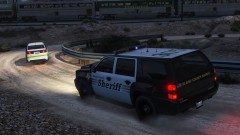
From the album: Carrythxd's Pics [V]
-
-
-
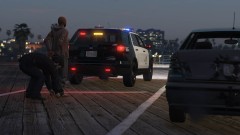 Not sure which one you mean, but the SUV is by IlayArye and can be found on GTA5-Mods and the sedan is a part of IVPack which also can be found on GTA5-Mods
 -
I meant the police station interiors & other interiors that are used in GTA Online, but not in SP that LSPD:FR then loads when it's ran via RPH, not the actual station as in you can go on duty/off duty there 😅
-
How can I disable the Sandy Shores and Paleto stations?
-
Is there a way to disable the MP maps (Mission Row/Sandy Shores/Paleto Bay police station, etc.) that LSPD:FR enables? If not, is that something that could be added in the future as something that can be disabled via the lspdfr.ini?
-
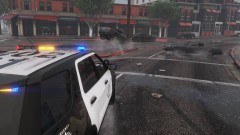
From the album: Carrythxd's Pics [V]
-
-
From the album: Carrythxd's Pics [V]
-
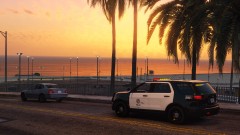
From the album: Carrythxd's Pics [V]
-
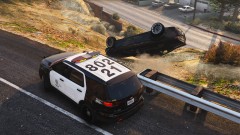
From the album: Carrythxd's Pics [V]
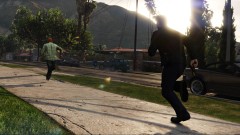
From the album: Carrythxd's Pics [V]
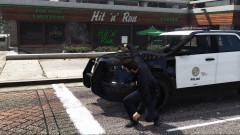
From the album: Carrythxd's Pics [V]
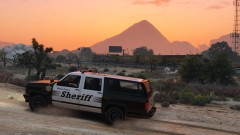
From the album: Carrythxd's Pics [V]
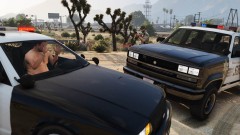
From the album: Carrythxd's Pics [V]
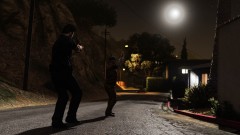
From the album: Carrythxd's Pics [V]
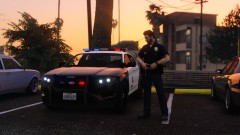
From the album: Carrythxd's Pics [V]
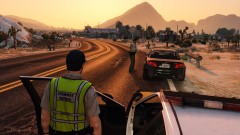
From the album: Carrythxd's Pics [V]
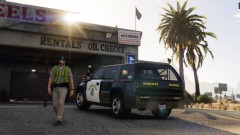
From the album: Carrythxd's Pics [V]




