Carrythxd
Members
-
Joined
-
Last visited
Everything posted by Carrythxd
-
LoL, would make a great cop car :D
-
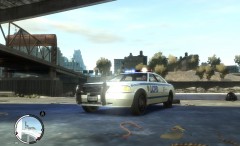 Nice! :D
 -
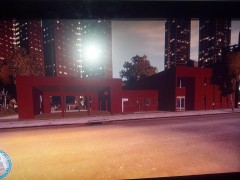 These are just amazing! Please release these when they are done! :D
 -
 Sure is! :D
 -
From the album: Carrythxd's Pics [IV]
Maybe. But naah... :D -
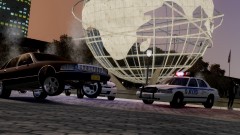
From the album: Carrythxd's Pics [IV]
Just something random lol :P I guess I could call it a little update from my vehicle pack V2. -
Yeah about that "nothing knocks them down" I was doing a LCPD:FR video a while ago and I jumped off the little "ramp" next to Pay N Spray in Broker and I just totally forgot that if you jump from that position your car will hit the street light, well it did hit the street light and my officer flew out of the windscreen XD But, I'll add that little note after the download link, thx :)
-
Oh yes, please release it :)
-
-
Yes
-
That does look freaking epic! :D
-
Thats a nice looking Stockade! :D Also to everybody you can see the Stockade at 2:23
-
Hmm.. If I dont remember wrong I think that you need to edit the cargp.dat file. I think that has something to do with the vehicles spawning ingame. Not sure tho, I might be mistaking Id check it out but Im not home atm.
-
-
 I dont honestly mind if its a high poly one... :P As long as the car is amazing Ill be happy! :D
 -
-
LOL
-
-
;P
-
From the album: Carrythxd's Pics [IV]
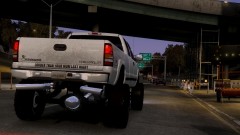
Bxbugs123's 2000 Chevrolet Silverado 2500 Lifted Edition© Carrythxd
-
Well you need to install the game if you havent already, then patch it to 1.0.7.0: http://games.softpedia.com/get/Patch/Grand-Theft-Auto-IV-Patch.shtml Then you need to download .NET Framework 4: Full Profile, Visual C++ 2010 Redistributable & Games for Windows Live Redistributable 3, and then install LCPD:FR.
-
You need to buy GTA IV...
-
Have you bought GTA IV?
-
-
I think you need to edit the american.txt file, with a .txt editor. That editor you can find from GTAGaming.