dripppy
Members
-
Joined
-
Last visited
Everything posted by dripppy
-
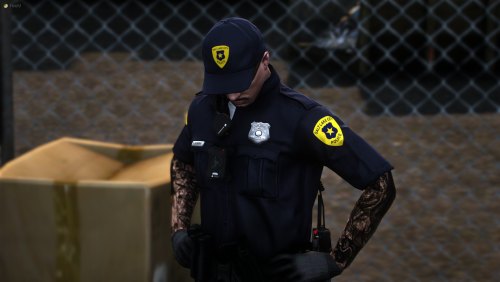 Do you have an updated discord invite? I'm interested in more of your products.
 -
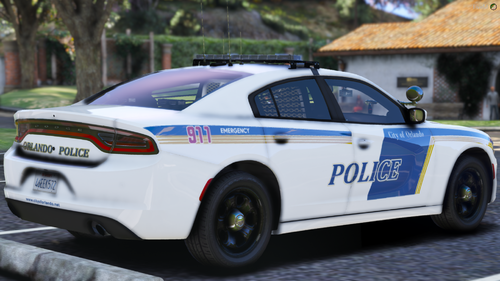 For which vehicle model..?
 -
Did you ever complete it?
-
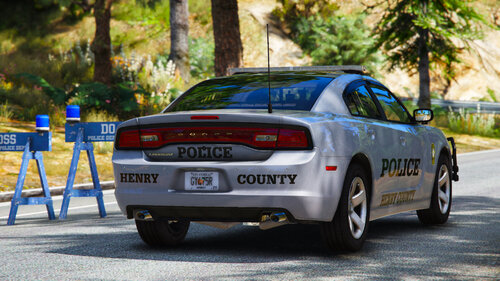 More Henry County vehicles pelase! It looks so good. @Armouredivision
 -
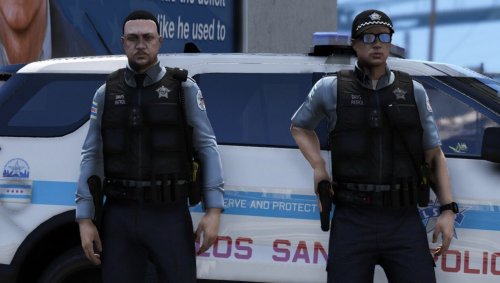 How do I equip it ingame? I don't see it in the EUP menu.
 -
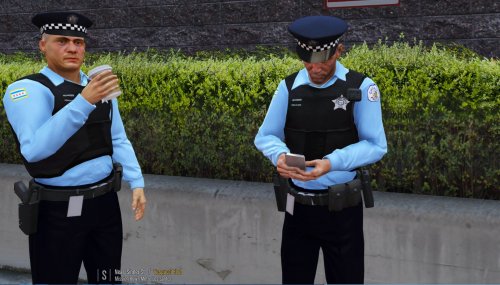 @LtRob Do you have the one for the Cop ped? The link doesn't work in the readme.
- 4 comments
- 1 review
-
.thumb.png.515c6f2c744f2c685b7c848e7e3a8ee0.png) These look amazing, please make more Cook County EUP for 9.3!
These look amazing, please make more Cook County EUP for 9.3! -
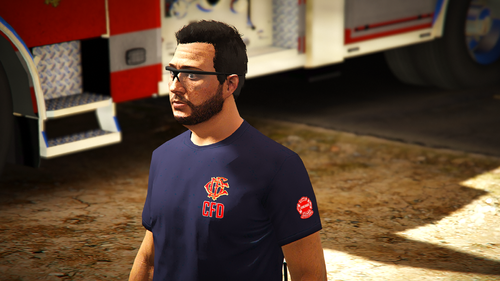 Which Version of EUP is this for?
 -
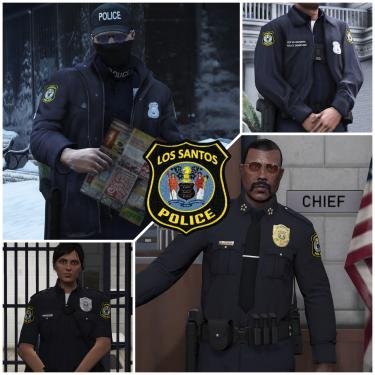 Who made the characters? And are they included? I am trying to recreate them.
 -
-
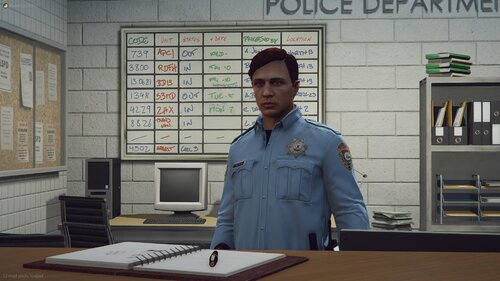 No install instructions?
 -
 Even though this was a year ago, Grand Theft Auto V\mods\update\x64\dlcpacks\eup\dlc.rpf\x64\eup_componentpeds.rpf\mp_f_freemode_01_female_heist
 -
-
 HOW TO INSTALL 1) Open up OpenIV 2) Navigate to Grand Theft Auto V\mods\update\x64\dlcpacks\eup\dlc.rpf\x64\eup_componentpeds.rpf\mp_m_freemode_01_male_freemode_hipster 3) Rename the "accs_001_u.ydd" to "accs_000_u.ydd" 4) Rename the "accs_000_a_uni.ytd" to "accs_000_u.ytd" 5) Drag and drop the files into the place you naviagted to 6) Your done! Try the instructions I just sent. Try the instructions I just sent.
- 13 comments
- 1 review
-
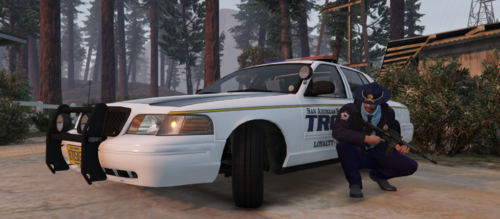 You can download San Andreas Ultimate Backup and all of the other officers should have the uniform. Link is provided below; https://www.lcpdfr.com/downloads/gta5mods/misc/28735-san-andreas-ultimate-backup-eup-complete-edition/
- 24 comments
- 1 review
-
-
-
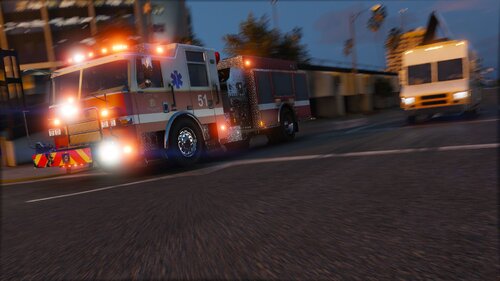 This should be the updated link for this pack. https://modification-universe.com/forums/resources/pierce-arrow-xt-pack-vg.61/
 -
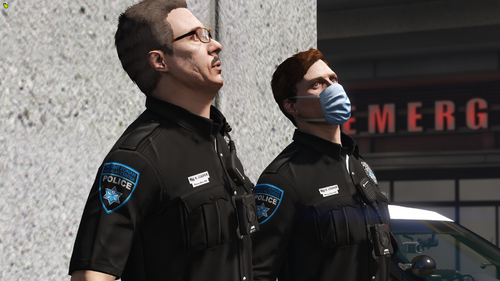 How do you download this?
 -
-
-
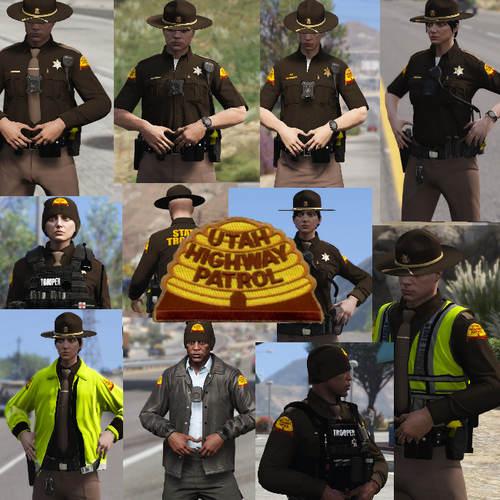 So for anybody else who downloads this, you CAN NOT use it for EUP. It can only be used for AIs but If you did wan't it for yourself you couldnt do it for your character. SETUP INSTRUCTIONS DOWNLOAD THE PACK Scroll down, press "Download this file" OPEN IN WINWAR Or whatever app you use to open these type of files NAVIGATE TO THIS PATH mods > update > x64 > dlcpacks > pathday3ng> dlc.rpf > x64 > models > cdimages> patchday3ng.rpf DRAG THE FILES INSIDE The files under "Ped Models", drag them inside the white blank space when not hovering over anything via Open IV HOW TO GET IT YOURSELF (Must first setup/download) OPEN SIMPLE TRAINER By pressing F3, open simple trainer NAVIAGTE TO MODEL SPAWNING Go to "Model Spawning" and press NumPad5 FIND IT Scroll down untill you see a file that starts w/ s_m_y Then keep pressing NumPad6 until you find the one that says "s_m_y_hwaycop" Once you get to that, press NumPad5 and you're good to go NOTE: YOU CAN NOT GET THE OUTFIT W/ YOUR CHARACTER'S OUTFIT
- 7 comments
- 3 reviews
-
Would someone be able to help me? The only instructions on the download were "OPEN IV MODS-UPDATE-X64-DLC PACKS-PATCHDAY3-DLC.RPF-X64-MODELS-CDIMAGES-PATCHDAY3NG.RPF" and I don't understand it. Like what do I put in there? The Ped Models, The Textures???
- 7 comments
- 3 reviews


.thumb.png.515c6f2c744f2c685b7c848e7e3a8ee0.png)