Amateur LSPDFR
Members
-
Joined
-
Last visited
Everything posted by Amateur LSPDFR
-
When I enter the command "Force duty" in the console, the LSPDFR breaks down. I have no idea what the reason is. I did everything I could, but nothing helps.RagePluginHook.log
-
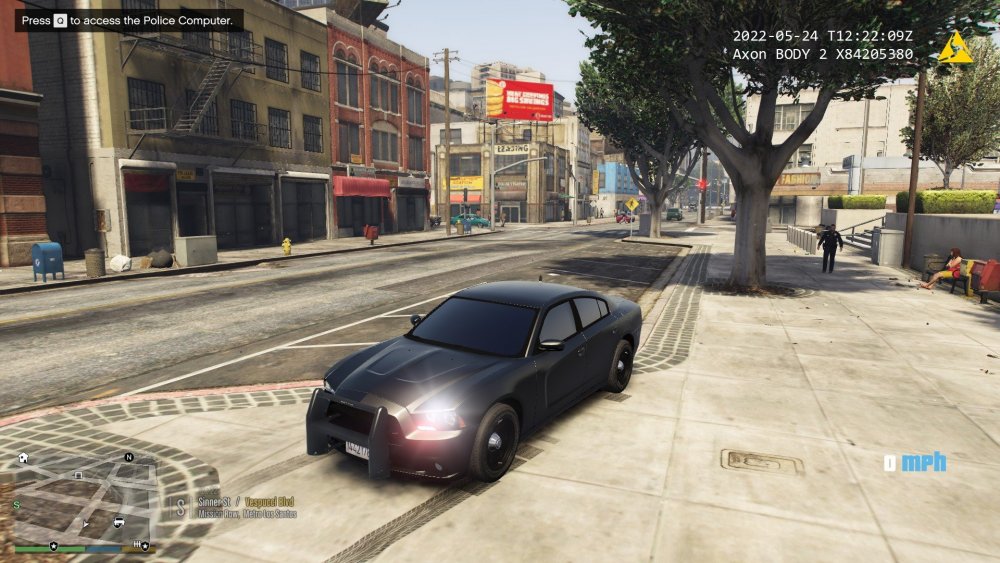
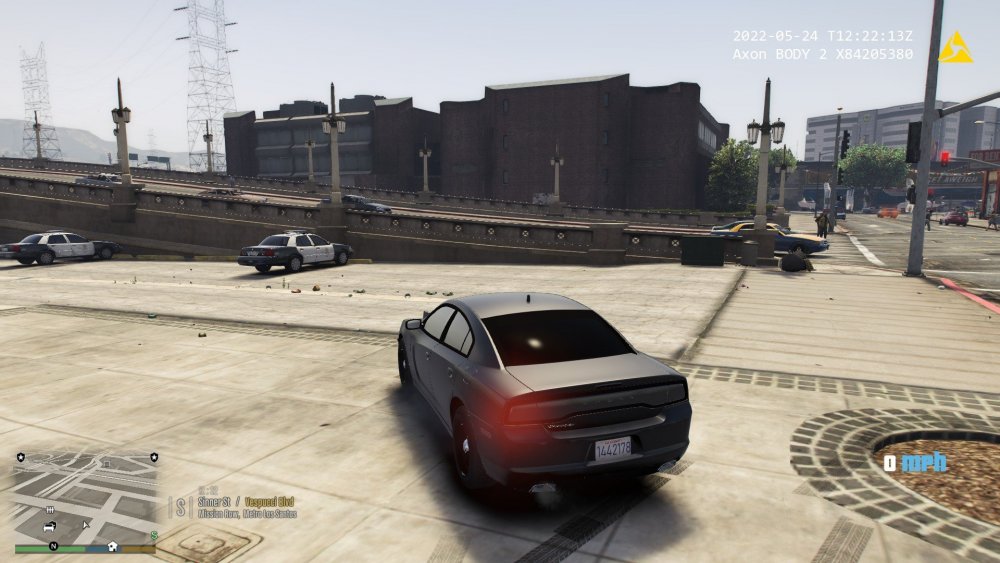
Tinted windows, headlights on the Dodge Charger from the "LAPD 2020" pack. Vehicles.meta changed, does not affect it in any way. What should I do?
-
-
Yes, the game is licensed
-
I completely forgot to say that cars also arrive dirty in some places
-
This problem is with all packs and cars
-
Yes.
-
When I request reinforcements from the ghetto area, regardless of what, the original LSPDFR or Ultimate Backup, it arrives with clumsy or with the flashing lights turned off, as well as with a dirty car by code 3. Why is this happening? What should I do? Example:
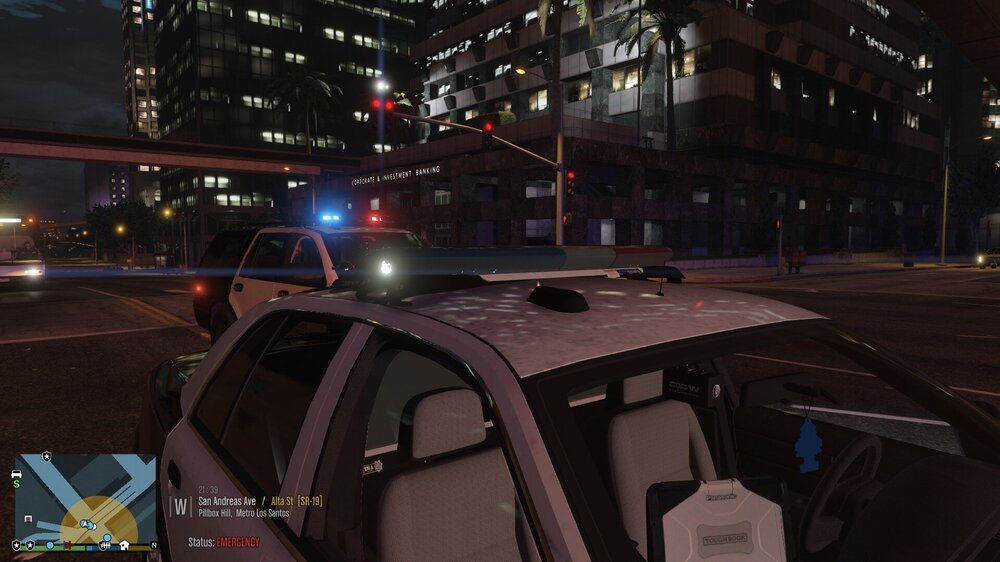
-
It's decided.
-
While loading GTA 5, I just have a black screen, then nothing happens. I also noticed that if I rename the mods folder to _mods, then the game starts successfully. I don't want to reinstall it, as I have a large number of mods installed. What can I do about it? RagePluginHook.log
-
I installed GTA 5 in SteamLibrary on disk D. Everything used to work well.
-
The game crashes without an error, what could be the reason for this problem? RagePluginHook.log
-
Yes, I use a translator. The game crashes without an error. I will try.
-
No, the game does not crash without RPH. The departure occurs at the moment when I try to go to the LSPDFR shift. I have a folder with mods present. Here is the full RagePluginHook. log.
-
What can be the reason for the departure?
-
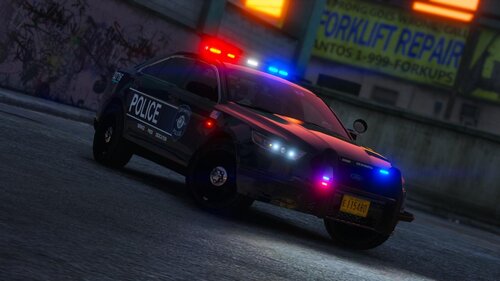 Wonderful pack! Cars without bugs and flaws, this is very good. It would be nice to create a Slicktop model of any brand to your taste.
- 53 comments
- 13 reviews
-
-

- 1
-
-
I'm asking for help, what caused the crash? Last lines:
-
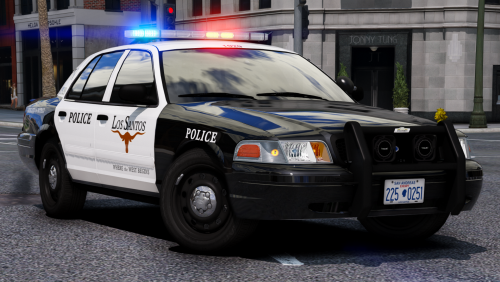 As in my opinion, this is the best pack! But how to remove these rear white flashing lights that almost cause epilepsy?
- 283 comments
- 95 reviews
-
-
- 2
-
-
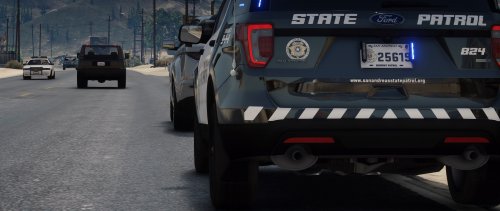 I haven't seen such packs yet) I really liked this build, I just don't want to go into the game without it now. How could I change the flashing lights to completely blue?
- 159 comments
- 10 reviews
-
-

- 1
-
-
-
 Я не могу выбрать ваши отряды и все остальное в меню полицейских шкафчиков. Что мне с этим делать?
- 2,346 comments
- 236 reviews
-
 В чем же проблема? Когда я нажимаю кнопку "Перейти на дежурство", я иду к полицейским шкафчикам, я не могу выбрать свою форму, кроме "офицер полиции", в то время как стандартная форма изменилась. Самое главное, что меню не изменилось-Как я могу это исправить? Фактически мои отряды исчезли
- 631 comments
- 71 reviews
-
Hello everyone. Perhaps this is not a bug or an error, but the situation is like this. Not far from me, you can see a red marker on the minimap, it is a driver, and if you approach it, the inscription Joining and a filling strip will appear in the lower right corner, and after it is filled, the chase will begin. But at the same time, this driver did not violate anything, I am also not on the callout, and I do not remember him at all. He just started to get away from me when I'm not even trying to hold a traffic stop. This bothers me a lot. How can I fix it or remove it?
-
Thank you for the very realistic skins. I had a problem after installation, before after going on shift (Pressing the Go on Duty button), you could choose an inventory, but now you can't choose it, even when you choose a SWAT inventory, nothing changes, you still have a standard set for patrol, a pistol, a taser, a flashlight, a baton. What should I do with it, or will I have to live with it?
- 2,346 comments
- 236 reviews
-
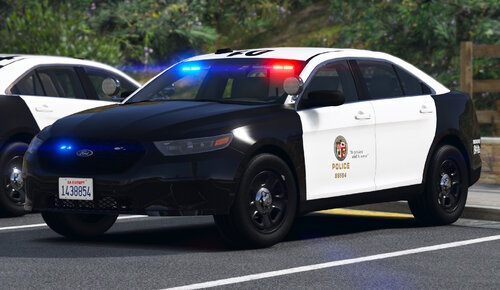 I already understand that this package of cars is not bad. But I just crash the game after I install the pack. I do everything according to the instructions. I'm asking for help.
- 251 comments
- 75 reviews