Skip to content
View in the app

A better way to browse. Learn more.

LCPDFR.com

A full-screen app on your home screen with push notifications, badges and more.

To install this app on iOS and iPadOS
  1. Tap the Share icon in Safari
  2. Scroll the menu and tap Add to Home Screen.
  3. Tap Add in the top-right corner.
To install this app on Android
  1. Tap the 3-dot menu (⋮) in the top-right corner of the browser.
  2. Tap Add to Home screen or Install app.
  3. Confirm by tapping Install.

4shotPhotography

Members
  • Joined

  • Last visited

  1. Smooth steering isnt functional. This was the only good handling mod. Sad to see it abandoned
  2. 4shotPhotography changed their profile photo
  3.    Evissam reacted to a comment on a file: Dodge Sprinter BCSO Van
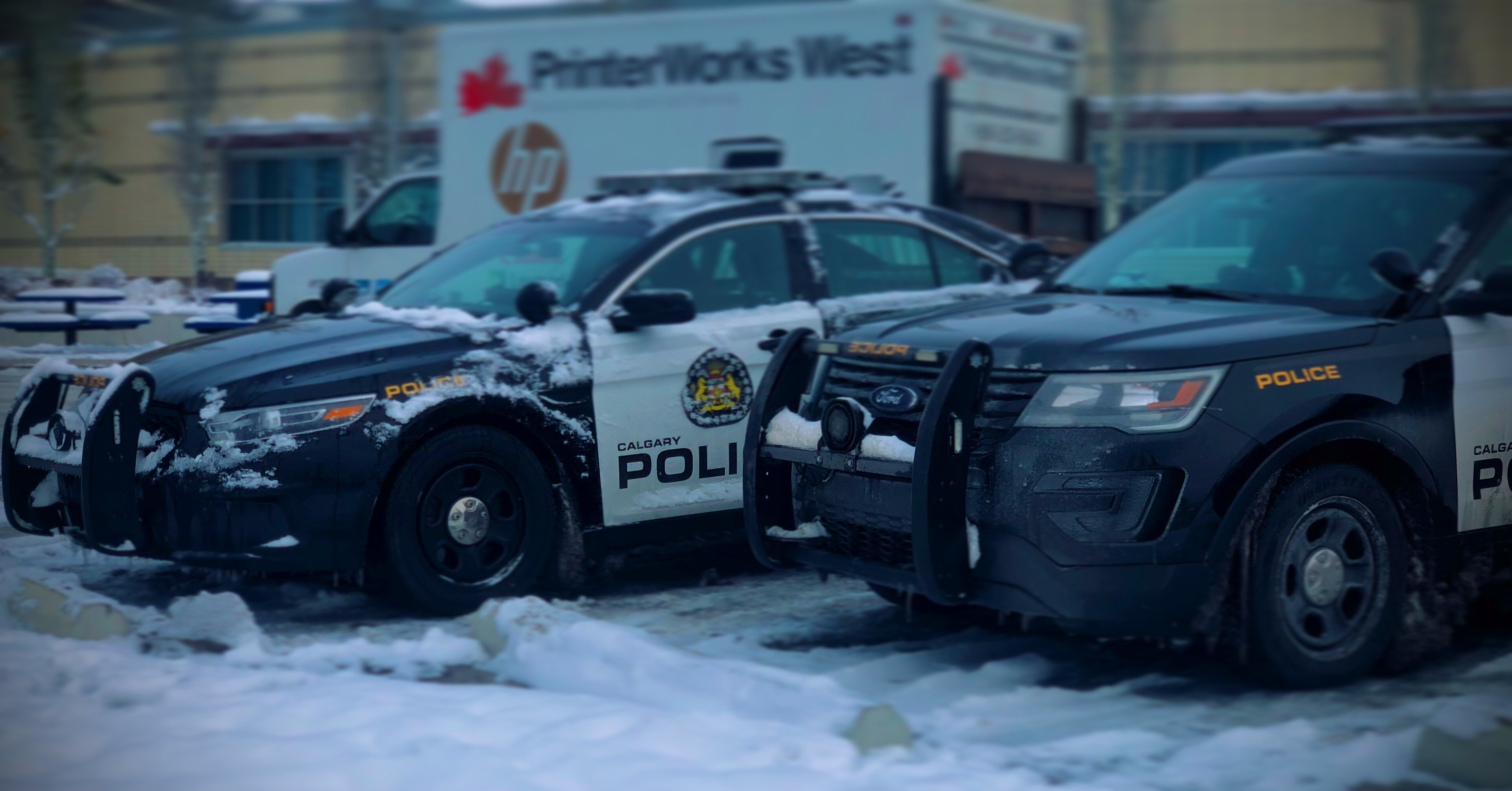
  4.    4shotPhotography reacted to a gallery album: Calgary Police Liveries WIP
  5.    Jimmy Vance reacted to a comment on a file: Dodge Sprinter BCSO Van
  6. 4shotPhotography started following Lt.Caine
  7. 4shotPhotography started following Faya
  8. absolutely fire been using this for a while, it isn't hard to switch from using this to a normal PC driving game without having muscle memory issues which is a huge part of this i like. makes vehicle movement realistic unlike literally every other driving mod ever absolutely perfect
  9.    JayCole420 reacted to a comment on a file: Dodge Sprinter BCSO Van
  10.    POLICESCO reacted to a comment on a file: Dodge Sprinter BCSO Van
  11.    sheriffAdot reacted to a comment on a file: Dodge Sprinter BCSO Van
  12.    4shotPhotography reacted to a comment on a file: [ELS] Calgary Police Pack
  13.    Trp. Keaton reacted to a comment on a file: [Hybrid] Schaumburg Police [Add-On]
  14.    TheCanadianDream reacted to a comment on a file: San Andreas First Responders Pack
  15. you have really outdated plugins that come with this
  16.    4shotPhotography reacted to a comment on a file: Emergency Lighting System
  17. is it possible you attached the wrong file cause this isnt working
  18. this immediately breaks tell people that it does

Account

Navigation

Search

Search

Configure browser push notifications

Chrome (Android)
  1. Tap the lock icon next to the address bar.
  2. Tap Permissions → Notifications.
  3. Adjust your preference.
Chrome (Desktop)
  1. Click the padlock icon in the address bar.
  2. Select Site settings.
  3. Find Notifications and adjust your preference.