iiYeet
Members
-
Joined
-
Last visited
Everything posted by iiYeet
-
-
-
-
-
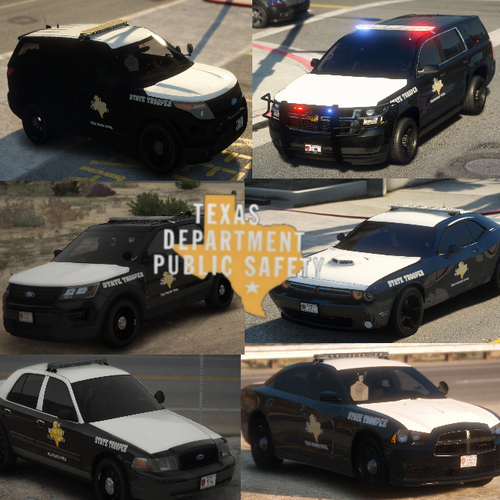 If only a bike unit came with this.
 -
 I figured out how you can use these peds; with simple trainer do Model Spawning > Search for Player Model > Swat > s_m_y_swat_01
- 45 comments
- 5 reviews
-
-
-
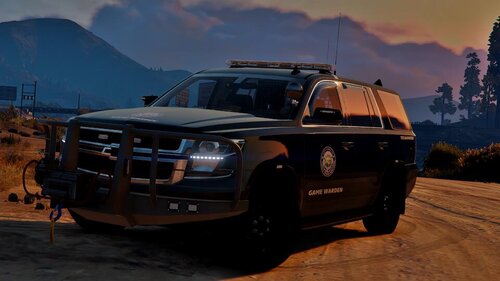 It works fine, but for some reason there is a deer in the back of my truck. How do I get rid of it?
- 38 comments
- 7 reviews
-
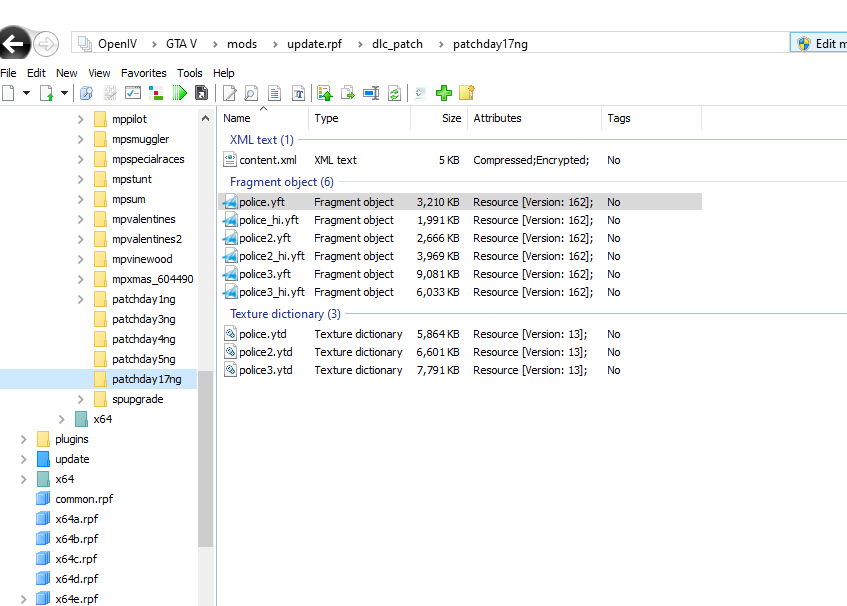
Nvm, fixed. All I had to do was drag the files from plugins
-
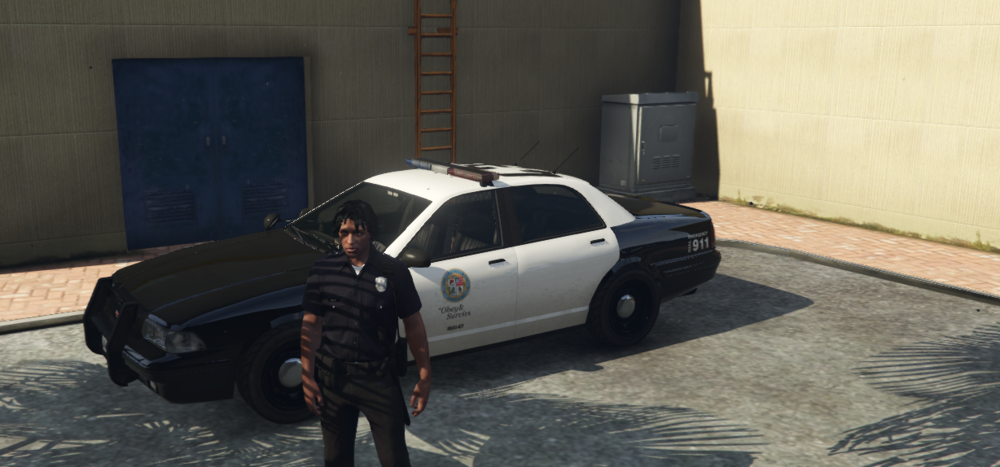
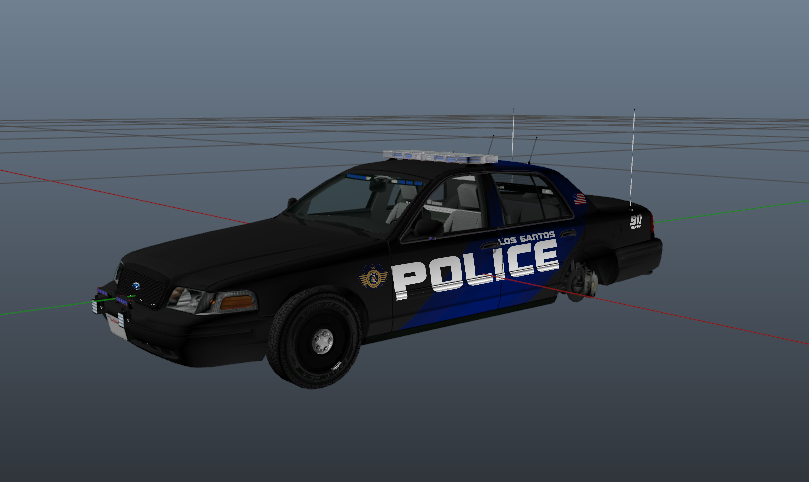
I've done car mods before and normally it would work. But now when I do it the way I've been doing, the cars aren't showing properly ingame. This is what comes up when instead should be this.