


nokknokkopenup
Members
-
Joined
-
Last visited
Everything posted by nokknokkopenup
-
-
Run this in the consol "PluginTimeoutThreshold 60000""
-
Go into your game and run this in the Console "PluginTimeoutThreshold 60000" that worked for me
-
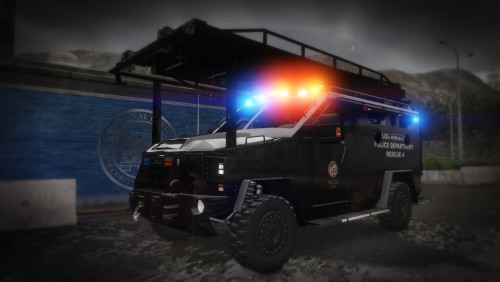
.png.b30719ce9a42187288791f94e9d64a0e.png) Is ther an Download link for the Mrap?
Is ther an Download link for the Mrap? -
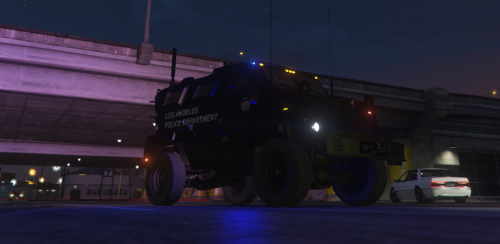 Important This is just a reskin, the vehicle model is one of Raylan Givens, you have to download the original and replace it Original Model:
 -
-
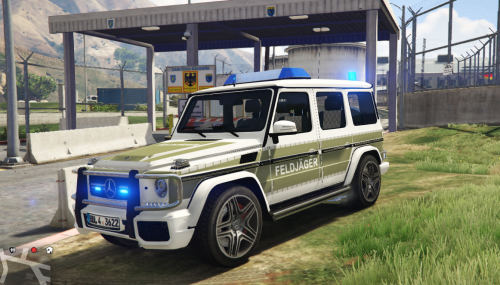 Wichtig Das ist nur ein Reskin das Fahrzeug Model gehört Top Mods ihr müsst das Original downloaden und mit dem beigelegten detein replacen und den namen auf "Crusader" änderen dann wird die G Klasse auch in der Militär Basis rumfahren Important This is just a reskin, the vehicle model is one of Top Mods, you have to download the original and replace it with the enclosed detein and change the name to "Crusader" then the G class will also drive around in the military base Original Model: https://de.gta5-mods.com/vehicles/mercedes-benz-g-klasse-polizei-brandenburg
- 1 comment
- 1 review
-
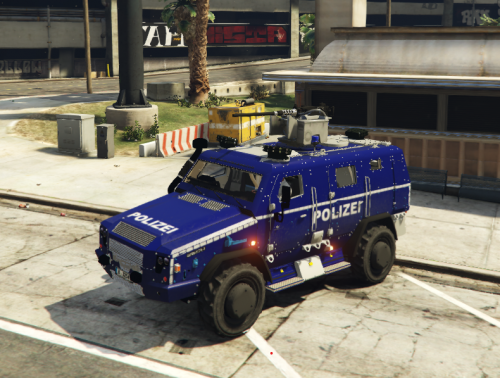 Its linked in the Readme
 -
You need to download the Original vehicle and then u need to replace the YTD
-
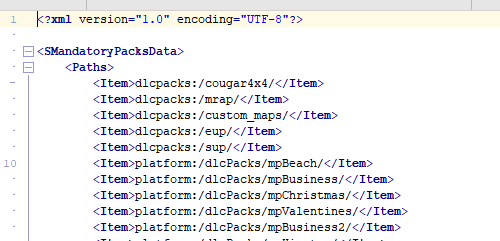
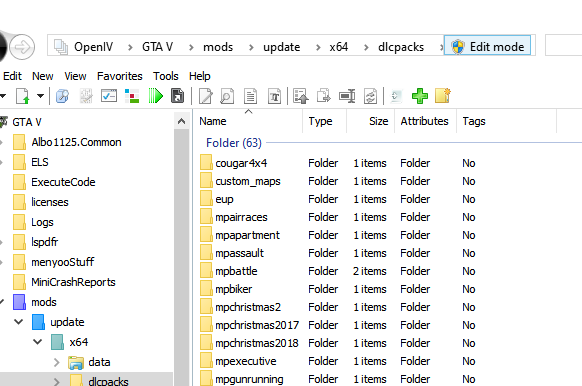
Everything what an addon is isint working the "San Andreas Tree Project" isint working and i dont know why its isint working
-
.thumb.png.626c253064b0f07fd7234997c6bdb3f6.png) Very cool Ford and an command center that looks preety good iwould be happy if some more cars get released you did an good job
Very cool Ford and an command center that looks preety good iwould be happy if some more cars get released you did an good job- 9 comments
- 1 review



.png.b30719ce9a42187288791f94e9d64a0e.png)
.thumb.png.626c253064b0f07fd7234997c6bdb3f6.png)