Tiago2007salgado
Members
-
Joined
-
Last visited
Everything posted by Tiago2007salgado
-
RagePluginHook.log For some reason from one day to another my game RPH decided to crash my game, I made no modifications to any plugins or ot my mods folder one thing I noticed is that the game wont crash if I have LSPDFR checked in the RPH plugin list, I've run out of ideas and don't know what to do
-
I found the issue, I was using the old scripthookvdotnet and had to switch to the new nighlty version
-
RagePluginHook.logIt worked like 2 days ago, I already tried renaming my mods folder to _mods but it still happens
-
RagePluginHook.logI just reinstalled my mods folder and when I got ingame it either crahes after a few seconds or it take awhile to crash on and off-duty
-
Managed to find the solution in another post, I had to delete siren limit adjuster
-
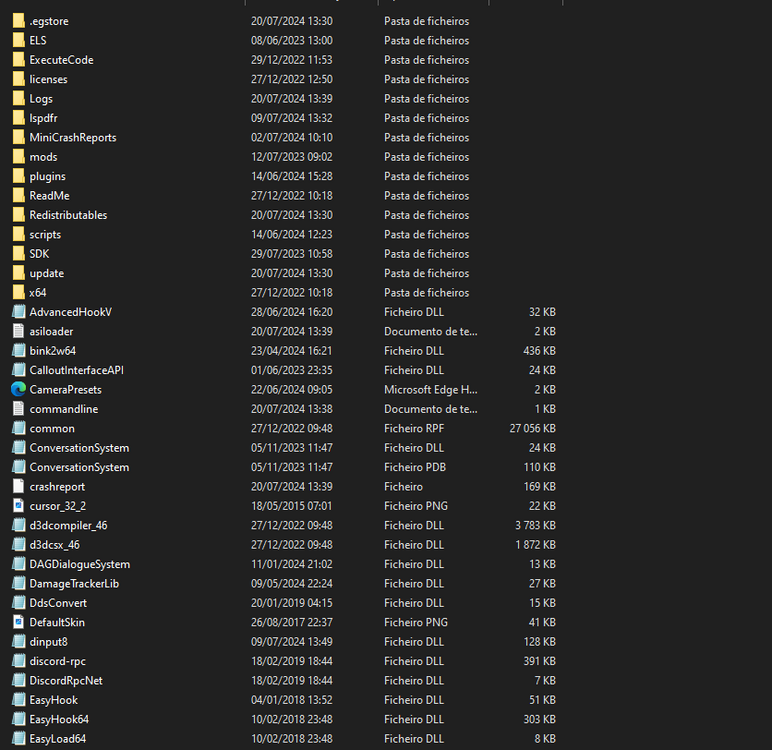
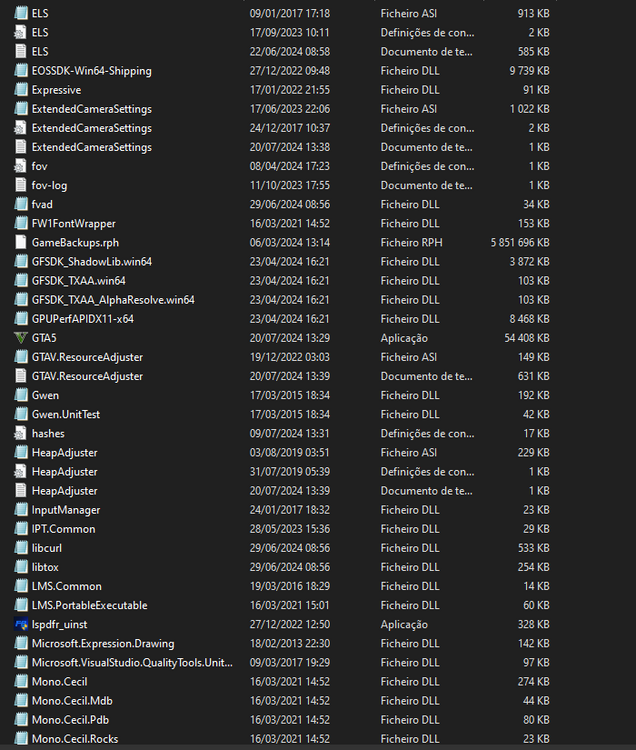
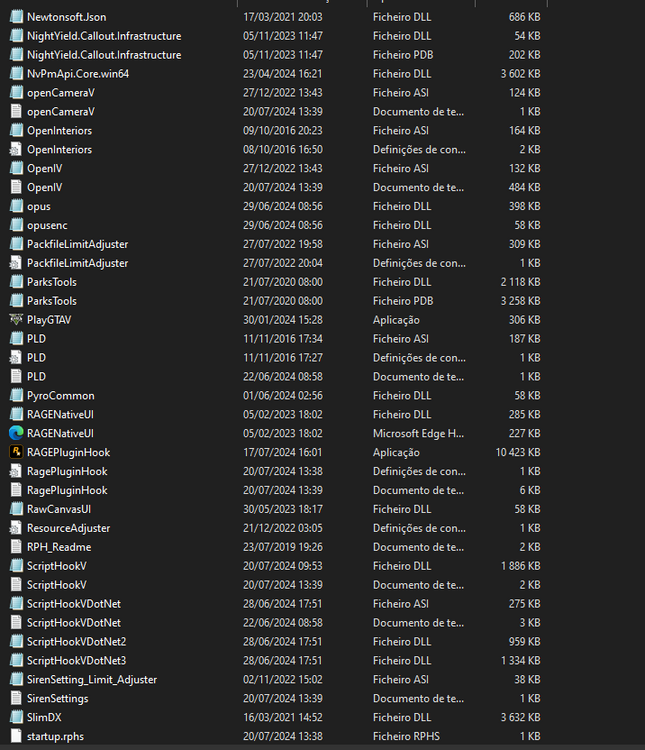
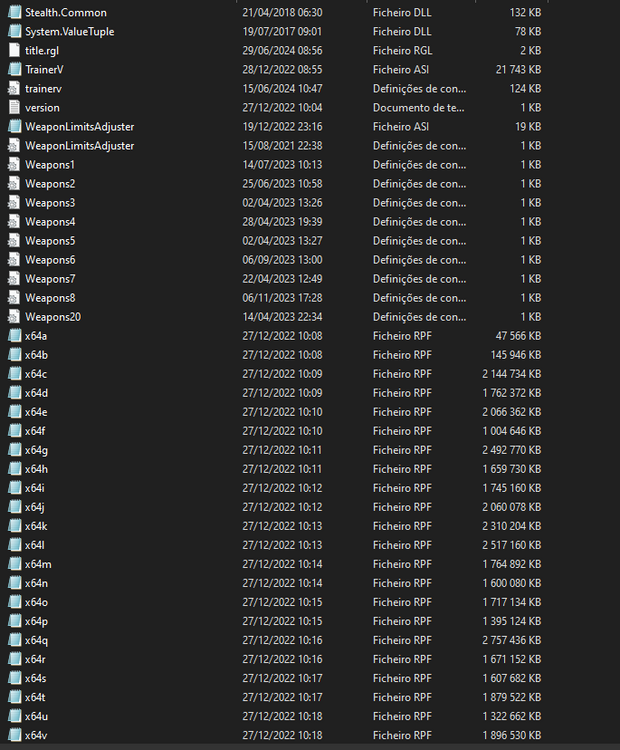
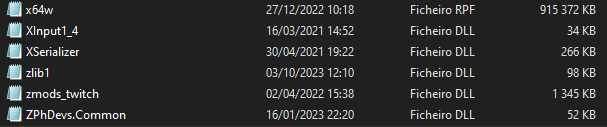
Before this update the game kept doing this, eventually sometimes the game loaded with no problems after renaming dinput8 to _dinput8 and I deleted all my ASIs but when ingame my mods aren't loaded, I updated my moRagePluginHook.logds folder by putting in update and update.rpf and transfering my cars into the new patch but it still doesn't work, including my DLCs and addons etc.
-
I installed https://www.gta5-mods.com/vehicles/ivpack-gtaiv-vehicles-in-gtav#comments_tab https://www.gta5-mods.com/maps/trees-and-lights-beta-5-4#comments_tab And I've already uninstalled them but I noticed that the GTAIV cars mod uninstaller didn't work so I uninstalled it myself and now the game crashes after it opens for a few seconds and it doesn't give out a RPH log Nevermind I had to reinstall my gameconfig
-
Fixed it, I joined a support server and used a bot they have, I updated and deleted some plugins and reinstalled the lspdfr manual install works now thanks you the help!
-
Like remove stuff or
-
still crashes
-
where do I find the weapon saves
-
still crashes, the crash actually happens then I open fire with any gun for some reason
-
-
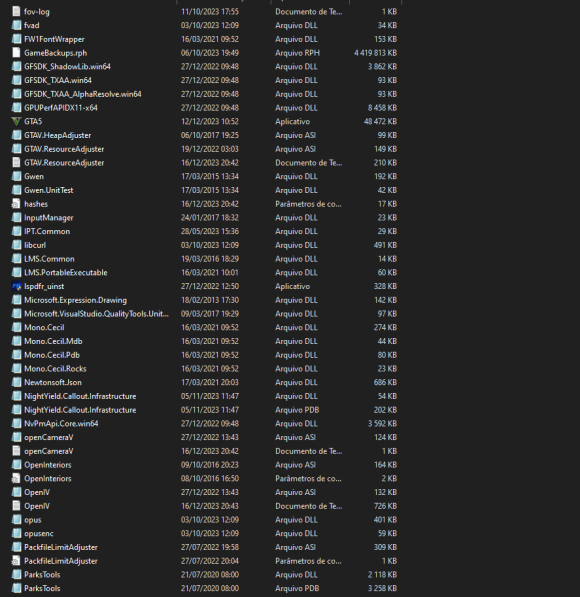
I updated both the rageplugin hook and scripthookv and the game config, whenever I go on-duty lspdfr just crashes for Exception type: System.AccessViolationException Exception message: Attempted to read or write protected memory. This is often an indication that other memory is corrupt. I rename my mods folder to _mods but it just crashes RPH when loading into GTA RPH log before renaming mods folder: RagePluginHook_16122023_200720.log RPH log after renaming mods folder: RagePluginHook.log
-
Nvm I found out why it's because of a outdated trainer that I had installed.
-
I updated the RPH and Script hook and when I tried to loaRagePluginHook.logd in the game crashes on loading with and without renaming both the script and mod folder to _script _mod
-
nvm ima try now
-
Now my Ragw Plugin hook wont open
-
for some reason my whole game just crashes after a few minutesRagePluginHook.log
-
 Ok thank you and good work with these packs really digging them!
 -
I mean the ydd files does it replace some stuff?
-
is there a way that you can make a version with just textures and not models, and textures that only replace stuff for SAHP?
-
-
Big news I saw one of the NPCs that would shoot me and I opened fire and he didn't do anything I also got into tome callouts with shootings and I haven't been attacked so I think it's all good btw love your trunk control mod I use it sometimes to RP getting swat gear off the trunk!
-
For some reason it crashes like the rage crash but when i check it all it says at the end is "game has shutdown"