iEnerrgizer
Members
-
Joined
-
Last visited
Everything posted by iEnerrgizer
-
Hello there, i was just wondering what ENB, Police Cars, and Scripts work really good together and doesn't make LCPDFR 1.1 Crash a lot. I really want to play GTA IV without it crashing after 10min or less.. My Specs are listed below..... Any help works for me :D -iEnerrgizer Video Card: GeForce GT 750M Hard Drive: 1 TB RAM: 8.0 GB i7-3630QM 2.40 GHz Quad-core (4 Core) Windows 8 (64-bit)
-
Somethings i'd like to see for LSPDFR is : 1.) MVA's calls (And you can have certain roles to do at the accident) 2.) Another Traffic stop assistance or (BackUp) Script 3.) Some Crown Vics, Tahoes, and Chargers (Get rid of the cheesy mock-up versions of those)
-
-
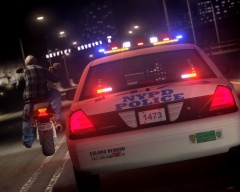 Car link?
 -
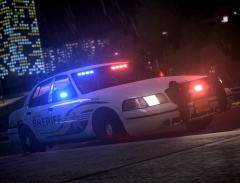 what ENB is that? That looks SO BEAUTIFUL!
 -
-
-
-
-
can anyone give me the name of this charger or send me a link?
-
I've been looking around and i can find any State trooper skins that are cool. Can any one help me out?
-
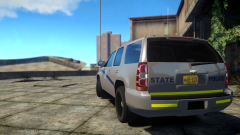 Keep up the good work! :)
 -
Where can i get a link? The skins look sweet!
-
link? it looks SWEET!!! :)
-
Can anyone please give me a link to this dodge charger please?
-
-
-
-
-
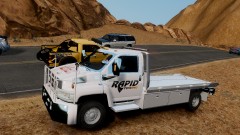 link please?
 -
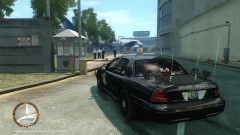 is there any way i could get my hands on this awesome thing?:)
 -
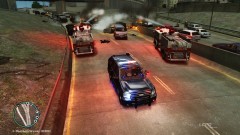 could some plz send me the link to the awesome tahoe?
 -
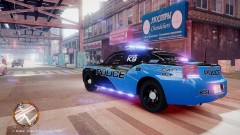 could some one plz PM me the link im dying to use this car??????
 -
Does LCPDFR 0.91 work on windows vista
-