


Nightz Development
-
Joined
-
Last visited
Everything posted by Nightz Development
-
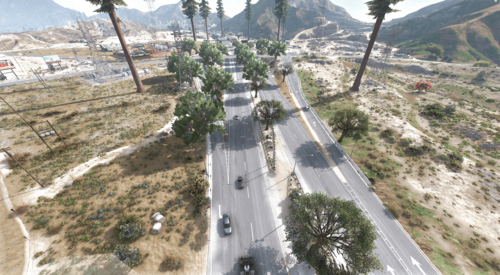 Odd. Do you have your Distance Scaling up
 -
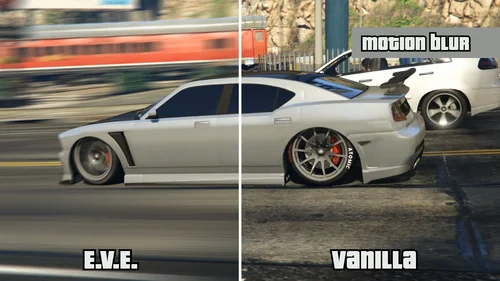 IMPORTANT: Due to the way this mod works, the original Rockstar Editor video file will NOT be saved to the disk (actually it does, but it will be empty). The complete video will be exported to the folder specified in the .ini file. The default location is your user's Videos folder. NOTE: For high resolution exports without DSR, use this guide by Kravencedesign Note that this is not tested with version 0.5.0 of the mod, please confirm it in the comments if you managed to make it work. NOTE: Currently the mod only works in Windowed and Borderless Window mode. Your Graphics > Render Resolution and Advanced Graphics > Resolution settings MUST be the same value in game settings. Source code for this mod is available on GitHub. You can watch a showcase of some of the features here. Extended Video Export Extended Video Export is an enhancement mod for GTA V, aimed at directors who want better export options from Rockstar editor. Requirements ScriptHookV or FiveM Voukoder 13.3. Might work with other versions. Latest version of Microsoft Visual C++ 2015 - 2022 Redistributable [FiveM] Added Game Build Support 3095 3258 3324 [SP Changes] https://www.gta5-mods.com/scripts/extended-video-export#description_tab
 -
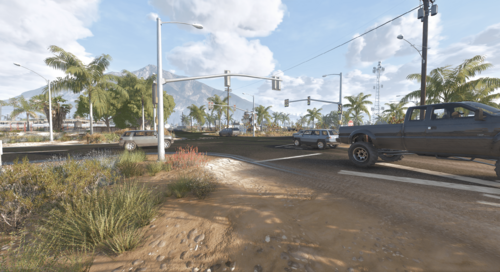 I think it has to do with the new GTA Update. But I could be Wrong, I will Investigate when I get the Time.
 -
Hello Sorry for the Late Response can you send us photos or a clip of what you mean Hello Sorry for the Late Response, What errors or issues were you having
-
From the album: Route One Updated V3.3
-
What's New in Version 3.3 Released December 8 Beta Includes SP FiveM FiveM Client TO GET MORE BETA UPDATES PLEASE REQUEST @ND | Beta Tester
-
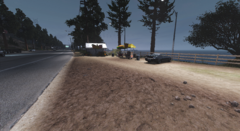
From the album: Route One Updated V3.3
-
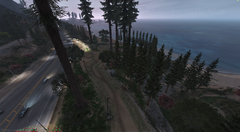
From the album: Route One Updated V3.3
-
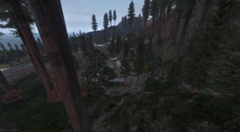
From the album: Route One Updated V3.3
-
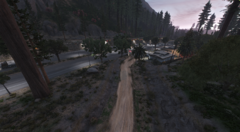
From the album: Route One Updated V3.3
-
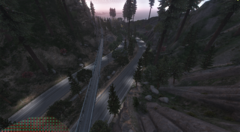
From the album: Route One Updated V3.3
-
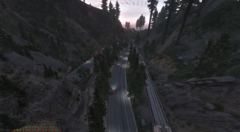
From the album: Route One Updated V3.3
-
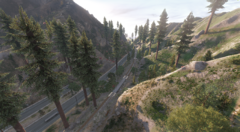
From the album: Route One Updated V3.3
-
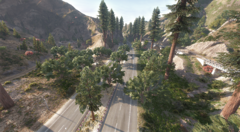
From the album: Route One Updated V3.3
-
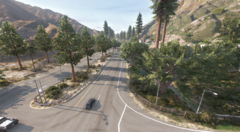
From the album: Route One Updated V3.3
-
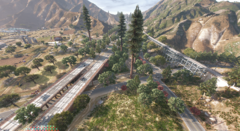
From the album: Route One Updated V3.3
-
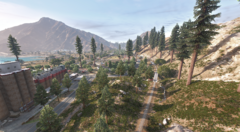
From the album: Route One Updated V3.3
-
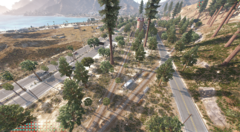
From the album: Route One Updated V3.3
-
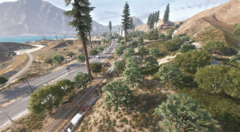
From the album: Route One Updated V3.3
-
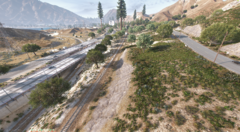
From the album: Route One Updated V3.3
-
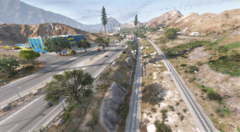
From the album: Route One Updated V3.3
-
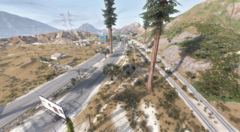
From the album: Route One Updated V3.3
-
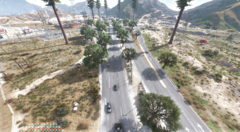
From the album: Route One Updated V3.3
-
I would Download the Beta one. I messed up while updating it earlier and didn't fix it. So I updated the File and Removed V3.0 I would Download the Beta one. I messed up while updating it earlier and didn't fix it. So I updated the File and Removed V3.0
-
 Features Overview: Graveyard Info /sendtograve <playerID> <time>. /Releasefromgrave <playerID> Customizable timer – choose how long they stay in the graveyard. Randomized teleport after their time is up to a nearby hospital or outside location. Ace Perms for Standalone Config.RequiredRoles Real-Time NUI Timer Players will see a cool countdown timer on their screen during their stay in the graveyard. When the timer hits 0, the player will be released and teleport randomly to a hospital. Detailed Logging & Webhooks Discord Webhooks with detailed player actions: Example: "Alex P. (ID: 1) sent John D. (ID: 3) to the graveyard for 300 seconds." Example: "Admin Alex P. released John D. from the graveyard." Custom embed colors for sending and releasing actions. FAQ Q: How can I download or purchase additional Nightz Development products? A: You can join our Discord server to browse and download products. Some items may also be available on LCPDFR. Q: How can I get in touch with Nightz Development for collaboration or other inquiries? A: Feel free to reach out through Discord or on LCPDFR. We’re open to collaborations, feedback, and any questions you may have. Q: How often are maps and products updated? A: Updates are released based on ongoing development and user feedback. Some updates may coincide with new map releases or enhancements. Q: What should I do if I encounter an issue with a map, even after reading the provided documentation? A: Please join our Discord server and open a support ticket. A developer or support team member will assist you as soon as possible. TOS [1] You shall not claim any products, scripts, or items created by Nightz Development as your own. Respect the effort and originality put into these creations. [2] You are not permitted to rip, modify, or alter any of Nightz Development's files without express permission. [3] These files are approved for use in FiveM servers only. Any other usage must receive explicit consent. [4] Do not redistribute, resell, or upload these files anywhere else without direct permission from Nightz Development. Unauthorized distribution, whether free or for profit, will result in the removal of these files from your possession and potential further action.


