


LordZeus3624
Members
-
Joined
-
Last visited
Everything posted by LordZeus3624
-
-
 A great pack. Thank you! Do you think you'll be adding in replacements for the new police vehicles that have been added??
 -
Hey guys I was wondering if anyone happens to have a list of the new police car sapwan codes or OIV names at all? Thanks
-
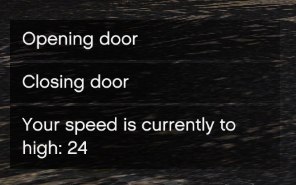 Any chance you'll be adding an ini so we can chose what doors open and at what speed?
 -
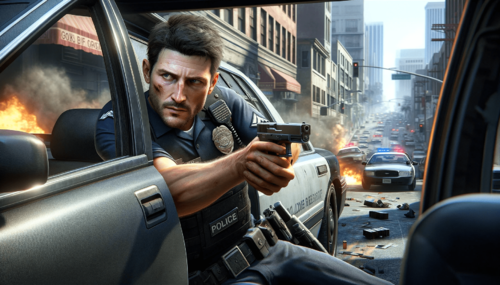 Got to say it looks AWESOME!! Can I ask which AI generater you used as I would love to make a British based one for my LSPDFR and my FiveM Server but all the ones that I try and use F**K them up 😞
- 8 comments
- 4 reviews
-
-
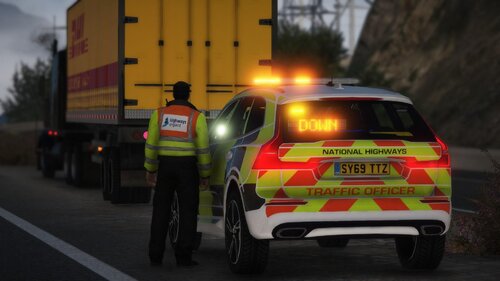 I am working out a way to add HWE in as an agency that spwans around so wouldn't mind an updated virson 😛
 -
 Well what can I say! I have been looking for a decent backup script for a while now and none of them have ever held up to what I want until now! This my good man is AMAZING! Been testing it all night and it really is above the rest! Just need to get a UK config and it will be the best LOL
 -
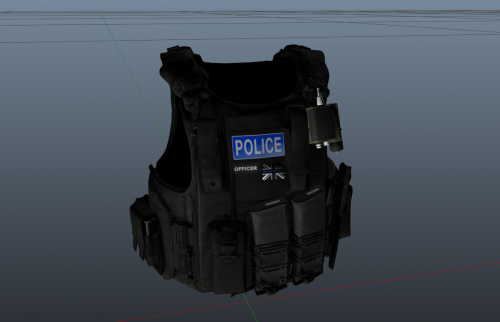 You simply use OIV. Make sure you have the Hanako Vest and Earpiece installed. Its Vest 8 Reworked. Once its installed through OIV find it in mp_m_freemode_01_mp_m_january2016 and then select task_diff_001_a_uni click replace and select the PNG in the download
 -
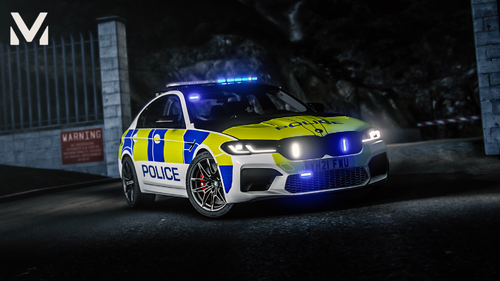 Rather then spwaning it in use the police garage and make sure that all of the components are turned OFF. This will fix your issue.
 -


