Pepicek123
Members
-
Joined
-
Last visited
Everything posted by Pepicek123
-
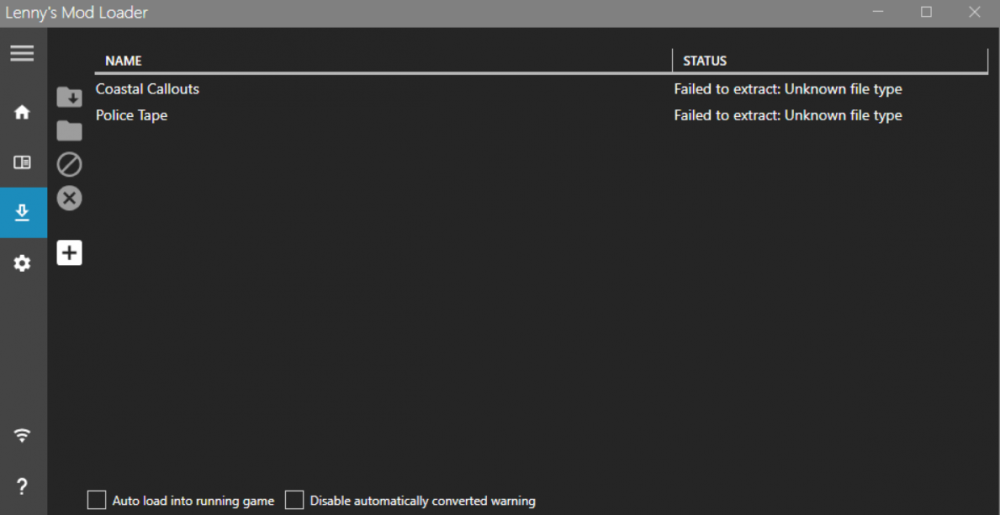
Can anyone help me?
-
I have same problem.
-
-
-
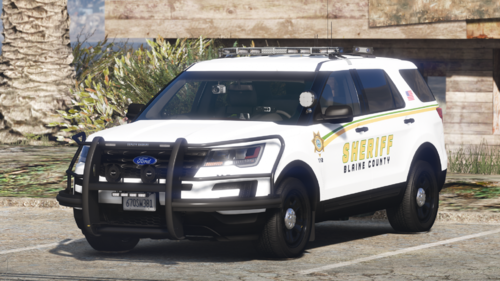 This is an amazing package. It would be better if it has a K9 car like the GMC Sierra 21.
- 65 comments
- 8 reviews
-
-
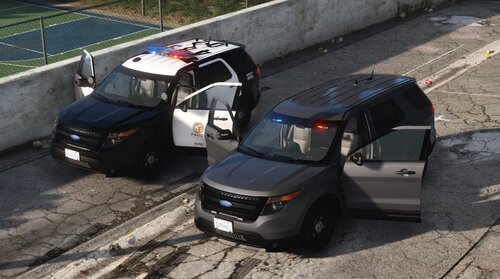 The vehicle is amazing. I found only one mistake, the vehicle does not tilt when cornering, accelerating and decelerating.
- 20 comments
- 5 reviews
-
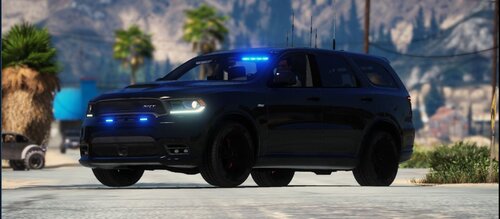 It´s super model but can you fix red light in licence plate? And can you create R/B version?
- 15 comments
- 2 reviews
-
-

- 4
-
-
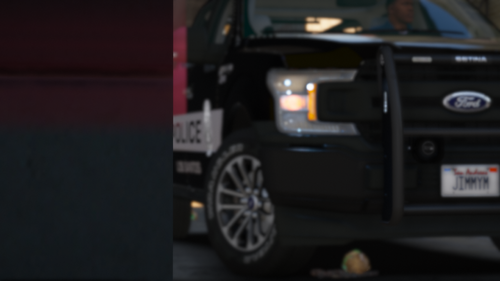 It´s nice car but have you got template?
 -
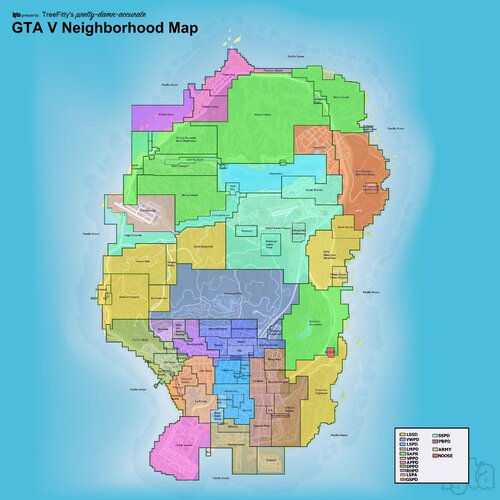 Hi, when in the garage I want to move to the next category (sheriff) to the right the categori with vehicle does not load and I must restart the game. I have the latest version, but it also happened with 1.1. I have the vehicles iinstalled as in the README. When I want to spawn the car with ScriptHookV, the vehicles don´t spawn. Don't know what to do?
 -
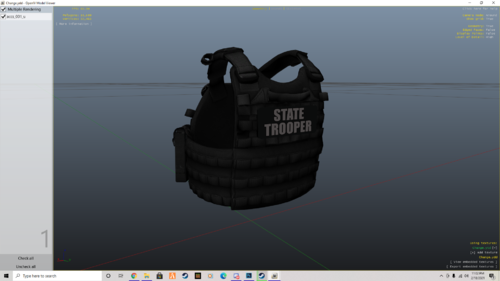 Would there be a link to download the vest?