criswallace8264
Members
-
Joined
-
Last visited
Everything posted by criswallace8264
-
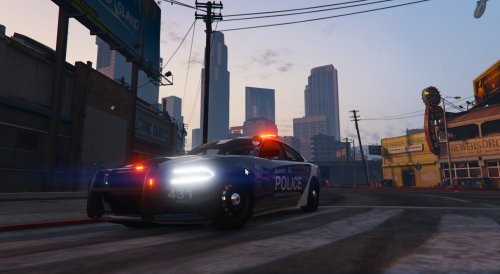 your install instructions are non existent what is a .bak file?
 -
does anyone know how to add the option the upgrade engine, armor , suspension ect.. in the police old 1&2 spot in the garage ?
-
-
-
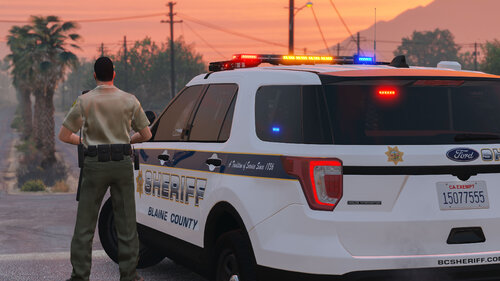 why would you make a DLC that replaces sheriff2? why not just do a replace ? seems like an extra step
- 75 comments
- 9 reviews
-
-
please help i have reinstalled, removed everything in plugins folder cant stop this error
-
 i dont know... i still keep getting one tapped ... last night through a car...
- 633 comments
- 58 reviews
.thumb.png.bce8e5d1645fc446f5f32671031d36a5.png)