BetterGarlic381
Members
-
Joined
-
Last visited
Everything posted by BetterGarlic381
-
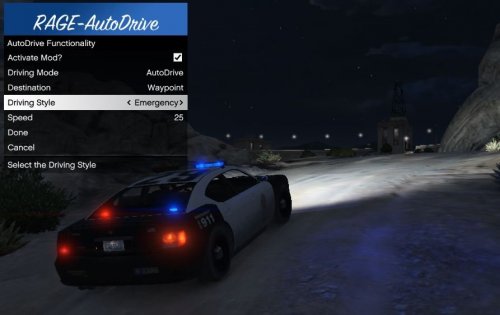 The mod you linked isn't maintained anymore and has issues with skipping options in the menu.
 -
Hey, by the sounds of it you're looking for this mod.
-
RagePluginHook_10042021_043624.log Game crashing during the loading screen, I've selected for no plugins to load and I've removed all contents of the mod folder but none of it has worked.
-
Thank you so much, work's like a charm.
-
I got the same problem, the EUP menu banner when in game is just completely transparent except a few little icons in the top left of where it's supposed to be. I'd attach an image but GTA just got updated.
-
I'm definitely not experienced with ragehook and everything, but it looks like that it crashed as soon as Section136Callouts tried to do a "Network announcement", whatever that is. Try running LSPDFR without that plugin when everything is up to date with the new GTA update.
-
Nevermind, this just got updated.
-
Open rage and hold shift until the window appears, then go to plugins and make sure LSPDFR is there and it's checked.
-
I'm not the best at diagnosing problems, but try uninstalling LSPDFR then reinstall it using the manual version. This worked for me when I had the same problem starting out.
-
Try loading into game, DON'T go to the police branch, open your console by pressing F4, then typing "ForceDuty"
-
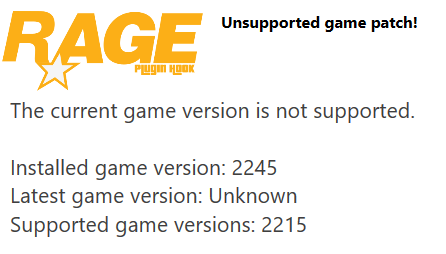
I play GTA/LSPDFR on epic games, just told me there's a new update available but I don't see anything about it anywhere online. Anyone else getting this problem?