


Creators: Due to background reprocessing of files, approvals and file security checks may be delayed. Thanks for your patience.

165Mods
Members
-
Joined
-
Last visited
Everything posted by 165Mods
-
.thumb.png.da62cd9328cd8f8146086b2460191668.png) Looks good
Looks good -
-
 Disable combability mode for gta and if you use ENB take it out as thats what is causing the issue for me and no it is working
- 28 comments
- 2 reviews
-
-

- 2
-
-
-
 If LAPD Code 3 made the car you can't reupload it without permission and most devs won't allow there cars to be reuploaded
 -
 other than that it looks good
 -
-
-
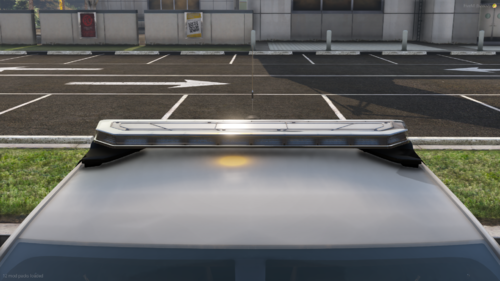
where's the mounting feet clamp / strap?
-
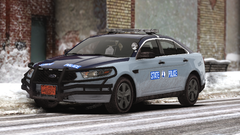
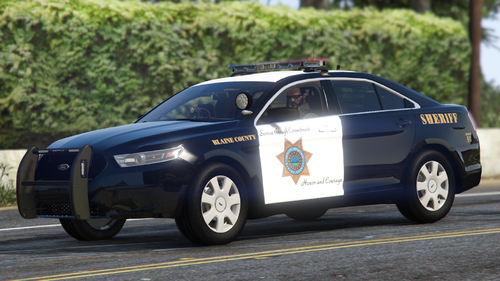
 They can be. I just took the screenshot to showcase the VSP FPIS that I made
 -
From the album: WIP Discord only packs
-
From the album: WIP Discord only packs
-
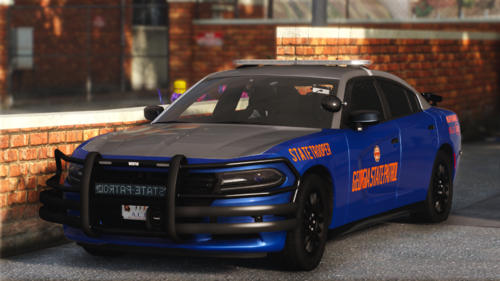
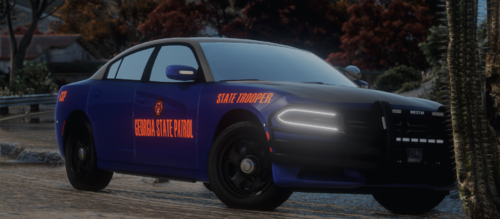 it could be ur graphics but the paint looks matte
 -
-
-
.thumb.png.c62768927b5682abbb9548d11dc28638.png) Why could you just not update the other one you uploaded?
Why could you just not update the other one you uploaded? -
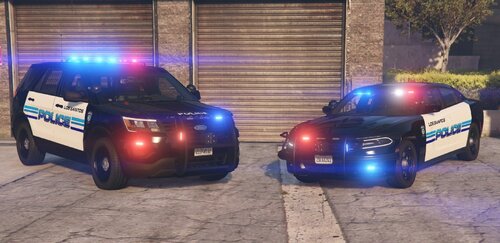 Why is the dashcam facing backwards in the back windscreen
 -
.thumb.png.261d7991168608c11591b11862198dba.png) There isn't an awful alot of BHPD cars on here. So well done for standing out from the crowd what I mean by this is that everyone who makes California stuff just make CHP or LAPD or LASD. In my opinion BHPD is one of the nicest departments in California. I hope to see more BHPD cars from you if you plan to make any more.
There isn't an awful alot of BHPD cars on here. So well done for standing out from the crowd what I mean by this is that everyone who makes California stuff just make CHP or LAPD or LASD. In my opinion BHPD is one of the nicest departments in California. I hope to see more BHPD cars from you if you plan to make any more. -
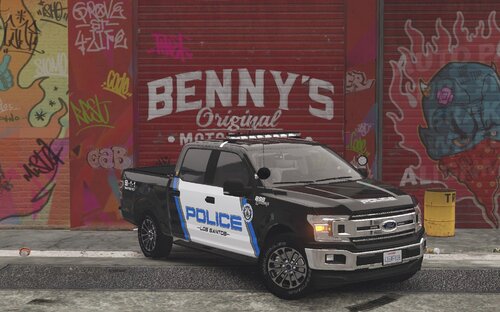 It says models from Infidels LSPD pack. Which you can get on MU but you have to pay for it
- 4 comments
- 1 review
-
-
- 1
-
-
 No problem
 -
By changing this line <LstgActivationType>auto</LstgActivationType> in the xml file to manual
-
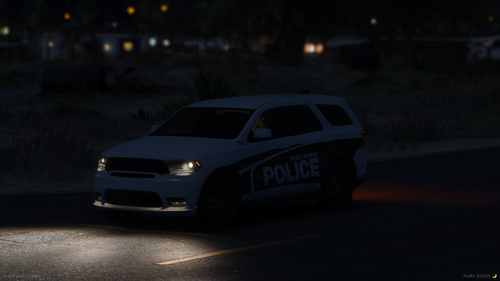 The only problem is no one has made a car yet (They have but can't release them as early access) so no one can actually use this livery, looks good tho
 -
 Alright
 -
Ok, thanks i figured that out but the emissive don't show up in 3D
-
when i try to open this it says it was made for a newer version of zmod and i am on the newest verison

.thumb.png.da62cd9328cd8f8146086b2460191668.png)


.thumb.png.c62768927b5682abbb9548d11dc28638.png)
.thumb.png.261d7991168608c11591b11862198dba.png)
