


165Mods
Members
-
Joined
-
Last visited
Everything posted by 165Mods
-
-
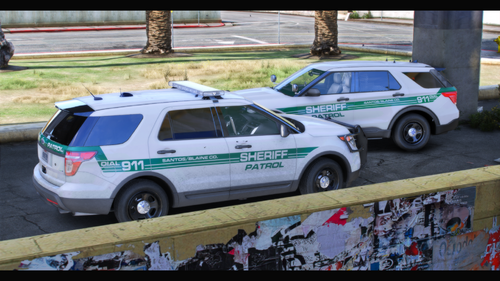 FOR people wondering how to get that 13 FPIU it is out of my Tennessee Highway Patrol Pack and it was a paid pack. But its not now so if anyone want it dm me on discord
- 1 comment
- 2 reviews
-
-

- 1
-
-
-
 Do you use templates?
 -
-
-
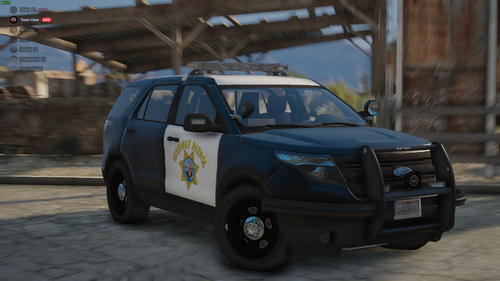 But thats a different unit, then what you tried to replicate. They use the 500 series on the mirrors. With the setina pushbar setup which is most of them.
 -
-
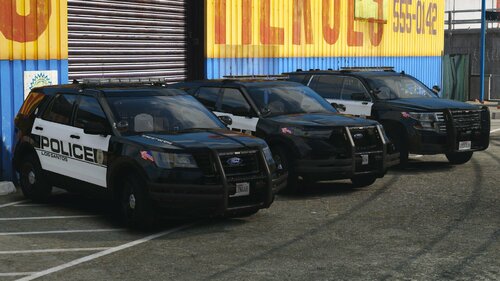 Nice pack man, at least you used the nice c3 lightbars hahaha
 -
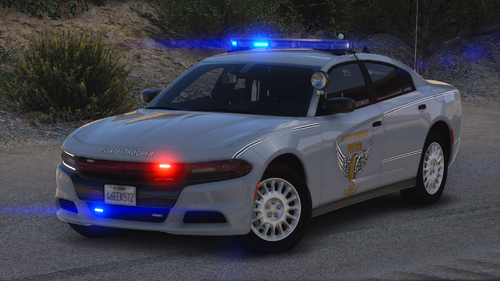 Sick pack as per usual keep up the good work Pig
 -
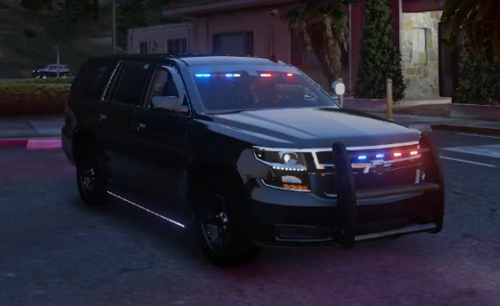 GeorgieMoons
 -
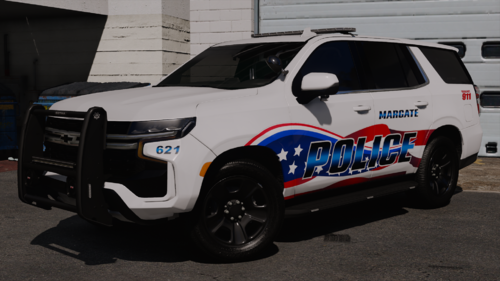 Model is nice, but on when the alley lights are one some of the front of the lightbar turn on and the rambar lightbar comes on.
 -
-
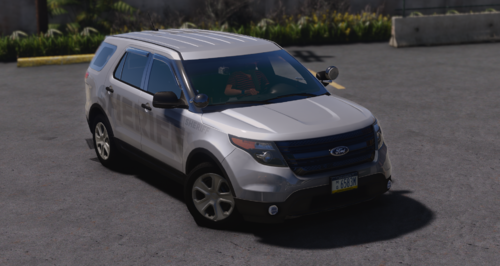 Looks good, but looks like your mat order for your ions in the back window is wrong theres no glass by the look of it
 -
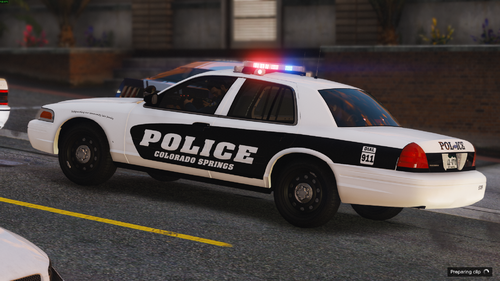 where do i find the 2013 durango?
 -
 Looks sick, great job 🙂
 -
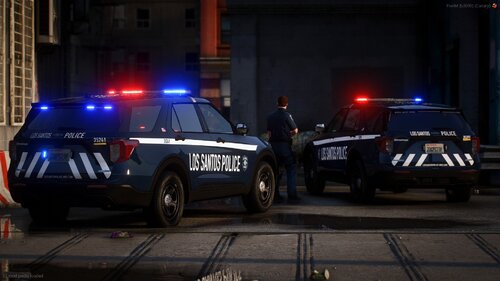 there ain't no accurate SPD models out there sadly
 -
From the album: WIP Discord only packs
-
This is where i will show screenshots of the private and paid models which can only be on my discord
-
Desktop Screenshot 2024.02.24 - 05.47.35.79.png
-
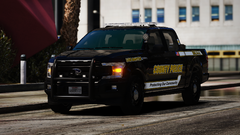 Desktop Screenshot 2024.02.24 - 05.46.30.87.png
-
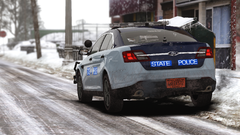 Grand Theft Auto V Screenshot 2023.12.14 - 13.14.42.02.png
-
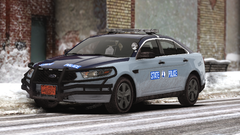 Grand Theft Auto V Screenshot 2023.12.14 - 13.14.04.04.png
-
 Grand Theft Auto V Screenshot 2023.04.29 - 14.10.44.87.png
-
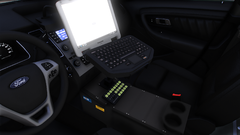 Grand Theft Auto V Screenshot 2023.04.29 - 14.10.33.81.png
-
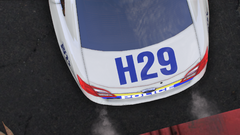 Grand Theft Auto V Screenshot 2023.04.29 - 14.10.13.09.png
-
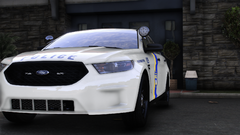 Grand Theft Auto V Screenshot 2023.04.29 - 14.09.48.27.png
-
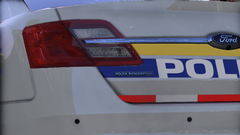 Desktop Screenshot 2023.04.28 - 21.14.56.24.png
-
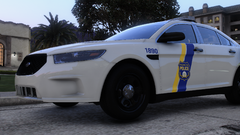 Desktop Screenshot 2023.04.28 - 21.14.40.65.png
-
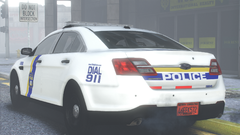 Desktop Screenshot 2023.04.28 - 21.13.54.93.png
-
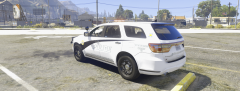 Durango.png
-
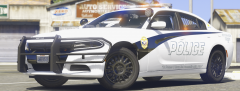 Charger.png
-
-
From the album: WIP Discord only packs
-
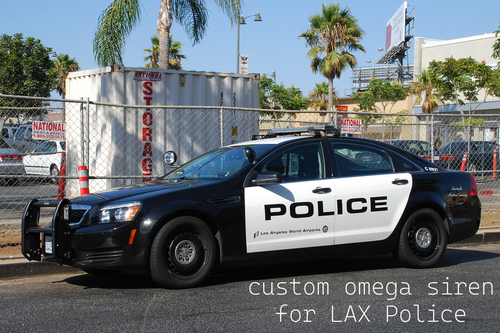 Do you have a video? of what it sounds like in game?
 -
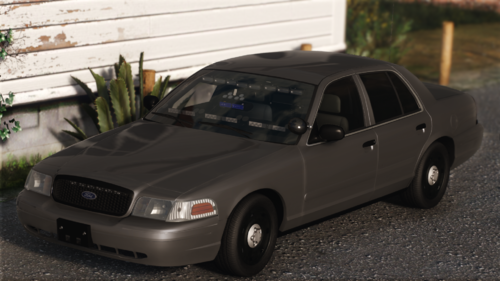 Brilliant car as usual keep up with work. I am happy now that I can use you cars as 32 sirens wanna work
 -
it is has more lights then my Christmas tree. Good job on it man. Looks amazing
-
you need to fix the lightbar feet and the mirror lights as thats not how they are irl
-
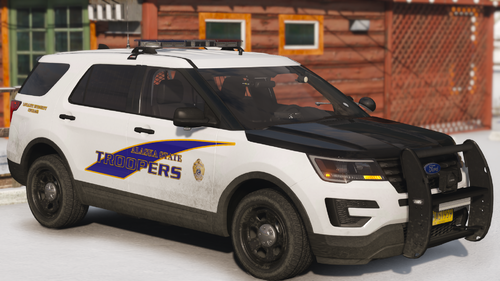 the brakelights don't work for me but other than that great job



.thumb.png.d375769a0ff2131936b594b7e2ae91ac.png)

