




LSPD Snow
Members
-
Joined
-
Last visited
Everything posted by LSPD Snow
-
Sadly youd have to download them one-by-one... There a a ton of good ones in GTA 5 Mods Also can i get your system specifications? Like CPU GPU RAM HDD/SSD etc... Im thinking about upgrading and want to know what i need So im gathering some peoples pc specs when they have performance issues to get the optimal specs... ----------------------------- Edit: ----------------------------- I found this mod which includes a couple of weapons...
-
Suggest searching for HeapAdjusterINI and in the .ini set it to 1500MB of heap
-
If you have 8GB of VRAM that isnt the problem 🙂
-
Thanks! Didnt see that...
-
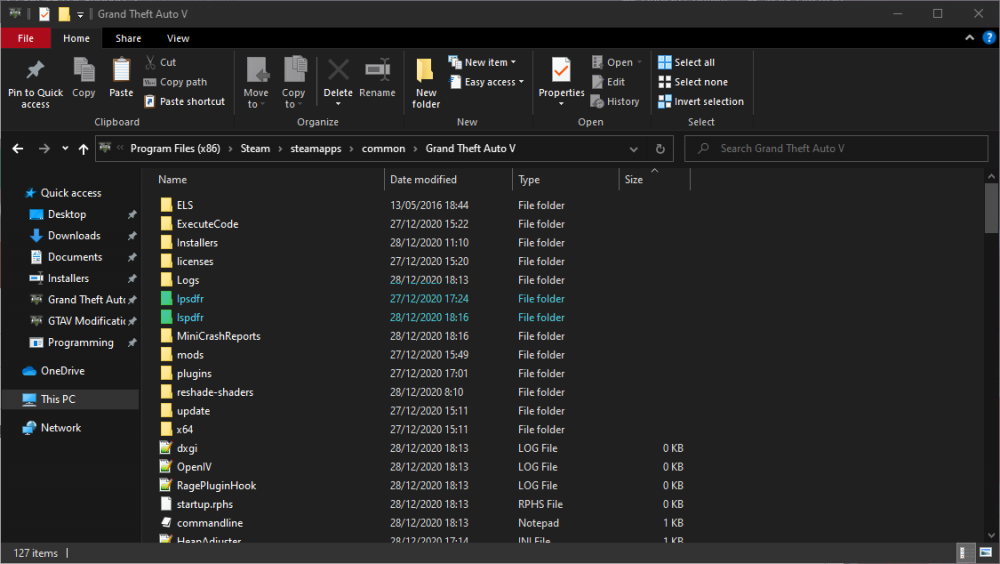
In one of the folders theres the normal stuff, in the other there is a patterns.dat and stats.dat, i deleted the patterns & stats.dat folder, and then attempted to load LSPDFR (cause it cant otherwise, it does not find the neccesary files) but it just creates a new one!
-
Script Hook V...
-
Well, if the Trainer doesnt work and ELS doesnt.. Theres a problem probably with somthing they both require, SHV (although i aint sure)
-
Very related. It means theres a problem with ScriptHookV
-
Had to set the heap i give GTAV in HeapAdjusterINI's ini file from 4000 to 1500 - works like a charm!
-
No problem! Glad i could help :)
-
Download HeapLimitAdjusterINI and give it about 2000 or 4000 heap if you have 12GB of ram.
-
I suggest for the future said Plugin Thresehold to 60,000 (or 60 seconds)
-
Please attach the RagePluginHook.log when posssible.
-
He said he renamed the mods folder.
-
It is suggested to use the Manual Install, i believe that is why they removed the Auto Installer option. But no worries, the manual install is as simple - even simpler. Also im not a mod but please place LSPDFR support threads in LSPDFR Support, not GTAV Support.
-
Have you added the dlc to dlclist.xml?
-
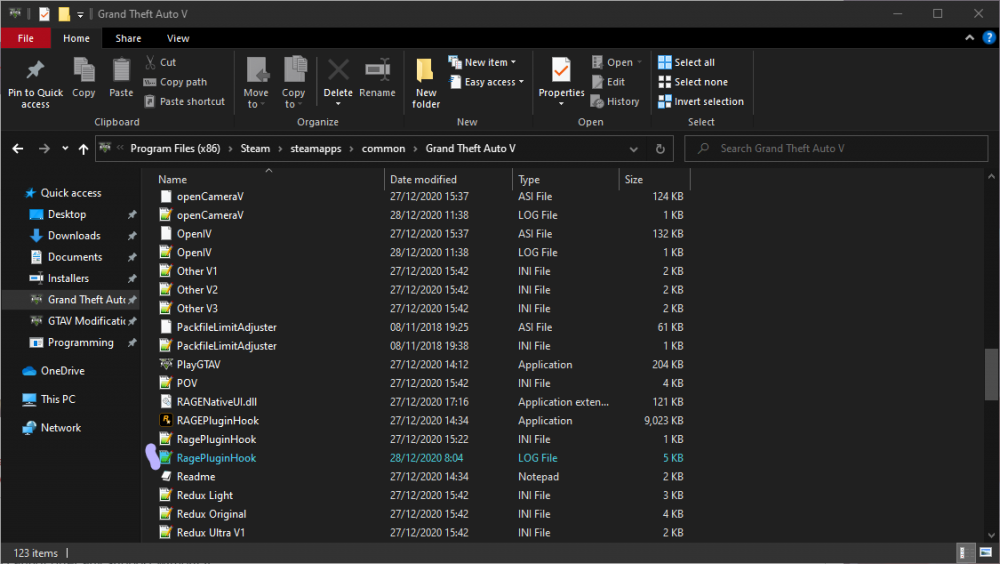
Please attach a RagePluginHook.log, i cannot offer any support without it. RagePluginHook.log can be found in the root directory of GTAV (If you use the steam version, Program Files (x86)/steam/steamapps/common/Grand Theft Auto V)
-
Yup. Happens to me to, ill send a link to that thread immediatly to see the support people have gave me. https://www.lcpdfr.com/forums/topic/106393-dinput8dll-wont-allow-me-to-run-my-game/
-
Is it installed on a SSD or HDD? If HDD, atttempt to move it to SSD, it shoud help. Have you installed HeapLimitAdjusterINI and Packfile Limit Adjuster? Additionaly, if your Graphics Card doesnt have over 6GB of VRAM, you might need to upgrade it. You should also check if Main.PreloadAllModels equals to false (in GTAVDirectory/lspdfr/lspdfr.ini)
-
Did the vehicle pack come with Carvariations.meta, Vehicles.meta or any .meta? If so, make sure you installed them!
-
Two things to try: When updating, did you also install the new update.rpf to the mods folder? And also please attempt to move the file named dinput8.dll to somewhere else and attempt again.
-
The developer of RegularCallouts did a major mistake. He put GameFiber.Yield() not inside a GameFiber.New(delegate, { }); which is invalid and breaks the game. So either update RegularCallouts and check, or talk to the dev.
-
LSPDFR Freezes the game. One of your *GTAVROOTFOLDER*/plugins/LSPDFR plugin are causing the game to freeze. Remove them all and add them one-by-one. If that doesnt work, reinstall LSPDFR.
-
Seems like your computer is protecting certain memory areas that LSPDFR needs access to. If you have any ransomware protection enabled, disable it.
-
A. Make sure you have updateede B. if you use OpenIV's mods folder, copy the update.rpf from the root folder and replace the mods update.rpf with it.


