10 DAVID 01
Members
-
Joined
-
Last visited
Everything posted by 10 DAVID 01
-
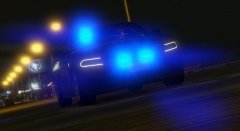 AWESOME AS FFFFFFFFFFFF! Curious, could you start releasing all blue lighted variants of your vehicles, Im sure im not alone in wanting blue lighted vehicles. Thank you awesome work!!
 -
-
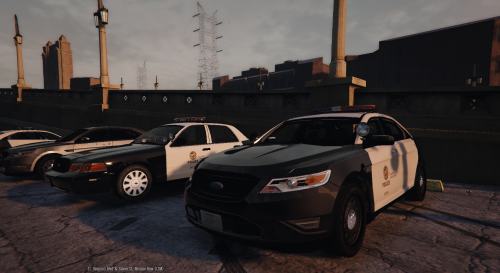 You know what, You're right, My apologies, I didn't research it until now, I just assumed. Made the ass of me. as they say! :) Great work!! LED is a type of bulb not a color.
- 36 comments
- 13 reviews
-
-

- 1
-
-
Really good, Could you move the light bar more toward the front it seems to be a bit too far in the back as far as positioning.
- 36 comments
- 13 reviews
-
-
- 1
-
-
-
-
Yeah it doesn't have to be the 21TR but that would be preferable plus its already useable.
-
Vehicle model request. 2000-2005 Chevy Impala with 21TR (unmarked or removable optional) With working spotlight, take downs, alley lights, prisoner partition. computer and radio equipment (optional) Rambar (optional) The same as this chicago car, if you make it have red and blue lights i wont complain as i'll switch them to all blue myself, but if you did both variants im sure some people would enjoy the red and blue. Hopefully someone will consider this, there were SEVERAL in GTA IV, not sure how it would be so hard to port one of those models to V. anyways... :)
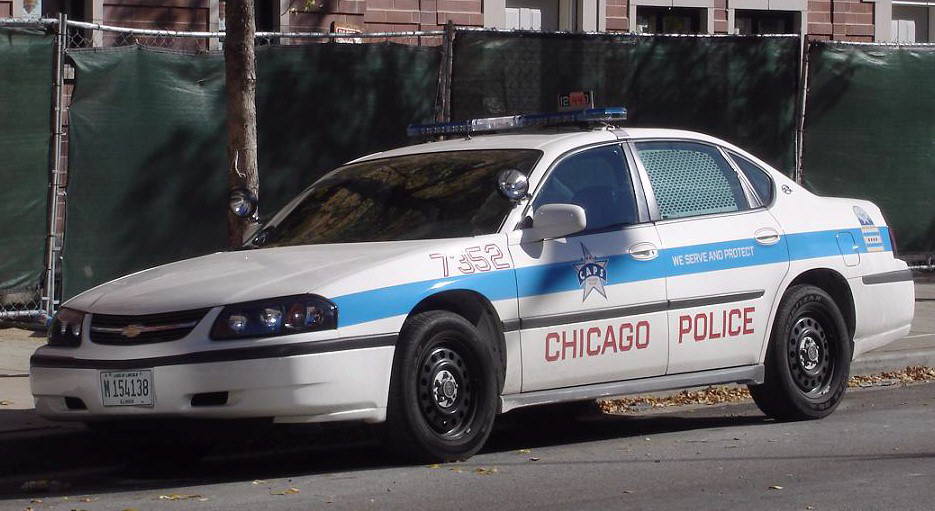
-
check this thread, it has alot of font listings, maybe those are one of them. when you find it, just google the font name and add free download next to it. Official Font Knowledge Sharing Thread
-
 i have it, Just wasnt running lspdfr, so scripts were not running, It is kind of an issue i deal with because i dont feel like downloading fraps again, i use the steam overlay to use the screen shot which also conflicts with some of the other plugin keys. so i just dont run it when i do screen shots.
 -
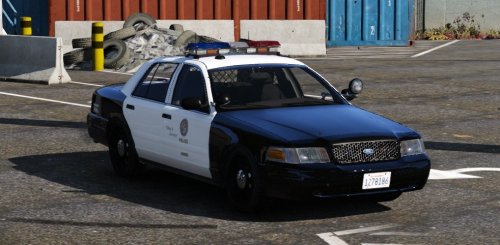 chrome or painted black would be okay too. Thanks for the interest in the idea. :)
- 49 comments
- 19 reviews
-
From the album: BCSO
-
-
-
-
-
Would it be possible to do this same setup, with a 1999 style grille? Also leave the lights how they are, they are PERFECT.
- 49 comments
- 19 reviews
-
-
 Could you tell me how to comine this with the Amber Parking lights at night visual setting? I love this but also want those. Thanks in advance.
- 336 comments
- 70 reviews
-
 This is the BEST Unmarked pack and best POLICE 4/ FBI replacements! Thank you for your very hard work! These are great 5/5
- 208 comments
- 59 reviews
-
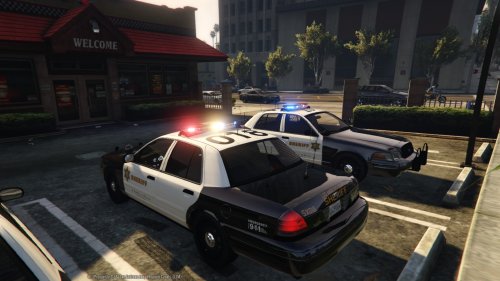 This^^ when the spotlight takedown is activated it is like an additional spotlight is sticking thru the light bar on the left side, aside from this everything else is perfect man. Thanks for your hard work.
- 110 comments
- 13 reviews
-
-
- 1
-
-
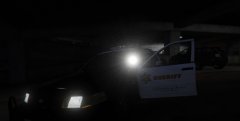 nvm i answered my own question in the previous pic! sweet nectar!!!
 -
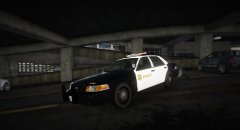 are you going to set it to where the spotlight is illuminated with the headlight/brights setting? that would be so boss if you did that, just saying....but its still my department squad regardless :) good work brother!
 -
This is very well done man. Rolled this one out for my BCSO fleet. Thanks Keep up the great work!
- 110 comments
- 13 reviews
-
-
- 1
-
-