10 DAVID 01
Members
-
Joined
-
Last visited
Everything posted by 10 DAVID 01
-
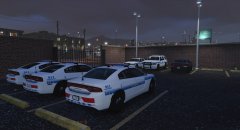
From the album: 10-8
Units at Davis Police Precinct. -
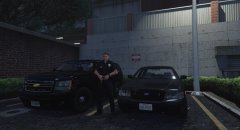
From the album: 10-8
LSPD Unmarked Davis Units. 091517 -
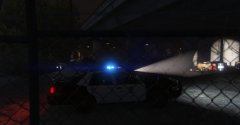
From the album: 10-8
recent violent crime increase in the homeless populations... -
-
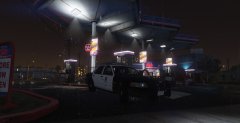
From the album: 10-8
-
-
-
-
its your gameconfig.xml i bet.
-
 Looks Great! Keep it up brother! If you don't like it, then don't download it. Move around...
 -
 You have spent a lot of time on this. Thank you, I normally edit my own but you've taken care of most mods that i use. Thank you for your hard work. it can be tedious. 5/5 does what it says!
- 380 comments
- 31 reviews
-
-

- 1
-
-
From the album: 10-8
-
From the album: 10-8
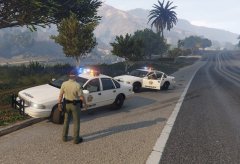
One in custody. Take his ass to jail... -
From the album: 10-8
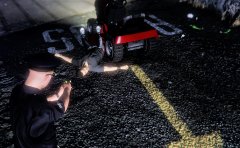
get off the lawnmower larry!! -
-
what i meant was what directory you replaced, the vehicle.meta, like under the "update>update.rpf>common>data>levels>gtav " ? If you replaced that one, then it should not be messing up like that. (at least not for replaced original vehicles) if its added vehicles then it will be a different directory.
-
Did you edit the correct vehicles.meta file? Cause usually it fixes it if you change the tint value in the correct spot.
-
could be that the vehicle is getting "dirty" and once that happens with some modded vehicles the dirt texture causes the light bars and lights to be hidden completely....sucks but seems the only fix i've found for that is to delete the "window dirt" or "glass dirt" texture in the .ytd file in open IV, but if you do that, your car will never be dirty...
-
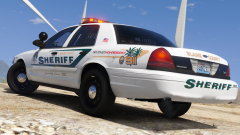
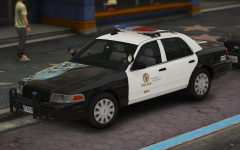
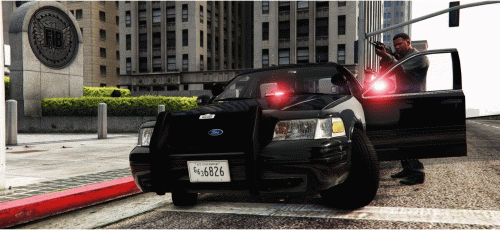 Here we have four different liveries for the F5544/DSF templated CVPI. Made it cause I was bored and didn't see any on this website. If you don't like the colors, change it i don't care. The fourth (the black vic) tag is maybe an older style ? I seen it in the movie end of watch and googled it and i guess they still use them? The picture that looks like its green on the vic is acually gray not sure why it turned out that way maybe lighting in game.... Anyways, you need open IV to install these textures. Have fun! I used the slicktops from t0y's Blaine County Sheriff Megapack. [ELS] Blaine County Sheriff's Office Mega Pack 1.0.0 You can use what ever vic you want for these textures as long as it uses textured plates not default game plates and obviously it has to have the F5544/DSF template.
 -
-
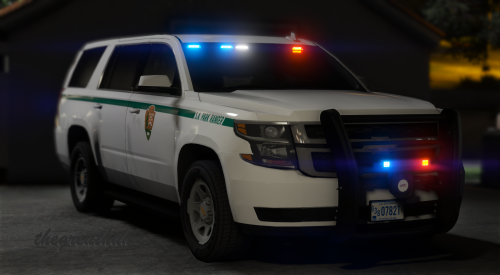 This... Other than this, This vehicle is awesome. Temporary work around, delete the dirt file out of the .ytd (but then you wont have any dirt)
- 22 comments
- 19 reviews
-
-
- 1
-
-
 hot!
hot! -
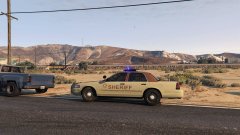 thanks i based it after this car from the netflix movie hollowpoint. i need to work on it a little more some of the area in the back is out of line.
 -
-