Skip to content
View in the app

A better way to browse. Learn more.

LCPDFR.com

A full-screen app on your home screen with push notifications, badges and more.

To install this app on iOS and iPadOS
  1. Tap the Share icon in Safari
  2. Scroll the menu and tap Add to Home Screen.
  3. Tap Add in the top-right corner.
To install this app on Android
  1. Tap the 3-dot menu (⋮) in the top-right corner of the browser.
  2. Tap Add to Home screen or Install app.
  3. Confirm by tapping Install.

Spencer M.

Members
  • Joined

  • Last visited

  1.    Spencer M. reacted to a comment on a file: [ELS] Del Perro Police Pack [Addon][Replace]
  2. i did. I even read the big bold underlines letters "STRICTLY FOR FIVEM". You'd just think it would be fivem ready with the ulc files to add to the script 🤷‍♂️.
  3. you can. but you need to convert it to work. it's currently in singleplayer setup.
  4. is there a possibility of an update with pushbars?
  5. Spencer M. changed their profile photo
  6.    EmergencyDistributors reacted to a review on a file: 1973 Chevy Camaro Z28 Undercover
    Look great. Would you possibly make an 80's Pontiac Trans Am, or Firebird?
  7.    Explorer 8158 reacted to a comment on a file: University Police 2014 Charger Skin
  8.    Spencer M. reacted to a comment on a file: 2016 Ford Explorer LSPD
  9. Can you link Deweys liberty pack? I can't find it anywhere.
  10. awesomedrgon started following Spencer M.
  11. There is no Minneapolis state police, it's Minnesota State Police. Minneapolis is a city, not a state.
  12.    pve reacted to a comment on a file: Code 3 V-Con (Hi-Lo Model)
    • 86 downloads
    • Version 1.0.0
    I saw a texture for a Taurus, but it only for 1 model, so I made one for the other model. The link to the model is in the zip.
  13. It says it's corrupt.
    • 31 downloads
    • Version 1.0.0
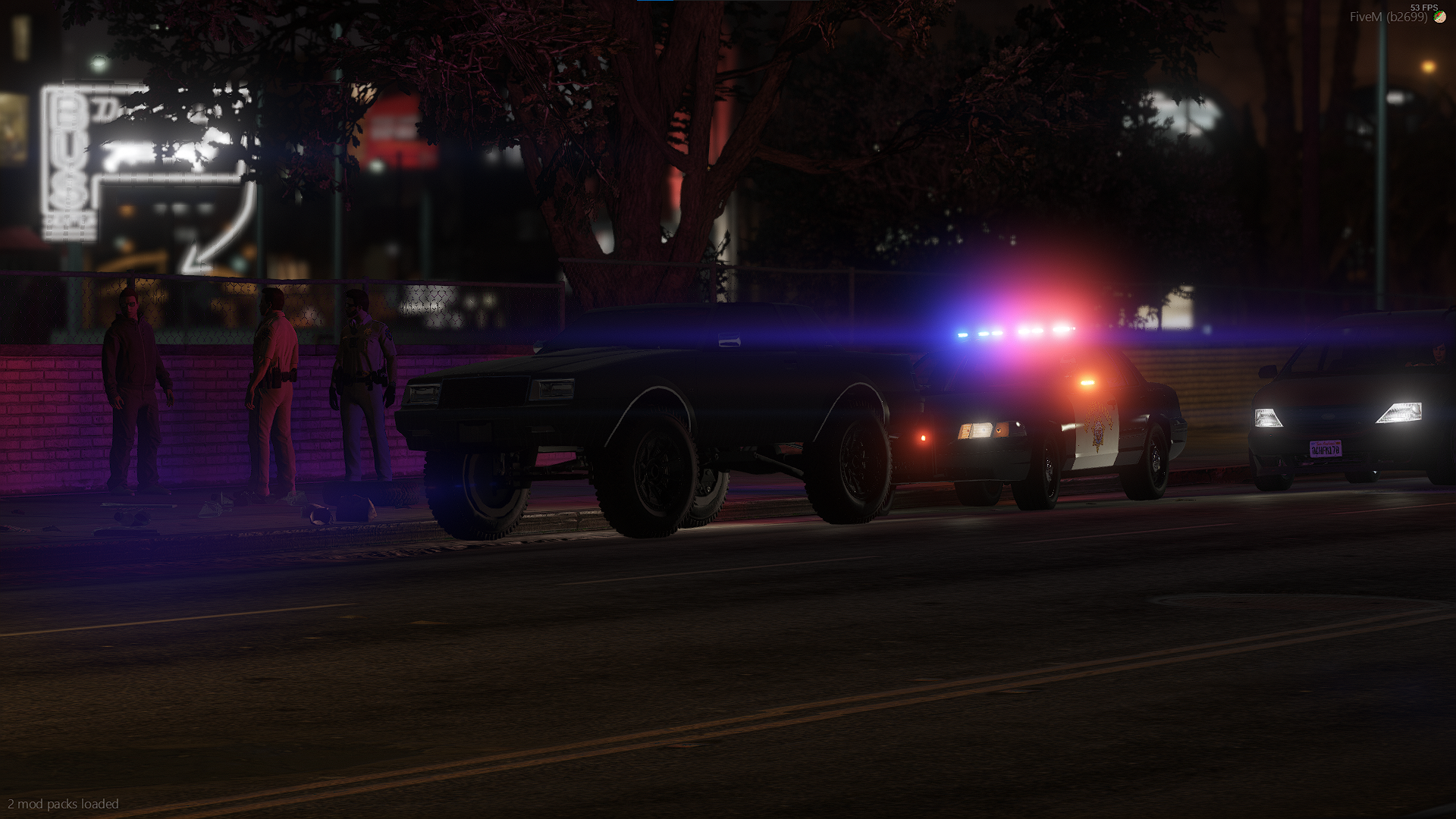
    I made this because I was bored, and had nothing better to do. It's just a simple skin so people training to become LEO know where to pit during training. Feel 100% Free to Edit, and use in any Five M Server, or community. Just please don't re-upload.

Account

Navigation

Search

Search

Configure browser push notifications

Chrome (Android)
  1. Tap the lock icon next to the address bar.
  2. Tap Permissions → Notifications.
  3. Adjust your preference.
Chrome (Desktop)
  1. Click the padlock icon in the address bar.
  2. Select Site settings.
  3. Find Notifications and adjust your preference.