Lennyy
Community Team
-
Joined
-
Last visited
Everything posted by Lennyy
-
Unfortunately yes. That seems to be the issue in your game 🙃
-
Alright cool. Rename it to _mods and try to launch again. be advised that your mods will be gone for the time being due to deactivating your mods folder. Try to play for a good 20 minutes and see if you still crash to the desktop
-
Alright, two things. First do this: In order to increase you Plugin Timeout Threshold you need to launch Rage and hold down shift until the settings window appears. Set the timeout threshold to 60000 https://prnt.sc/vfjsej second do you have a mods folder?
-
You possibly could narrow it down with the readme but that does seem like a lot of work. Re-creating your mods folder may be your easiest option here 😕
-
From what I heard yes!
-
You're welcome 🙂As well as your RagePluginHook.log file which is shown in the screenshot below. Please attach that 🙂
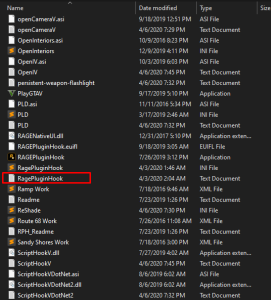 Reinstall EUP Law&Order and Server&Rescue Which can be found here and hereJust as a tip. Include this in a spoiler next time. You just made me scroll to the earths core 😂That's the thing that happens when deactivating your mods folder. If the game launches fine now that means someting in your mods folder shouldn't be in there. I suggest re-creating your mods folder and try to be more careful what you install. To make sure you should launch your game after every mod you installed into your mods folder and see if it works or not. You will know which mod exxactly it wasCould you attach you ragepluginhook.log? That may help a little bit better
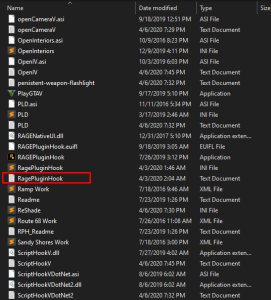 siehe hierIch bräuchte einmal deine RagePluginHook log um dein Problem zu finden. Diesen findest du in deinem GTA-V Hauptverzeichnis. Anschließend ziehst du diesen in deine Antwort um ihn als Anhang and deine Nachricht zu senden. Anbei siehst du auch noch wie dieser auss ieht und wo er sich ungefähr befindet:
 No problem. Just let me know if something doesn't work correctly and drop your log if neededhello there, you are missing a file called RageNativeUI which is required for some plugins for function correctly. You can get the latest version here: https://github.com/alexguirre/RAGENativeUI/releases Just download the zip file and place the rnui into your main directoryHello. Did you copy the update.rpf into your mods folder after the last gta v update? Also, as a side note I suggest doing this: Open rage and click on the gear icon, a new settings window should pop up with a setting called PluginTimeoutThreshold = 10000. I suggest changing this number to 60000.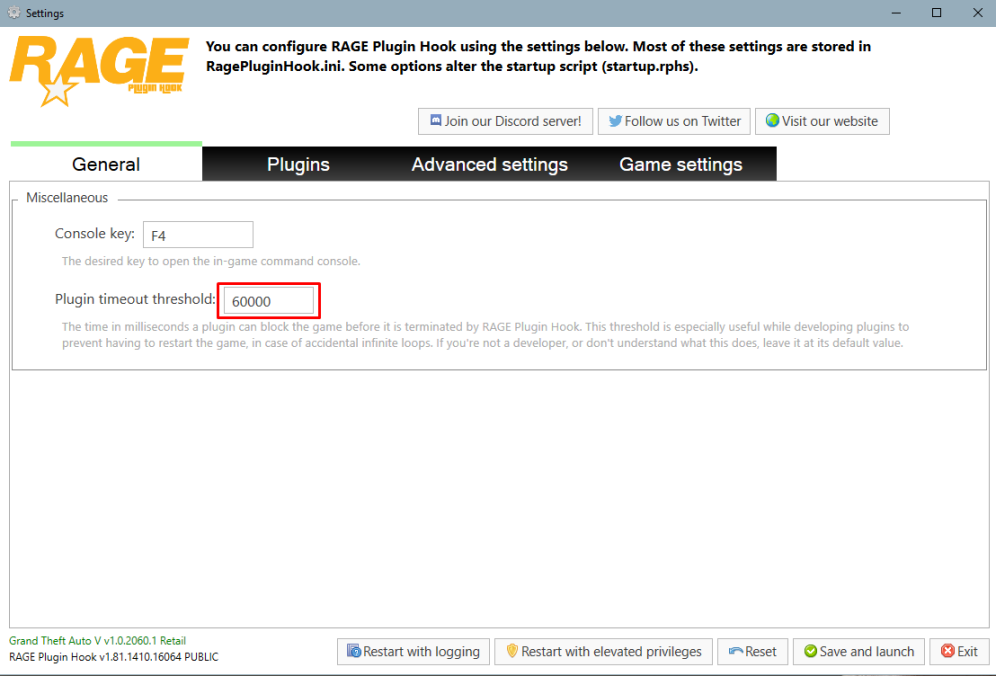
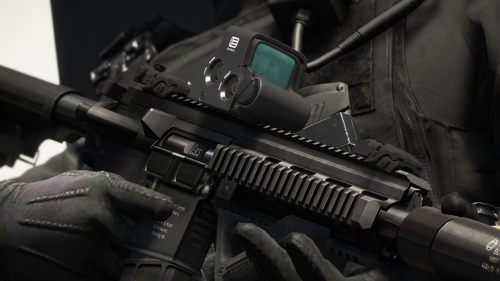 Sehr schöne Arbeit Marvin :D. Freue mich schon auf mehr!! Very Good work Marvin. Looking forward to see more!!
- 18 comments
- 1 review
.thumb.png.38034a5ef85a369649e5401676710ed5.png) Is the model yours?Hey there. Might be a late answer but the reason for that can be Officer Porcis RadioAnimation Plugin
Is the model yours?Hey there. Might be a late answer but the reason for that can be Officer Porcis RadioAnimation Plugin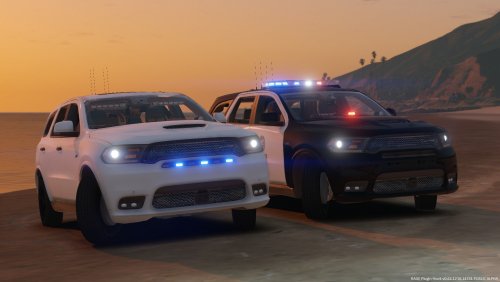 Really good Durango man. Any way I can get the Template ? Would love to do a skin on it
- 12 comments
- 6 reviews




.thumb.png.38034a5ef85a369649e5401676710ed5.png)