


Xotic
Members
-
Joined
-
Last visited
Everything posted by Xotic
-
Got a problem, every time I get a call, it just keeps saying Code 4 - Disregard when I respond to the call.
-
I believe changing the laser thing for the taser will only have the effect on the player, however I am not so sure about this. I'd recommend you contact the developer for support and they'll help you best.
-
There is a pdb included with the installation files. Will I need it?
-
-
 Also, if you really want a speedometer you can move, try out the one menyoo has available. The 2nd one you can can move.
- 262 comments
- 21 reviews
-
Oh my bad, I don't think you can move it, there isnt any option on the ini but I'm not entirely sure if there's another way to move it.
- 262 comments
- 21 reviews
-
 Amazing! Vehicles look fantastic and ELS on it looks very decent and nice! Good job on making this!
- 261 comments
- 37 reviews
-
I don't think theres a way to move the speedometer, you can only turn it on/off. I don't think theres a way to remove the speedometer, you can only turn it on/off.
- 262 comments
- 21 reviews
-
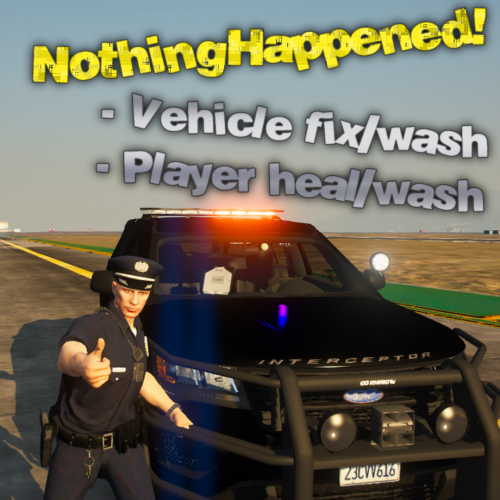 Very simple, helpful, and works just fine with no crashes or issues.
 -
-
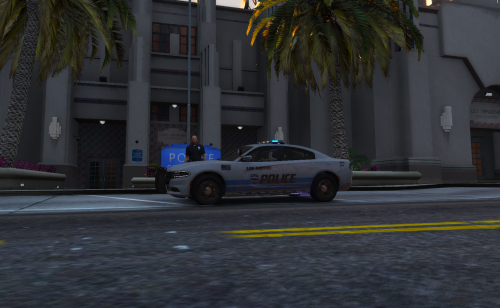 When I get to dlc.rpf, it's a file and not a folder so I can't go further in it. How do I install it?
- 4 comments
- 2 reviews
-
 Very difficult to use with the presence of large amount of bugs. The cursor doesn't go fully around the screen, eventually gets blocked from moving when it gets to a certain point including the sides and the top. Also all the tabs in the computer flash and it's very annoying. However the features it gives are great but bugs ruined my experience in it.
- 1,743 comments
- 172 reviews
-
-

- 1
-
-
 It's amazing but I'd like to note and issue that it says "Press to interact with the suspect" even though the button you set works and shows the interaction menu for traffic stops it was confusing. However the traffic stop menu still appears. I also would like to add that the court system is amazing. LSPDFR+ adds a lot more realism and I'd highly recommend this for people who want a realistic patrol.
- 1,178 comments
- 137 reviews
-
 It's amazing! I keep on going with the callouts and they never get me bored! These callouts never crash for me at all, and this is probably one of the best callout packs I've added to my game. Wonderful.
- 643 comments
- 55 reviews
-
-
- 1
-
-
When I place the ini and dll in the plguins folder, it won't load Computer+ and when I try to load the plugin, it won't load it. The only other plugins I have are United Callouts
- 1,743 comments
- 172 reviews
-
Okay, thanks a lot!
-
Question to anyone who has tried this. Does LSPDFR crash when you do all these or does it work just fine?
-
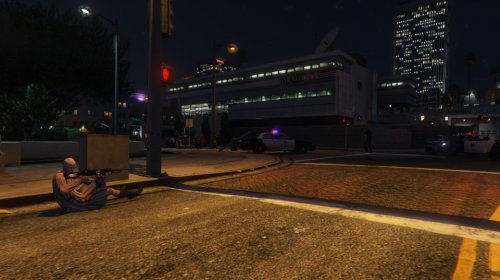 Question about installation. So, do you put HighPriority.dll in the plugins folder and it should be running fine?
- 61 comments
- 17 reviews
-
 Quick question, so for install theres 2 LSPDFR folders and 2 plugins folders in the zip files for this plugin. Do you put all 4 or 1 of each?
- 204 comments
- 22 reviews
-
So, if I want to add a plugin, do I add it in the plugins folder and that should be it or is there another way to set the plugins up?
-
Not so sure, but if your GTA runs fine with those specs, I believe LSPDFR will run fine. But I am not so sure.

