Trooper Capps
Members
-
Joined
-
Last visited
Everything posted by Trooper Capps
-
I have installed everything and I can finally play LSPDFR again. Thank you for your help! :)
-
The vehicles.meta seems to be what is causing it for some reason. It has caused it twice in a row.
-
My vehicles are replace. I loaded it up with the normal GTA 5 vehicles and it loaded up good. I then put in two of my vehicles and it loaded up good as well. I also want to note that I have no plugins or anything installed since I had just did a clean install of GTA.
-
It crashes after any of them. I could put just the cars in, it crashes. I put in just the sirens, it crashes. At one point, all I did was just put in the Radiance V mod and update my vehicles.meta and it still said RPH crashed. I have done 2 clean installs of GTA and LSPDFR and I still have had no luck. I have also done countless clean installs of my mods folder and it works fine before I put anything in it. But when I do, it crashes.
-
I am having some problems with my RPH right now. So basically, I keep having to do clean installs of my mod folders because anytime I add in stuff, it crashes. I have done a clean install of GTA 5 and still no luck. I always just add in a few vehicles, some uniforms, and some sirens and it always crashes on the first slide of the GTA 5 loading screen. If anyone knows how to fix this problem, I would be grateful. I have attached my log below. RagePluginHook_03022021_060721.log
-
I just did this and it loaded up perfectly. It is weird because I had just done a clean install of my mods folder. I added about 6 or 7 vehicles and some EUP uniforms so I do not know what exactly is causing this. I think I am going to get another clean copy of my mods folder.
-
My Rage Plugin Hook keeps crashing on the GTA loading screen. I have attached my log if anyone can help me out. Thanks! RagePluginHook_29122020_052051.log
-
With the new GTA update, LSPDFR, RPH, and ScriptHookV had to all be updated. I have applied all of the updates to my GTA files, but when I start RPH my game will stay on the GTA V loading screen forever. Is anyone else having this problem or does anyone have any suggestions?
-
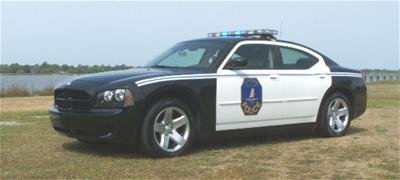
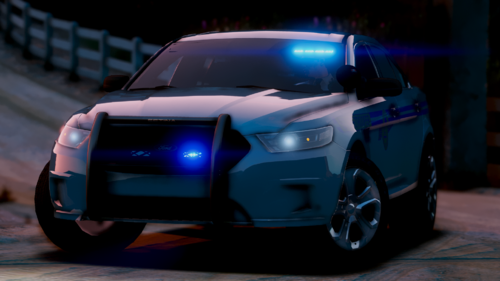 Have you thought about adding a charger model with a wrap-around push bumper to this pack? I know irl the SCHP uses some chargers with wrap-around push bumpers. Just a thought/suggestion.
- 40 comments
- 2 reviews
-
I just reinstalled the vehicles and it is still crashing my game.
-
Once I renamed it back from "_mods" to "mods", it crashed again. But when it was "_mods", it didn't.
-
I renamed the mods folder and it loaded up properly. Should I reinstall the vehicles?
-
So recently I've been having a lot of trouble with my game and rage plugin hook. So recently, my game had been working fine, but as soon as I put in a few vehicles, I have another issue. RagePluginHook crashes shortly after hitting the loading screen. I have attached my RPH log to the topic. I feel like a noob with all the problems I've been having lol. Any suggestions would be appreciated. RagePluginHook_06082020_025735.log
-
I figured out my problem. I was missing a couple of ScriptHookV files. For some reason, I only had dinput8.dll. Thanks for your help.
-
I do not see one.
-
Are you talking about the ELS file with pack default in it?
-
I just did a clean install of GTA V and LSPDFR, but I am having a problem with ELS. When I hit J, none of the lights work. But, when I hit E sirens go off and brake lights flash, like vanilla police cars. I installed all VCF's and ELS properly. Any ideas?
-
Okay thank you a lot
-
So earlier today and before, the EUP Menu loaded up normally as always. But today when I attempt to load and use it, it tells me I am missing one or more DLC's. It also tells me to check my log. Any ideas? RagePluginHook_02072020_012936.log
-
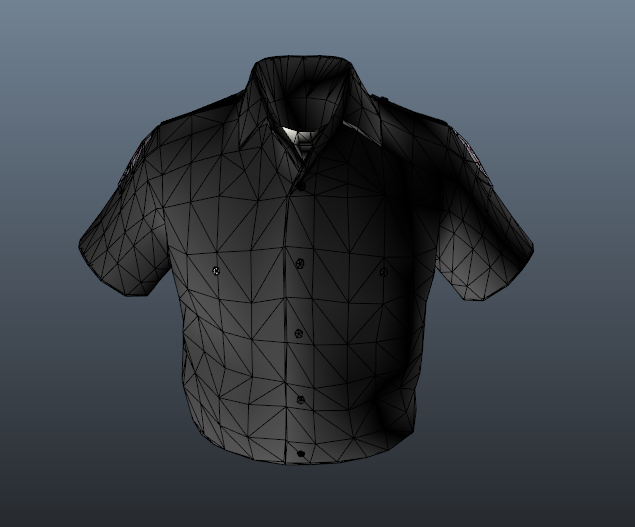
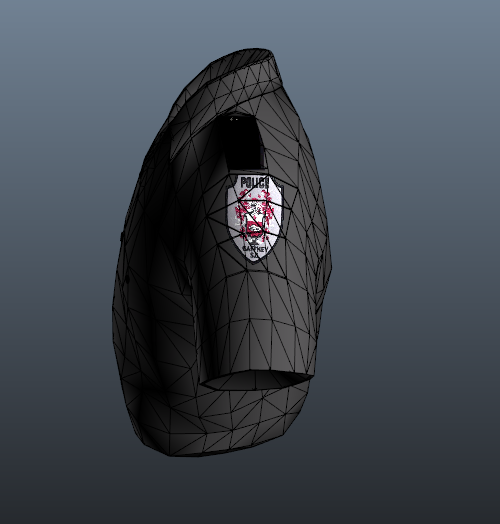
So I've gotten better at EUP outfit making and currently I'm working on a Gaffney (SC) PD outfit pack. I'm done with all tops and I'm moving onto the pants. I couldn't find a better picture of the irl uniforms.

-
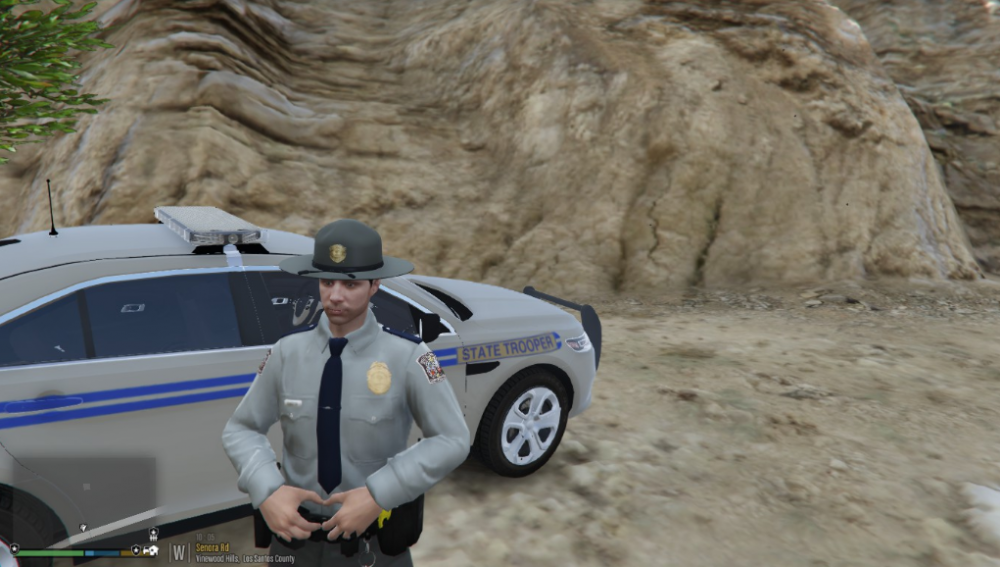
So i played around with Othrin's South Carolina Highway Patrol uniform for EUP and I fixed some of the colors with it. The shoulder pads and tie are now a dark blue instead of black like before. The shirt is also a little more accurate in color than before. I think some other things that he could do is fix the hat color as it's a greenish color rather than the normal gray and the pants are a little too dark. Not stealing anything, just attempting to improve it for myself. I also made it replace my SAHP uniforms instead of my LSPD ones.
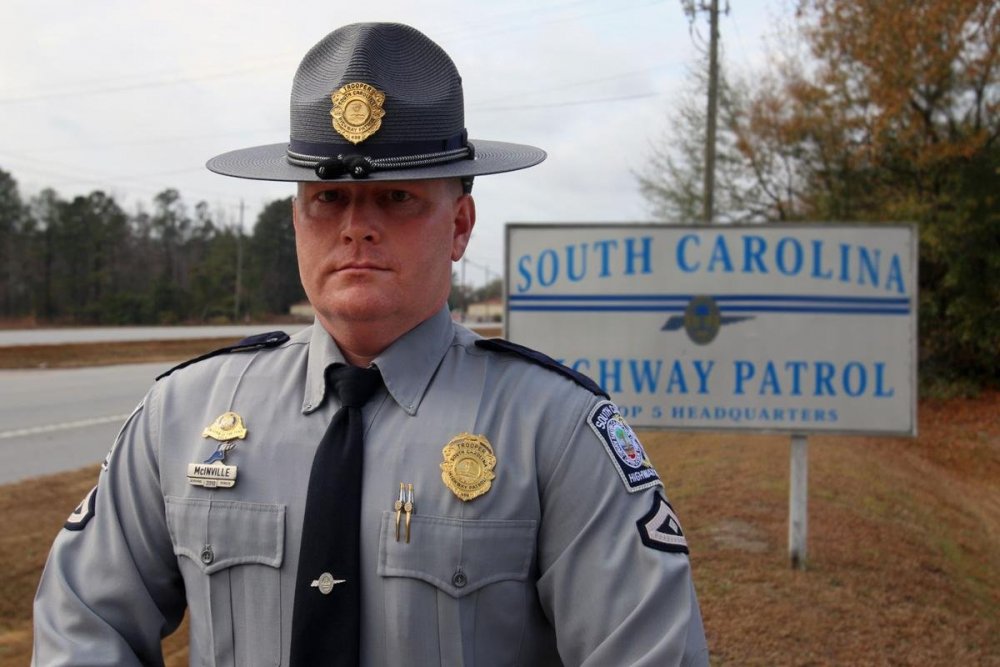
-
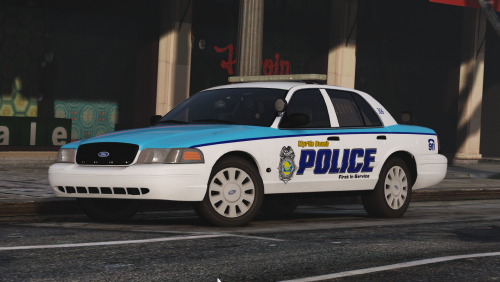 Are you still considering releasing more cars for this pack? I know its been a while but i think you could do an incredible job with it.
- 23 comments
- 5 reviews
-
I definitely always wanted to, just not really sure how to start. Do you have any videos to recommend for making car liveries?
-
Now looking I cannot find an ELS Charleston County Sheriff either. Suggestions?
-
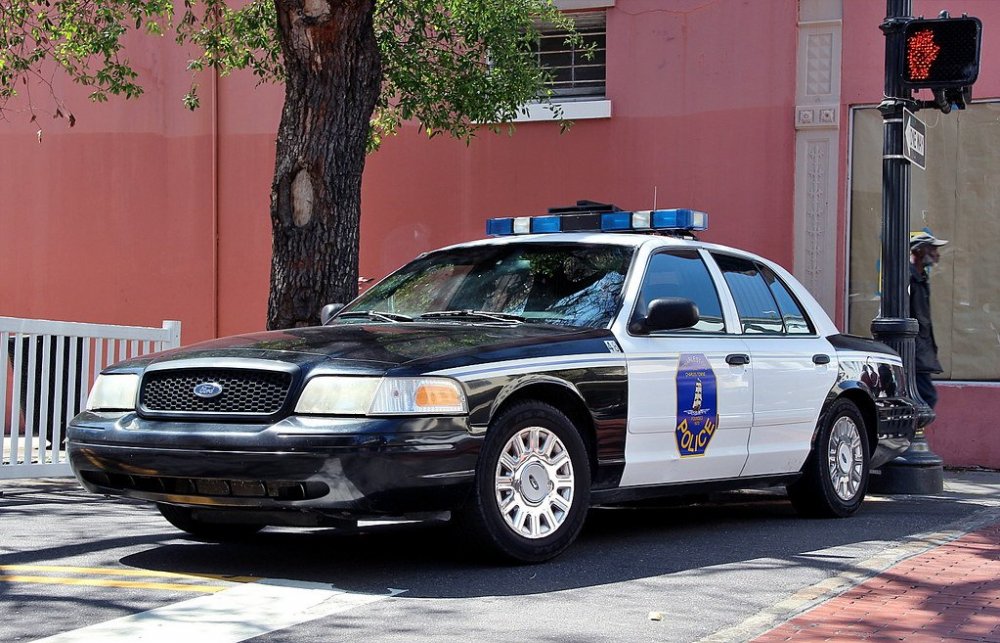
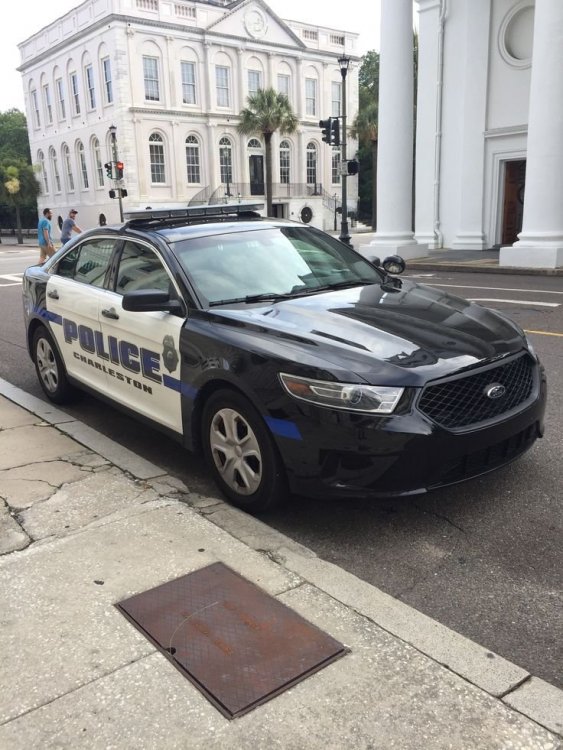
So recently I've tried to get strictly South Carolina model cars into my GTA 5 game. I have the South Carolina Highway Patrol and Charleston County (SC) Sheriff's Office right now, but I want a Charleston PD (SC) fleet. The only ones I could find was a LSPD pack based on CPD by Kilroy95 and a texture by FirstDuedigital which uses non-els models. If anyone can find or make this texture/model pack, that'd be appreciated. I have attached Charleston PD pictures on the topic. I definitely think the city of Charleston deserves some love since it's the highest populated city in South Carolina.