Creators: Due to background reprocessing of files, approvals and file security checks may be delayed. Thanks for your patience.

yakadoshi
Members
-
Joined
Reputation Activity
-
 yakadoshi got a reaction from sachin kumar for a gallery image, New Flyer Xcelsior XD40 TTCXcelsior XD40 Electric Drive, rolling out as part of TTC's green initiatives starting in 2019.
 -
 yakadoshi reacted to Skin Works for a gallery image, Morning Reflection
 -
yakadoshi reacted to Jedahdiah for a gallery image, Canadian Response Remake
-
yakadoshi reacted to Avokant for a gallery image, received_658515471466228.jpeg
-
yakadoshi reacted to Every6Minutes for a gallery image, 271590_screenshots_20201015183436_1.jpg
-
yakadoshi reacted to OfficerHJones for a gallery image, Combat Engineer Dress Uniform w/Beret32 Combat Engineer Regiment, based out of Toronto, Ontario. Shown in picture is a Master Corporal that has his 2ic patch (Other arm) and Marksman Patch, along with his jump wings and other medals.
-
yakadoshi reacted to Jedahdiah for a gallery image, Responding Code 3
-
yakadoshi reacted to Jedahdiah for a gallery image, Coffee Break with the stars
-
yakadoshi reacted to t0y for a gallery image, Free Durkio
-
yakadoshi got a reaction from cityboy for a gallery image, Media Relations Van
-
yakadoshi got a reaction from cityboy for a gallery image, Forensics and Tactical Services
-
yakadoshi got a reaction from cityboy for a gallery image, GPS Taurus responding II
-
yakadoshi got a reaction from cityboy for a gallery image, GPS Taurus responding
-
yakadoshi got a reaction from Trooper Pippy for a gallery image, TPS New DesignNew decals likely to be implemented across the fleet.
-
yakadoshi got a reaction from Candice for a gallery image, Media Relations Van
-
yakadoshi reacted to Hightflyer1 for a gallery image, Special Constables in Vespucci posing for a Picture
-
yakadoshi got a reaction from
Deactivated Memberfor a gallery image, Media Relations Van -
yakadoshi got a reaction from
Deactivated Memberfor a gallery image, GPS 2015 Tahoe -
yakadoshi got a reaction from Reddington for a gallery image, Forensics and Tactical Services
-
yakadoshi got a reaction from Reddington for a gallery image, GPS 2015 Tahoe
-
yakadoshi got a reaction from Reddington for a gallery image, GPS Stealth FPIS
-
yakadoshi got a reaction from GrandTheftPD for a gallery image, GPS Stealth FPIS
-
yakadoshi got a reaction from RoguePlus for a gallery image, GPS Taurus responding
-
yakadoshi reacted to Skin Works for a gallery image, Yes the Updates are Coming
-
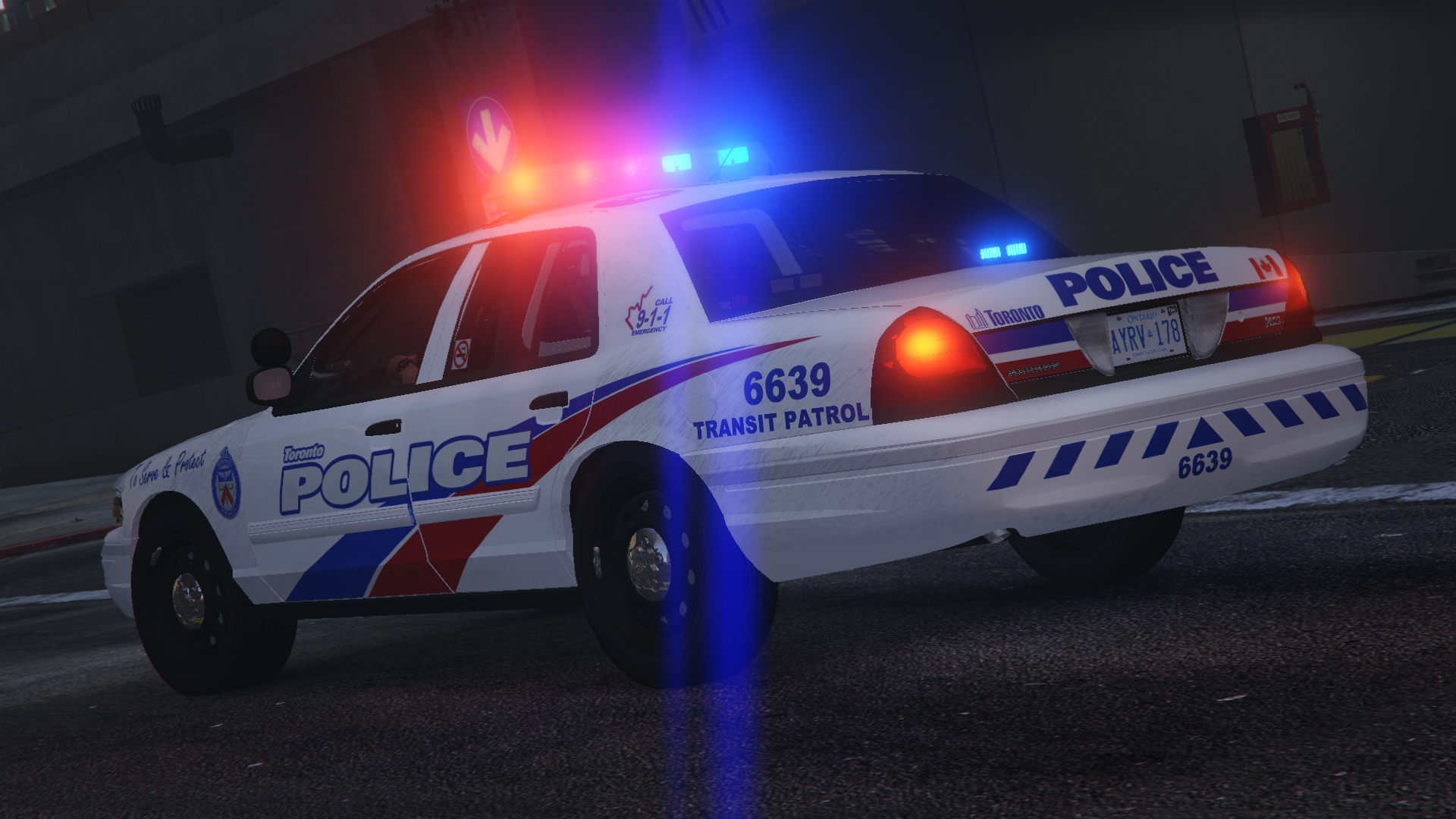
yakadoshi reacted to Jedahdiah for a gallery image, Los Santos Police Service Mega-PackI'm excited to announce that after 6 months of hard work, I've completed my Los Santos Police Service pack (based of the Toronto Police Service).
Slowly that release date is edging closer. The pack consists of 11 (maybe 12 if I end up producing a Prisoner Transport) vehicles, split across 4 divisions: Patrol, Traffic, Slicktop and Specialist.
Hopefully you guys will enjoy this pack. It's been a real rollercoaster.
Due to the 4mb limit, these are just the stadard images. Better ones can be found on my twitter, as well as regular updates on my packs: https://twitter.com/_Jedahdiah_