


CrazyPanda1234
Members
-
Joined
-
Last visited
Everything posted by CrazyPanda1234
-
From the album: Police Forces of The UK
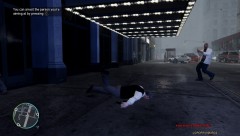
Reports of shots fired came over the radio so I responded...but they were using tasers! This happened to me,its100% the truth and now I can use the taser as a permanent weapon with pressing Alt+P :D© ScottYoung
-
Did you use EFLC before or GTA IV before?
-

From the album: Police Forces of The UK
It was a good day for the drug squad.No injuries and £1.5 million worth of drugs seized Sgt Cleary..We support salute you!© ScottYoung
-
From the album: Police Forces of The UK
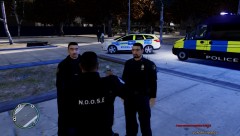
Debrief before entering the drug den -
From the album: Police Forces of The UK
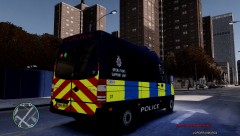
Closing in on the location -

-
From the album: Police Forces of The UK
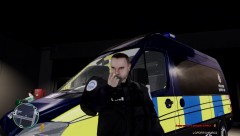
Sgt Cleary of the Drugs unit prepares his squad for a drug raid near Colony Island© ScottYoung
-
Is it just the road thats bright or the whole game?
-
Use ELS V5
-
Whoops!
-
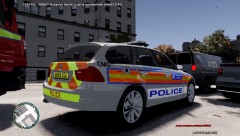 :D
:D -
I dont think so.
-
The one in the middle not the one at the back.
-
hmmm maybe :)
-
Oh no not those stupid police "hummers" they should just make some that looks really similar to a suburban/tahoe
-
D:
-
Its maybe because your using too many mods.
-
Yes it is.I think waht u mean is that its crashing :S
-
what car are you using?
-
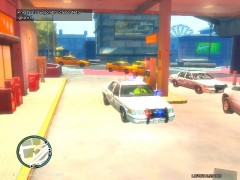 Woah u must have a sore head in the morning :P
 -
 I never used to but I like them now that theres more skins etc :)
 -
Thanks :) Just after the shot they did go green but the cars were crashing into each other and causing a mass build-up.Its just a shame about the dirt bug :(
-
I found similar ones : [EDIT] He might have made them himself and then not released them???
-
You need to cahnge the handling.dat its nothing to do with spark IV
-
Youl get a lot of help here than that I cant help you :)

