
Skittishfiend
-
Joined
-
Last visited
Everything posted by Skittishfiend
-
-
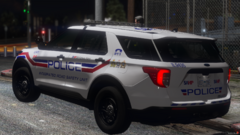
From the album: San Andreas Provincial ERS Showcase
This FPIU is based off of the Integrated Road Safety Unit in British Columbia, Canada. This was one of the harder liveries achieved. I never thought a couple of stripes would be so hard to make look right. Translating it to be effective in the lore of the server was entertaining, though! -
A showcase of the various LEO liveries and uniforms I have made for my FiveM community! For anyone wanting to join. https://discord.gg/PBebKq7EkU
-
From the album: San Andreas Provincial ERS Showcase
-
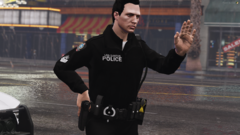
From the album: San Andreas Provincial ERS Showcase
-
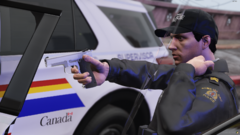
From the album: San Andreas Provincial ERS Showcase
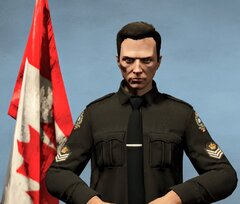
The RCMP uniforms are the hardest uniforms to replicate and they took me tons of time to get the patches and coloring right. I can't be more happy with how they turned out! Livery and car done by Walters -
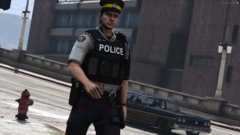
From the album: San Andreas Provincial ERS Showcase
-
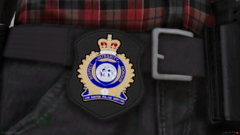
From the album: San Andreas Provincial ERS Showcase
This badge was a really fun one to make! -
From the album: San Andreas Provincial ERS Showcase
-
From the album: San Andreas Provincial ERS Showcase
-
From the album: San Andreas Provincial ERS Showcase
-
From the album: San Andreas Provincial ERS Showcase
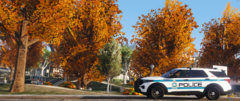
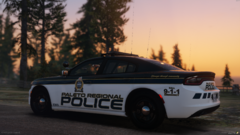
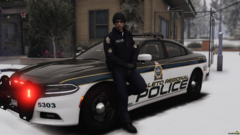
Paleto Regional Police are responsible for the northern part of the island and Roxwood County. -
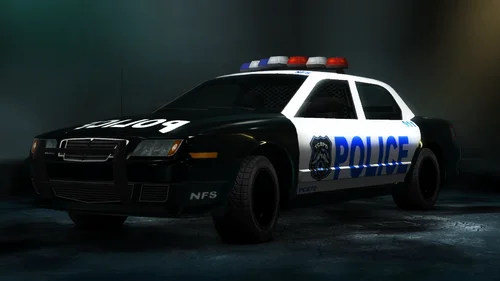 I'm using the Rockport police pack made by PSource with a custom livery I made
 -
This is the widely requested and highly sought after siren from NFS:UC! Perfect for anyone who enjoys mods tailored to bringing a more NFS feel to their LSPD:FR experience. The files were very quiet in game so I did have to make them louder. I turned up their volumes until the clipping was at it's worst then dialed it back slightly for a just the right mix of volume and sound. ENJOY! Preview:
-
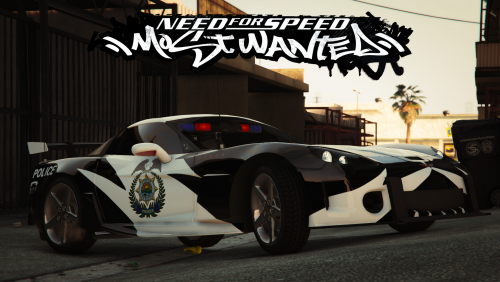 Congratulations on the project guys! I've been following this for a while! I would like to offer some feedback, the models are spot on and I am blown away by the fact you guys nailed the lighting patterns for the cruisers. I will mention one small detail and that's the headlight strobes on the GTOs are only in the left headlight. I'm not sure if it's just me but something I noticed.
- 22 comments
- 3 reviews
-
 I did the EUP, the vehicles are from Walters' RCMP DLS pack excluding the 2018 charger and tahoe which were bought.
 -
-
-
RCMP 2018 Charger
-
 RCMP 2018 Charger 2
-
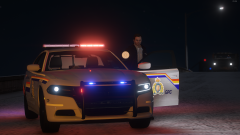 RCMP 2018 Charger 3
-
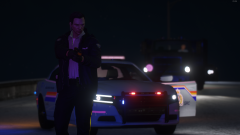 Stop or you will be tased
-
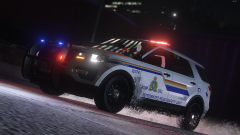 RCMP IRSU 2016 FPIU
-
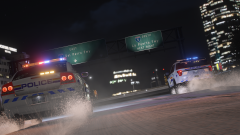 Units, priority 1 response!
-
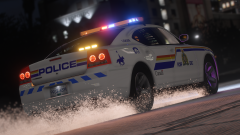 RCMP '09 Charger
-
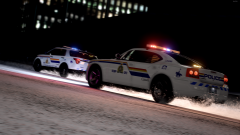 RCMP Responding
-
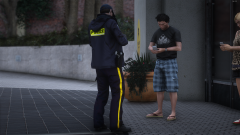 Member taking a theft report
-
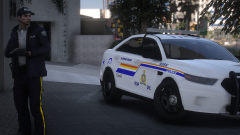 Member taking a theft report 2
-
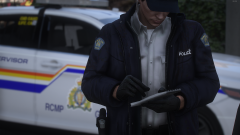 Member taking a theft report 3
-
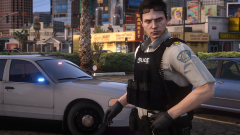 Another day on B Watch
-
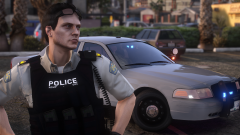 RCMP Sergeant
-
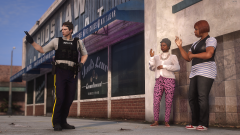 You said they went that way?
-
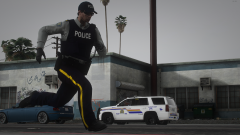 Foot pursuit
-
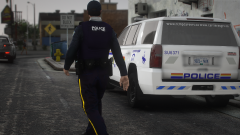 Chilly day on shift
-
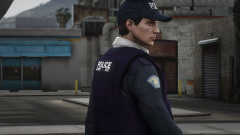 Sweater weather
-
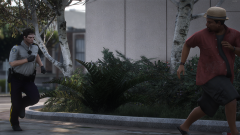 Flight from police
-
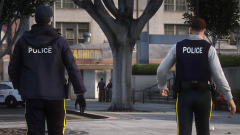 Time for work
-
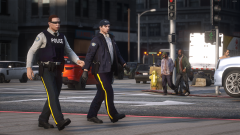 Foot patrol
-
-
From the album: RCMP - GRC
-
From the album: RCMP - GRC
-
From the album: RCMP - GRC
-
From the album: RCMP - GRC
-
From the album: RCMP - GRC
-
From the album: RCMP - GRC
-
-