

Hex Modifications
-
Joined
-
Last visited
Everything posted by Hex Modifications
-

From the album: GTA V & LSPDFR Military-Aviation
-
From the album: GTA V & LSPDFR Military-Aviation
-

From the album: GTA V & LSPDFR Military-Aviation
-

From the album: GTA V & LSPDFR Military-Aviation
-
From the album: GTA V & LSPDFR Military-Aviation
-
From the album: GTA V & LSPDFR Military-Aviation
-
From the album: GTA V & LSPDFR Military-Aviation
-
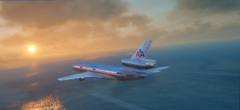
From the album: GTA V & LSPDFR Military-Aviation
-

From the album: GTA V & LSPDFR Military-Aviation
-
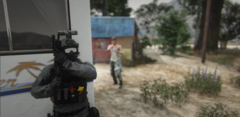
From the album: GTA V & LSPDFR Military-Aviation
-
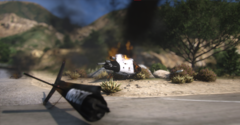
From the album: GTA V & LSPDFR Military-Aviation
-
From the album: GTA V & LSPDFR Military-Aviation
-
From the album: GTA V & LSPDFR Military-Aviation
-
From the album: GTA V & LSPDFR Military-Aviation
-
From the album: GTA V & LSPDFR Military-Aviation
-
From the album: GTA V & LSPDFR Military-Aviation
-
From the album: GTA V & LSPDFR Military-Aviation
-
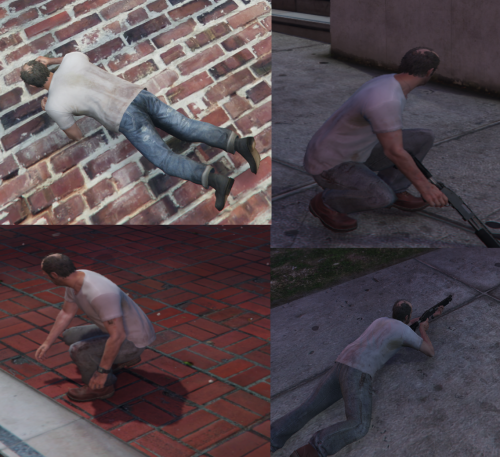 There are some standalone scripthook scripts for crouch and prone on GTAV mods.com
 -
 I am also having the same issue, whilst using NVE and the LML vfs file, my game crashes on startup.
- 325 comments
- 17 reviews
-
-

- 1
-
-

-
Hey, I was just wondering if there was a way to disable all mods at once within the mod manager UI, instead of disabling each mod one by one? Thanks
- 325 comments
- 17 reviews
-
No Problem 🙂
-
Through steam you can Move the install folder to your SSD. Library-Right Click on GTAV - Properties - Local Files - Move Install Folder. and you should be able to Select your SSD. 🙂
-
Ah ok, thanks for the response. I did however find to reduce the stutters slightly, by installing the game onto my SSD (a faster drive) and it has made the game more playable. So I would recommend trying that if you have a faster Disk than the one the game is installed on 🙂
-
Hey, I am currently facing the issue and was wondering if you ever found a fix?