DarkGalaxy34
Members
-
Joined
-
Last visited
Everything posted by DarkGalaxy34
-
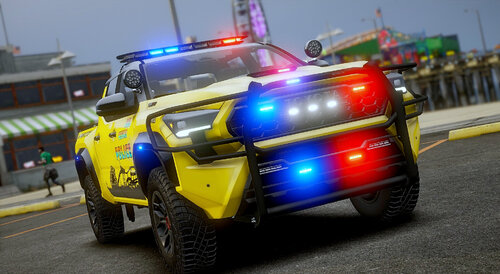 @SoCal Thero the SAHP Slicktop Charger takedowns don't work they just turn on but dont illuminate anything
- 364 comments
- 29 reviews
-
-
 this needs updating to v2.9 of central mods
 -
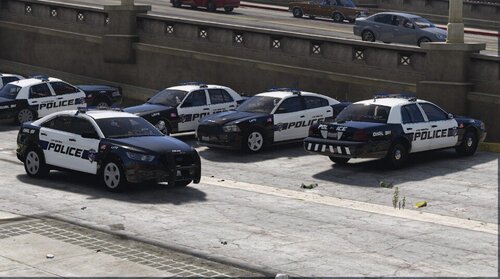 can you make LSPD and a Sheriff liveries for all FBI cars please?
 -
ngl I really like the look of the white LSPD Vic texture looks good. Any chance you gonna do all white for all the LSPD cars so we can pick between black and white or just all white?
-
found out that police2 and police8 have the same issue as police3 had with the flipped Badge
-
How come there is folder empty and skins missing in the (organize) download?
-
for anyone wondering why the RIOT van cant change liveries its because you need to add FLAG_HAS_LIVERY under the FLAGS part in the vehicle.meta for the livery to switch
-
Sounds good what about a BCSO prisoner transport van livery too?
-
any chance you make a BCSO Swat livery for the Riot?
-
-
Fair Enough, other then that they are really nice liveries great job
-
Don't know if your aware of this but you missed out on 2 or 3 of the speed vehicles
-
 just to let you know on the high value stolen vehicle callout the car is the suspect not the ped inside the car also the car has a gun and fires it out the hood and to end the callout you have to blow up the car.
- 54 comments
- 5 reviews
-
thank you
-
in the ELS files for the FBI cars set the rambar EXTRA to false. for example EXTRA_8 on the FBI4 from true to false in the ELS File hope this helps. for some reason threo set all the fbi rambars to true in the ELS files
- 364 comments
- 29 reviews
-
-

- 1
-
-
-
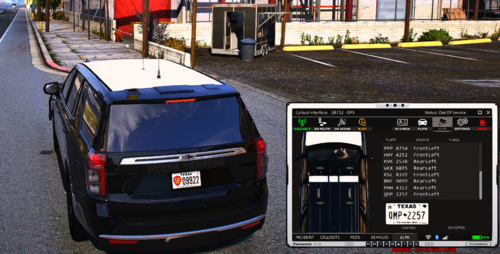 Ok thanks anyway
 -
link to the car in the screenshots?
-
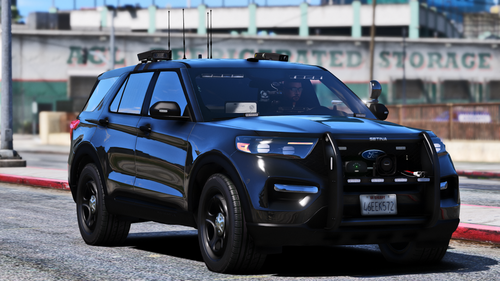 can only pick certain colours and also only metallic colours not classic colours how can I change this?
 -
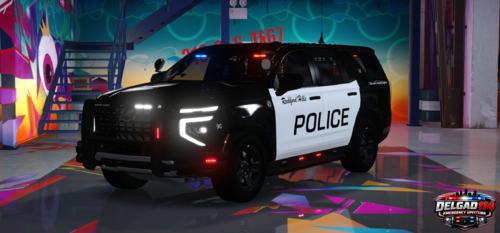 Just take the livery off
 -
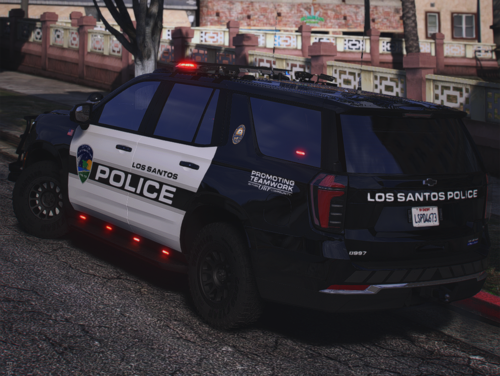 any chance you can add socal threos LSPD cars from his statewide pack?
 -
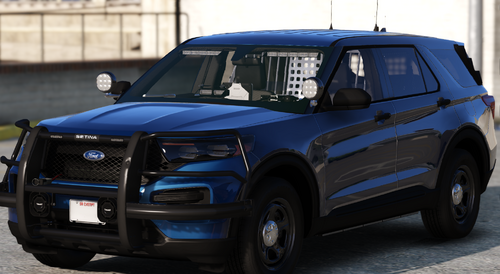 great car
 -
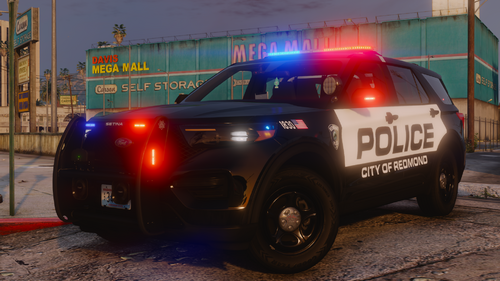 any chance you can make a Unmarked 2020-2025 FPIU?
 -