


bigred817
Members
-
Joined
-
Last visited
Everything posted by bigred817
-
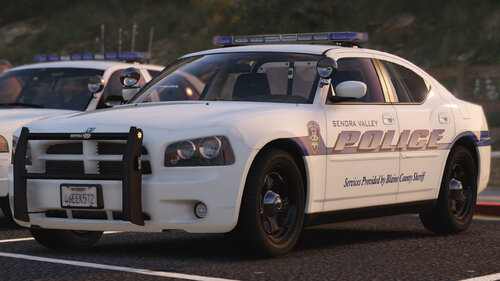 I rotate a lot of packs for my other departments, I get bored with them or irritated by little things that takes me out of it, but this pack and your Paleto Bay pack are mainstays. The super realistic lighting and liveries, the attention to detail, phenomenal work all around.
- 39 comments
- 16 reviews
-
-

- 1
-
-
From the album: LSPD HWY
-
From the album: LSPD HWY
-
From the album: LSPD HWY
-
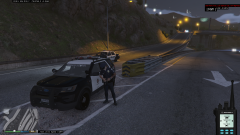
From the album: LSPD HWY
-
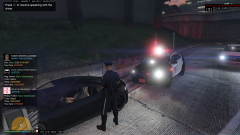
From the album: LSPD HWY
-
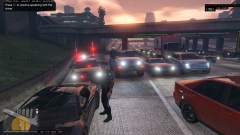
From the album: LSPD HWY

