


bigred817
-
Joined
-
Last visited
Everything posted by bigred817
-
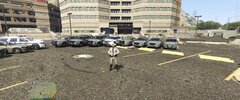
From the album: San Andreas Law Enforcement Agency Fleets
-
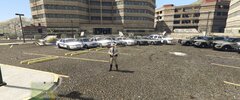
From the album: San Andreas Law Enforcement Agency Fleets
-
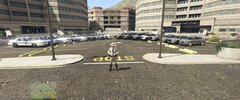
From the album: San Andreas Law Enforcement Agency Fleets
-
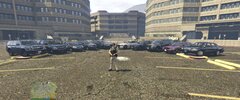
From the album: San Andreas Law Enforcement Agency Fleets
-
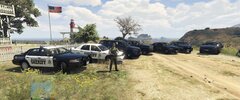
From the album: San Andreas Law Enforcement Agency Fleets
-
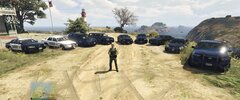
From the album: San Andreas Law Enforcement Agency Fleets
-
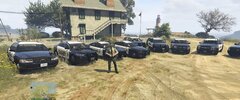
From the album: San Andreas Law Enforcement Agency Fleets
-
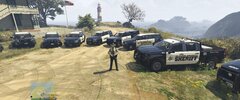
From the album: San Andreas Law Enforcement Agency Fleets
-
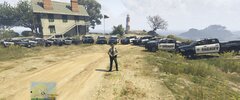
From the album: San Andreas Law Enforcement Agency Fleets
-
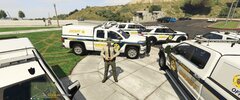
From the album: San Andreas Law Enforcement Agency Fleets
-
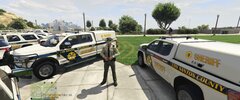
From the album: San Andreas Law Enforcement Agency Fleets
-
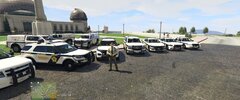
From the album: San Andreas Law Enforcement Agency Fleets
-
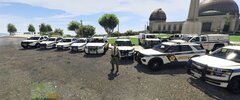
From the album: San Andreas Law Enforcement Agency Fleets
-
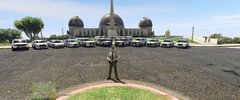
From the album: San Andreas Law Enforcement Agency Fleets
-
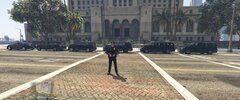
From the album: San Andreas Law Enforcement Agency Fleets
-
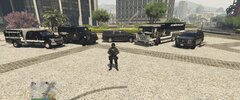
From the album: San Andreas Law Enforcement Agency Fleets
-
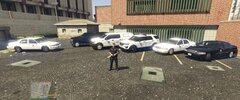
From the album: San Andreas Law Enforcement Agency Fleets
-
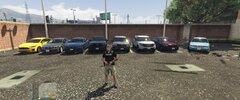
From the album: San Andreas Law Enforcement Agency Fleets
-
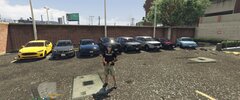
From the album: San Andreas Law Enforcement Agency Fleets
-
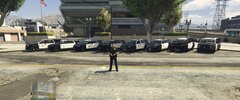
From the album: San Andreas Law Enforcement Agency Fleets
-
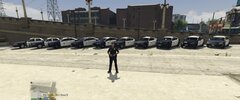
From the album: San Andreas Law Enforcement Agency Fleets
-
 Now somebody write a script so I can give this more than 5 stars. You're quite frankly a fool for trying to play LSPDFR without this mod. I have a pretty decent rig, and no matter how much I tediously and hatefully trying to reduce ytd file sizes by hand, I would still get rampant texture loss after a half hour or so. Now, I can spawn like 30 vehicles of large file size and still play with zero texture loss for over an hour. Amazing job, well done
- 107 comments
- 33 reviews
-
-

- 1
-
-
A review will be forthcoming once I test a little more, but for now after a half hour or so of what would usually cause most of my game to disappear,
- 107 comments
- 33 reviews
-
-

-
- 5
-
-
-
 I looked through the comments to see if it was addressed or not and I didn't see it, so I'm asking. I see in the thumbnails, it looks like the end lights of the lightbars are lit while the lightbars are off. Are the lightbars actually on and the screenshot just caught it while it looked that way or is there a way in the ELS xml or something to make it do that? Love the look of the lightbar corners lit while the lights are off. Thanks! EDIT: found the els toggle for cruise lights, and the pack is great!


