
DrFreedom76
Members
-
Joined
-
Last visited
Everything posted by DrFreedom76
-
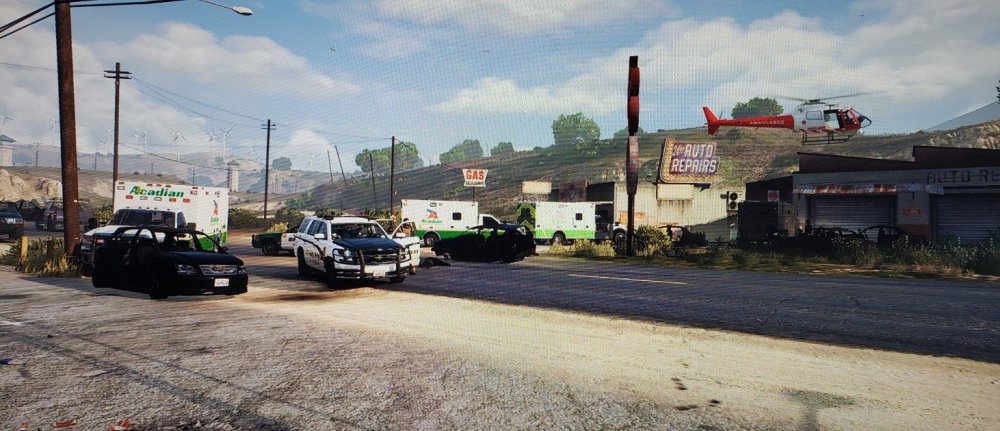
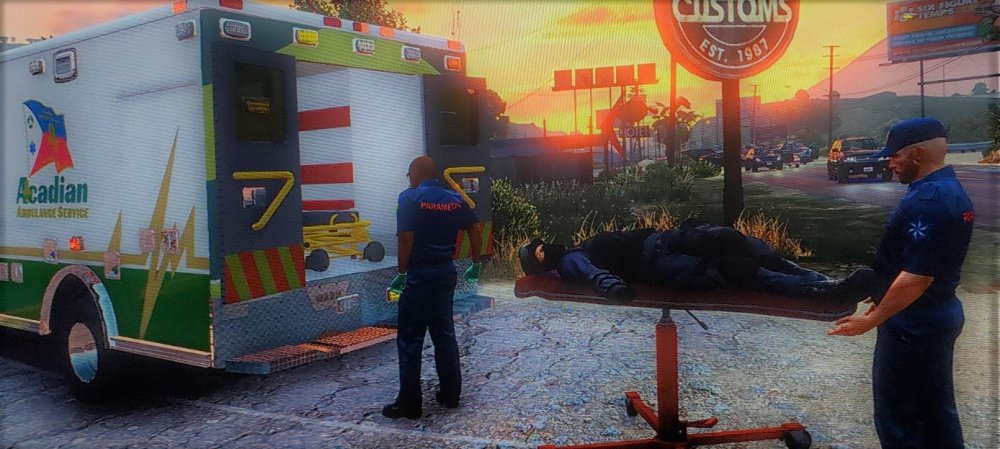
A heavily armed gunman attempted to rob the Fleeca on US Route 68 in Harmony, Wednesday evening. 7 fellow officers of SASP, SAHP, and BCSO were killed in action along with 1 civilian. 4 officers were transported to nearby trauma centers for life threatening injuries. The suspect was killed in the exchange. OFC J. Baker, BCSO/SRT
-
 Has this worked well for you? No clashes with LSPDFR? I've really been wanting to try it but I don't want to if its going to constantly crash
 -
I've played for a few hours with the Officer Status Plugin, no crashes so far. Hope this helps
-
I've been experiencing crashes in game as well. I never have any issues loading in, as some people seem to have. But I've noticed over the last few days after the updates for stop the ped and ultimate backup came out that my game tends to crash during a traffic stop/ callout. I've been trying to pay close attention to it and I think I've narrowed it down to dispatch trying to dispatch me on other calls while I'm already actively engaged in something. I think somehow they're stacking on top of each other and clashing. I'm going to install Officer Status Plugin to keep that from happening. I'll report back and let you know if it helped in any way
-
 Looks great!
 -
I'm not positive but I believe the Whelen siren. I know for sure it's the one Acadian Ambulance uses. And they sound similar. I downloaded Whelen Cencom Red and it sounds pretty great