
Buggz456
Members
-
Joined
-
Last visited
Everything posted by Buggz456
-
Yes you can.
-
I did like 2 weeks ago lmao
-
Game was working fine a couple days ago, now when I ForceDuty, it says unhandled execption and says my character's name starts with the "<" symbol and won't load. (I have also tried going on duty via the police station, same error.) Any Ideas?RagePluginHook.log
-
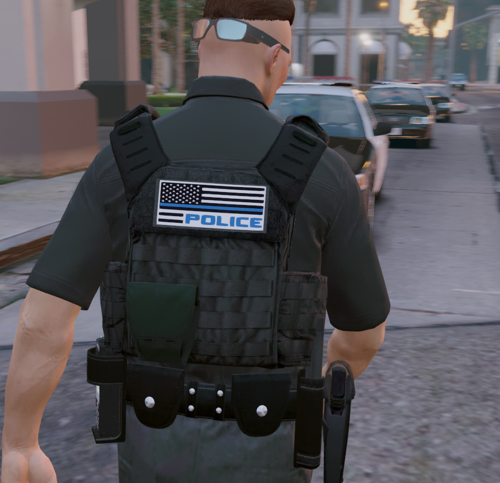 Great Texture! I'm struggling to find what vest this is for though......
 -
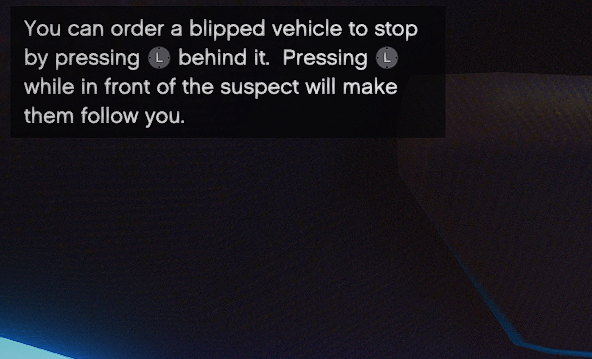
I was attempting a traffic stop and instead of saying activate your lights/sirens, it said to press either E or LeftStick on controller to activate it. It didn't work and I believe it is a glitch.
-
-
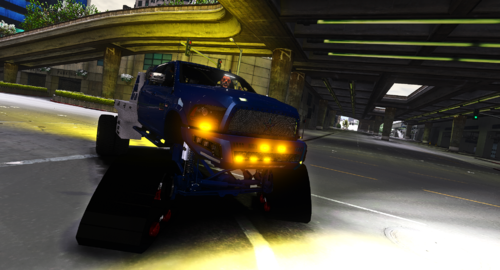 Great Release as always man! Keep them coming 😉
 -
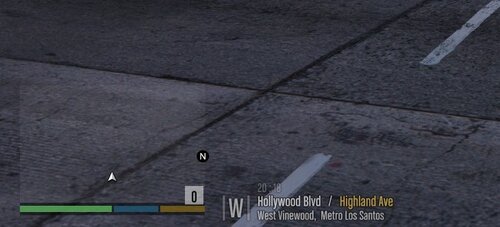 My game crashes when Loading in, this only happens after I replace the global.gtx2 file ;(
 -
-
-
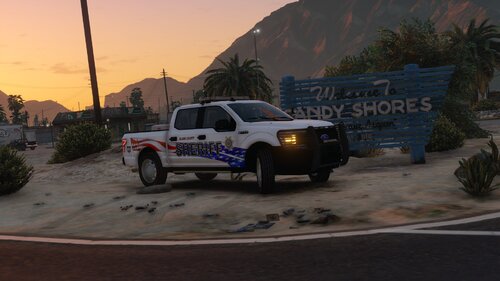 Hey, I was just wondering if there is a Non-ELS version? I would love to use your F-150 on my server but ELS is known to lag on FiveM lol
- 23 comments
- 2 reviews
-
is this pack still being made? Looking forward to it!