DiamondTKG
Members
-
Joined
-
Last visited
Everything posted by DiamondTKG
-
what are your lspdfr settings, ragepluginhook settings and are you experincing crashes or just bugs ?
-
 if you set the following in stop the ped you shouldn't get any crashes during calling a transport // Whether you want to use the nearest cop as the prisoner transport (yes/no) RecruitNearestCopForTransport=no
- 241 comments
- 18 reviews
-
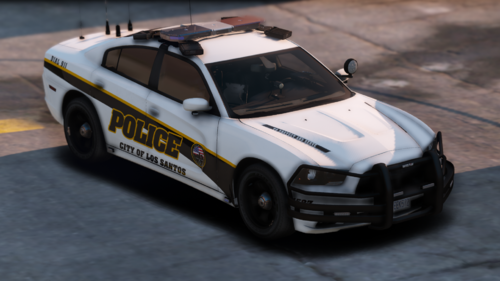 hey i used your skins in my latest video thanks so much and i left your info! check out my channel sometime
- 18 comments
- 2 reviews
-
-

- 1
-
-
try these settings but make a backup of yours first
-
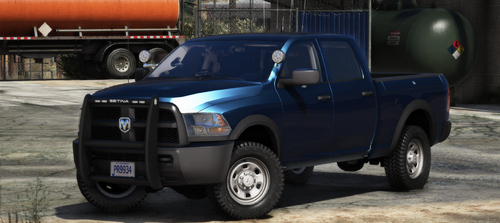 HEY!! I used your vehicle in my latest video!! im in love with it !!! check out my channel sometime
- 7 comments
- 3 reviews
-
 HEY!! ive been using your vehicles in a couple of my videos- great job they look sooo good (as usual)
- 110 comments
- 39 reviews
-
-
 that structure on fire call gave me a run for my money!!!!! awesome people definitely like these calls! plus i see you added more to it !!! so awesome
- 364 comments
- 19 reviews
-
-
- 1
-
-
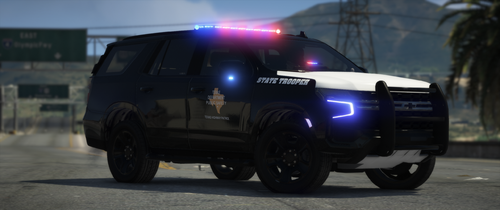 HEY!! I used one of your skins again!! thanks so much it looks sooo good on the car i used- keep up the great work
- 32 comments
- 3 reviews
-
-
- 1
-
-
Also try this optimization plugin works pretty well https://www.gta5-mods.com/tools/gta-v-high-priority-launcher
-
1) Do you have the steam version if so and you updated gta5 you will need to update scripthookV 2) Please post a ragepluginhook crash log so we can help you
-
Do you have albo common dependecy installed in the correct location also what are your lspdfr settings ? also please post what plugins you have in your plugins folder
-
Can you show your ragepluginhook Crash log file also a screenshot of your gta main folder and plugins folder
-
TRY these settings but first locate your lspdfr settings file in the following location GTA5 main folder >>>lspdfr>>>lspdfr.settings file Make sure to make a backup to your desktop then try the following settings only inside that file....let me know if you still crash at the lspdfr startup
-
hi- i just used your callouts in my new video on my Youtube channel - this was really new and exciting thanks so much !!
- 364 comments
- 19 reviews
-
-
- 2
-
-
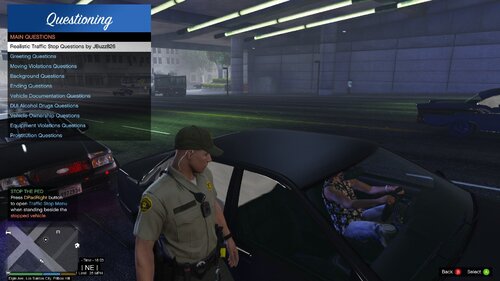 hey ive been using your questions in my videos thanks so much for having them organized!!! great job thanks so much- check out my Youtube sometime
- 53 comments
- 9 reviews
-
-
- 2
-
-
Did you change the plugin threshold in rage plugin hook settings to 60000 ?
-
go to your lspdfr settings MAKE A BACKUP and then try these settings instead
-
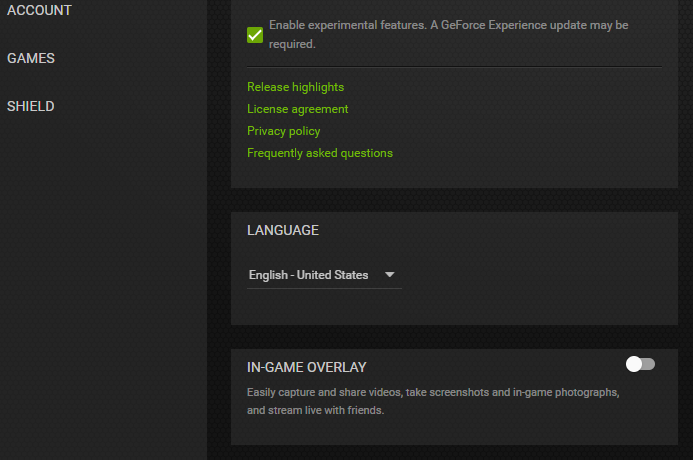
can you post a pic of your rageplugin settings file also if you have NvidiaGeforce make sure ingame overlay is disabled
-
Uninstall Redux and send a pic of your gta5 folder setup
-
Do you have Geforce Nvidia ingame overlay enabled ? Did you update scripthookv ?
-
I think it may be wilderness callouts and probably whatevercallouts those were my issues with the new update and caused crashes for me But before you take them out I would test the following settings only but MAKE A BACKUP of your settings before you try these
-
lol glad it worked not a man I am a woman but your welcome check out my channel also !
-
yes you need the new scripthookv if your game updated aswell
-
also did you update scripthook ?