Skip to content
View in the app

A better way to browse. Learn more.

LCPDFR.com

A full-screen app on your home screen with push notifications, badges and more.

To install this app on iOS and iPadOS
  1. Tap the Share icon in Safari
  2. Scroll the menu and tap Add to Home Screen.
  3. Tap Add in the top-right corner.
To install this app on Android
  1. Tap the 3-dot menu (⋮) in the top-right corner of the browser.
  2. Tap Add to Home screen or Install app.
  3. Confirm by tapping Install.

JBuzz826

Members
  • Joined

  • Last visited

About Me

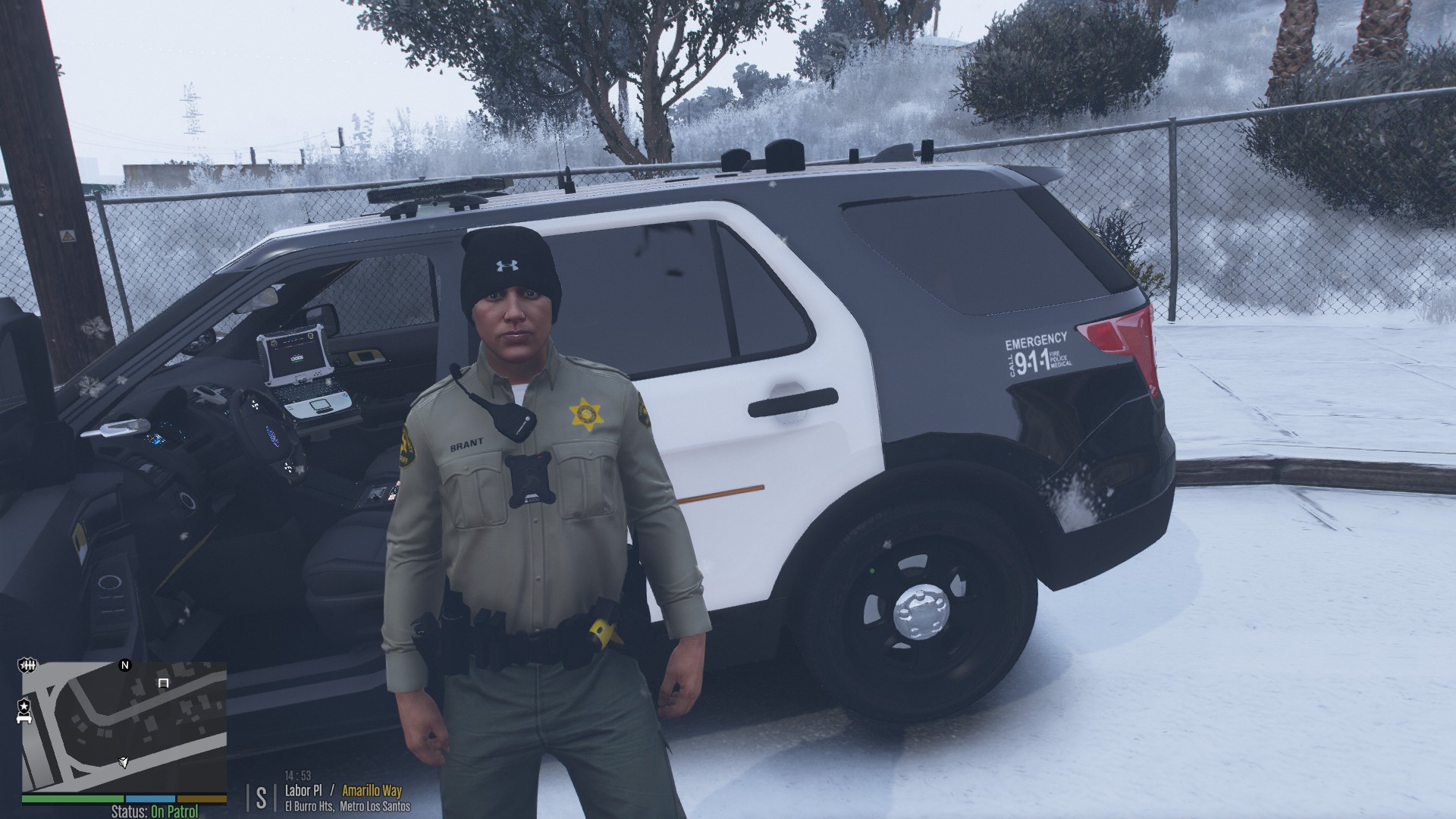
I'm JBuzz826. I am an avid LSPDFR fan and also LCPDFR (when it decided to work). I am the creator of San Andreas CompuLite Charges and Citations realistic and lore friendly citations for Compulite, Realistic Questions and Answers for StopThePed, and Realistic and Lore Friendly search items for STP. 
 

 I love to code and am learning C#. I am currently working on ideas for callout plugins for lspdfr and have been inspired to pursue working on callouts and plugins.  I currently have one lspdfr callout pack which I created. VariousCallouts. 


I also want to invite any members to come join Next Level Policing mods discord server to get the latest updates on our Next Level Policing mods that we are working on for GTAV and LSPDFR. 


https://discord.gg/PFFpyAd

Next Level Policing 


I also invite you all to check out Bejoljo Discord server as well.  


https://discord.gg/et8wFat

Bejoljo Server 


Director of Operations-

Next Level Policing  Mods. 
 

B580FB14-42BF-4E4F-AAE3-1CE068B8F131.jpeg

image.jpeg

Account

Navigation

Search

Search

Configure browser push notifications

Chrome (Android)
  1. Tap the lock icon next to the address bar.
  2. Tap Permissions → Notifications.
  3. Adjust your preference.
Chrome (Desktop)
  1. Click the padlock icon in the address bar.
  2. Select Site settings.
  3. Find Notifications and adjust your preference.