


NMercure
Members
-
Joined
-
Last visited
Everything posted by NMercure
-
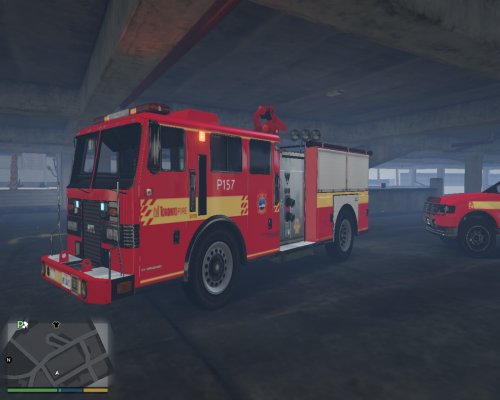 I have a question. Well first of all, love the pack its really great, but in your 3rd pic from the left on the right side of the fire truck you have a battalion chief car. will that be added to the pack soon or later? or do you have a download link. Thanks for all the hard work so far
- 42 comments
- 6 reviews
-

